Cloud Solutions · Winston Hills
Cloud Solutions Winston Hills: Keep Operating Instructions Usable
Cloud instructions should help someone complete an authorised task without relying on the original author. Write and test the working journey, including uncertainty, rather than documenting every screen in the administration console.
No lock-in · Sydney-based engineers · Response <4h

<4h
Response SLA
Priority response in Winston Hills
99.9%
Uptime Target
SLA-backed availability
0
Lock-In Contracts
Cancel anytime, no penalties
100%
Australian Team
Local engineers, no offshore
Technology partners and platforms we work with







What we deliver
Cloud Solutions that works while you do.
Everything your Winston Hills business needs — managed as one seamless service with a fixed monthly price and guaranteed response times.

Last updated: 2 November 2026
Identify the reader and the task before drafting instructions
A Winston Hills business documenting cloud work should identify who will use the instructions and what that person is authorised to do. A staff member completing a routine task needs different detail from an administrator investigating access. OnIT Solutions manages Microsoft 365 and cloud services within agreed responsibilities. Use the documentation discussion to select actual working journeys and their intended readers. A large technical manual can be less helpful than a concise task guide if the reader cannot recognise where to begin or which decisions belong to someone else.
Ask current users to demonstrate the task and explain points requiring judgement. Capture relevant dependencies, approvals and the result that signals completion. Do not assume the written procedure matches everyday work simply because it was approved during an earlier project. Mark differences for review and identify who can settle them. The purpose is an accurate, maintainable account of the authorised process, not a polished version of an unofficial workaround. Keep the scope proportionate so useful instructions can be completed and tested rather than deferred until every possible cloud activity has been described.
Explain authority and prerequisites without exposing secrets
State the account role, information and approvals needed before the reader starts. A person following a procedure should not infer permission from the fact that the steps are documented. Distinguish a user action from an administrator or business-owner decision. Identify the approved access route without placing passwords, recovery codes or sensitive configuration values in the guide. The instructions should tell an authorised person how to obtain legitimate assistance, while keeping the secure material in the organisation's approved arrangement rather than making the document itself an access shortcut.
Record prerequisites in terms the reader can check. A guide may depend on a particular service arrangement, approved document location or completed setup by another team. Explain how uncertainty is resolved instead of telling staff to continue regardless. The technical author should verify the selected platform's actual behaviour and avoid copying generic steps that have not been exercised in this environment. Where the process includes a supplier-controlled stage, identify that boundary and contact. Clear prerequisites prevent a missing account or incomplete integration from being mistaken for a user's failure to follow instructions.

Describe decisions and outcomes alongside the necessary steps
Use a sequence that reflects the task, with enough context to explain why important choices matter. Avoid making the guide entirely dependent on a particular screenshot, since labels and layouts can change. Screenshots can support recognition when appropriately prepared, but they should not expose unrelated business records. Identify the meaningful information to select and the outcome to verify. A reader needs to distinguish choosing the correct customer or collection from merely clicking the same position shown in an example. This makes the document more resilient without pretending interface changes never require maintenance.
Keep routine detail separate from exceptions where that helps comprehension. A complicated page covering every possible scenario can hide the ordinary action people need. At the same time, do not omit a consequential decision simply to make the process look short. Explain which uncertainty requires a pause or approval. The information owner should approve any substantive business rules expressed in the guide. Technical support should document how the selected systems implement those rules, rather than invent the rule because the application offers a convenient option with a plausible label.
Test the guide with someone who did not write it
Have an authorised representative reader follow the instructions using a controlled example. Observe where they hesitate, need outside explanation or reach a different result from the intended one. Ask them to verify the actual output, not only the final screen. A procedure that works while the author supplies missing context is not yet an independent operating guide. Record useful corrections and repeat affected steps after revision. The test should show that the selected reader can complete the agreed task through the intended account and information boundary.
Include a failure or ambiguous result relevant to the task. Show the reader how to preserve useful observations and obtain help without sending credentials or repeating an uncertain operation. If a submission may have partly completed, the guide should identify the approved verification route before retrying. Check that the support contact and reference information are usable when the ordinary task is unavailable. A tested exception path helps the reader stop safely and escalate appropriately, rather than follow the document literally into a problem it never acknowledges.

Give maintenance an owner and a practical trigger
Identify who owns the procedure, who approves content changes and where readers obtain the current version. Review it when applications, roles or connected systems change, as well as when staff report a problem. Keep any superseded copies or references handled through the business's approved process. A visible review date can assist, but it is not proof the task was retested. Maintain representative test examples and a clear correction route. The documentation should remain a usable business asset rather than an archive whose apparent authority outlasts the workflow it describes.
For cloud operating instructions in Winston Hills, bring the selected tasks, authorised readers and current process owners to OnIT's cloud support service. Discuss ongoing maintenance responsibilities separately if the guides need continuing review. Ask for practical task evidence, an exception route and a named document owner. Completion should mean another authorised person can use the instructions to reach a verified outcome, with limits understood, rather than that every screen has been captured in a document nobody has tried to follow independently.
Quick Facts
“For Winston Hills businesses, cloud solutions isn't just about keeping things running — it's about building a technology foundation that drives growth across Hills District.”
— OnIT Solutions, Hills District
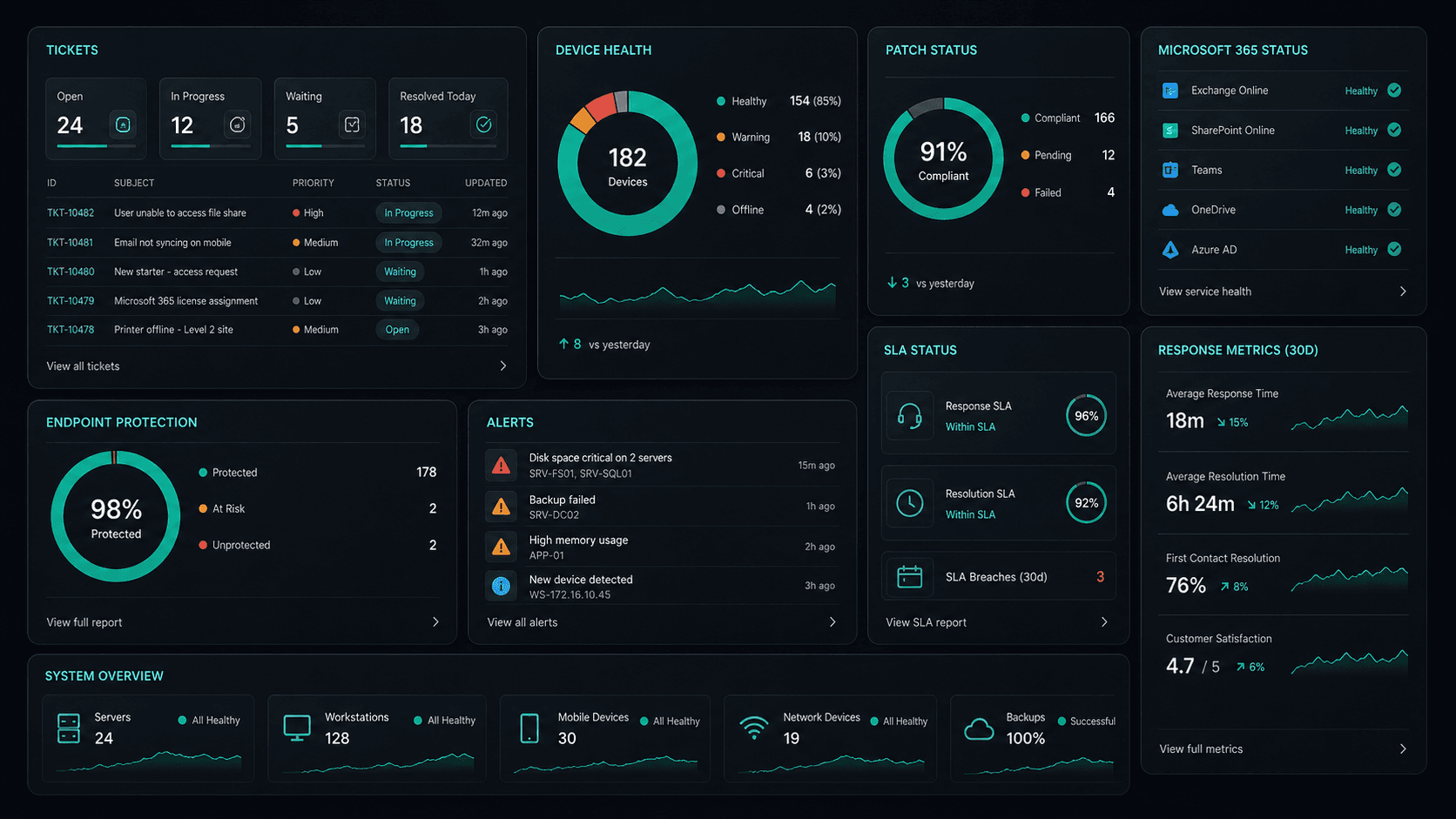
What's included
Cloud Solutions in Winston Hills. One team.
Microsoft 365 Management
Full lifecycle management of Exchange, Teams, SharePoint, and OneDrive — deployment, security, and optimisation.
Azure Cloud Infrastructure
Design, deploy, and manage Azure environments tailored to your workloads — VMs, networking, and storage.
Zero-Downtime Migrations
Move from on-prem or legacy cloud to Microsoft 365 and Azure with zero disruption to your team.
Cloud Security & Compliance
Entra ID, conditional access, Defender, and MFA — enterprise security configured for your environment.
Service detail
Your entire cloud, one team
Licence management, user provisioning, Teams, SharePoint, Exchange, and Intune — your entire Microsoft ecosystem managed.
Virtual machines, storage, networking, and Azure AD — designed, deployed, and maintained to best-practice standards.
Lift-and-shift or full re-architect migrations from on-premise to Azure or Microsoft 365 — zero downtime, fully tested.
EC2, S3, RDS, Lambda, and CloudFront — multi-cloud architectures built for performance, cost, and compliance.
Defender for Cloud, conditional access, MFA, and Entra ID — enterprise security posture maintained across your cloud estate.
Automated cloud backup with point-in-time restore. DR runbooks tested annually — RTO and RPO targets met.
Monthly licence and resource reviews to eliminate waste — reserved instances, right-sizing, and savings plan recommendations.
Uptime, performance, and security alerts across your cloud — issues detected and actioned before they impact the business.
Why OnIT
Everything in one cloud service
One provider. One invoice. Microsoft 365, Azure, migrations, and security — all managed.
Full cloud visibility
Monitor licences, usage, and spend across your Microsoft cloud — with monthly reviews to optimise costs.
Microsoft cloud specialists
Microsoft 365, Azure, Exchange, Teams, SharePoint, Entra ID — your entire Microsoft ecosystem, fully managed.









Sydney-based cloud team
Local cloud engineers across Greater Sydney. On-site workshops, remote support, and 24/7 monitoring.
Cloud security baseline
Defender, MFA, conditional access, and Entra ID — enterprise security configured and maintained by our team.
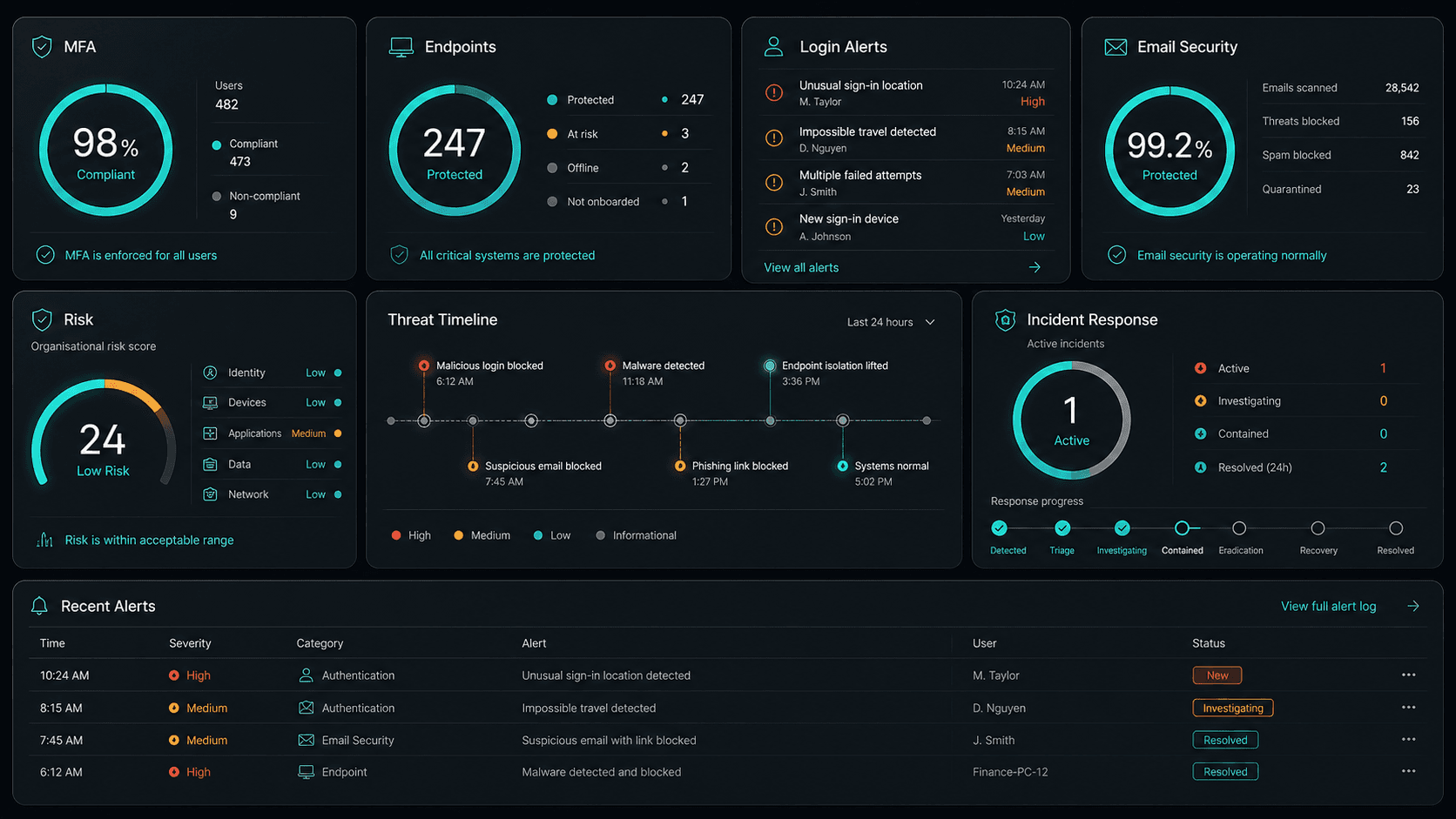











Technology Ecosystem
Powered by Enterprise Technology
A constellation of best-in-class platforms, deployed and managed as one seamless service.
Service Breakdown
What's inside your plan
Click any card to see exactly what's included in each service area.

Cloud Solutions that scales from 5 to 200 seats, across every Hills District business.
Why OnIT Solutions
Your Winston Hills business, without the overhead.
Serving Winston Hills (2153) and the broader Hills District area — our Sydney-based engineers understand the Hills District business community and are reachable when you need them. Whether you're a 5-person team or a growing operation with 200 seats, we scale cloud solutions to fit.
By the numbers
Measurable outcomes, guaranteed in writing
No surprise invoices. No waiting on hold. No different technician every time you call.
At a Glance
Included in your plan
Got questions?
Frequently asked questions
Also serving nearby
Cloud Solutions across Hills District
Explore further
Related services for Winston Hills
Cybersecurity
Threat monitoring, Essential Eight compliance, and endpoint detection — keeping your business secure around the clock.
IT Support Sydney
On-demand helpdesk and on-site support for your team. Fast response, local engineers, no lock-in contracts.
AI Automation
Workflow automation, AI chatbots and voice agents that reduce admin and free your team to focus on growth.

Get started
Ready for better Cloud Solutions
in Winston Hills?
Book a free cloud solutions assessment with one of our Sydney-based engineers serving Winston Hills and Hills District. No lock-in, no obligation.
No lock-in contracts · Sydney-based engineers · Same-day response