Cloud Solutions · Norwest
Cloud Solutions Norwest: Build Useful Support-Case Evidence
A useful cloud support case explains the work that failed and what was actually observed. Give the next responder enough context to investigate without sending unnecessary business data or repeating disruptive guesses.
No lock-in · Sydney-based engineers · Response <4h

<4h
Response SLA
Priority response in Norwest
99.9%
Uptime Target
SLA-backed availability
0
Lock-In Contracts
Cancel anytime, no penalties
100%
Australian Team
Local engineers, no offshore
Technology partners and platforms we work with







What we deliver
Cloud Solutions that works while you do.
Everything your Norwest business needs — managed as one seamless service with a fixed monthly price and guaranteed response times.

Last updated: 2 November 2026
Describe the interrupted task and its current effect
A Norwest business reporting a cloud problem should begin with what someone was trying to accomplish and what happened instead. A broad statement that the cloud is down can hide an account issue, an application fault or a particular document problem. OnIT Solutions provides Microsoft 365 management and cloud support assistance. Explain the affected task, users and business impact so the responder can decide where to start. Keep urgency connected to observable consequences rather than treating every unfamiliar message as evidence that the entire environment has failed.
Record when the problem was observed and whether it affects one person, several roles or a known location. Distinguish a consistent failure from an intermittent one, and note any approved workaround in use. Staff may not know the technical cause, and they should not need to invent one to obtain help. A useful report separates observations from assumptions. Include the current state of the work, especially where an uncertain submission or upload might have partly completed. That context can prevent an unnecessary retry from creating a duplicate or conflicting result.
Collect evidence that narrows the investigation
Identify the application, account context and relevant item using the organisation's approved support process. Record the visible error or an appropriate screenshot after removing unnecessary private details. The responder may need a time, reference or affected address, but not a password or authentication code. Avoid exporting an entire mailbox or document collection for a narrow problem. Evidence should be proportionate to the task and shared through the agreed channel. A concise, labelled example is often more useful than many unstructured messages containing unrelated information.
List recent changes and troubleshooting steps without assuming they caused the fault. Include unsuccessful attempts and any settings changed temporarily. A later responder needs to understand the environment they are investigating now, not only the original symptom. If several people contribute evidence, keep their observations connected to the same case and identify differences between them. Do not merge conflicting accounts into one apparently certain narrative. Clear provenance helps support decide whether the issue is shared, whether there are several faults or whether further confirmation is needed before an action is approved.

Map the supplier boundary before escalating
Identify which organisation administers the affected service and which party controls the relevant stage of the workflow. Cloud access can depend on the device, network, account and connected application, each with a different support owner. The case should make those boundaries visible without forcing staff to diagnose every component themselves. Agree who coordinates the investigation and who may authorise consequential changes. A supplier transfer is more useful when it includes a specific question and evidence than when the same vague complaint is forwarded between several inboxes.
Check what the receiving provider needs to investigate through its legitimate process. Use approved contacts and avoid sending credentials or unrelated customer material simply because a request appears to come from support. Keep commercial disputes and technical observations distinct. Where a provider cannot proceed without business authorisation or another supplier's action, record that dependency and owner. The coordinating team should explain what is waiting and what staff should do meanwhile. An escalation number by itself does not establish that somebody has accepted responsibility for the entire business task.
Track attempted actions and verify their actual results
Maintain a concise case history showing the question, approved action and observed result. If the responder proposes a change, identify who can approve it and what work it may affect. Do not treat an attempted fix as a confirmed resolution. Have an authorised user repeat the relevant task and inspect the destination outcome where appropriate. A support console showing healthy status can be useful evidence while the original business workflow remains broken. Keep those observations together so technical and business acceptance are not confused.
Include the response to an uncertain or partial result. Before repeating a transfer or submission, check whether the destination already accepted some work. Preserve useful evidence and define the next controlled step rather than encouraging repeated retries that obscure the history. Where a workaround remains necessary, document its limitations and the owner of any reconciliation. A resolved symptom may still leave an operational backlog. The case should distinguish restored access, completed work and remaining follow-up, allowing the business to decide whether its actual interruption has ended.

Close the case with usable decisions and follow-up
Agree the evidence required for closure and identify who accepts it. Record the affected task, verified result and any unresolved limitation in language staff can understand. If the cause remains uncertain, say so instead of inventing a definitive explanation because the service appears to work again. Give recurring issues or improvement actions a named owner and separate scope where needed. A useful close-out record helps a later responder recognise a repeated problem without assuming it has the same cause or repeating an old change without review.
For cloud support coordination in Norwest, bring a clear task description and proportionate evidence to OnIT's cloud support service. Related device and network investigation can be scoped where the observed problem crosses those boundaries. Ask for an understandable case owner, approved action record and acceptance step. The goal is a report that supports the next useful decision and a resolution staff can demonstrate, rather than a large ticket history that never establishes what failed, who can act or whether the original work now completes.
Quick Facts
“For Norwest businesses, cloud solutions isn't just about keeping things running — it's about building a technology foundation that drives growth across Hills District.”
— OnIT Solutions, Hills District
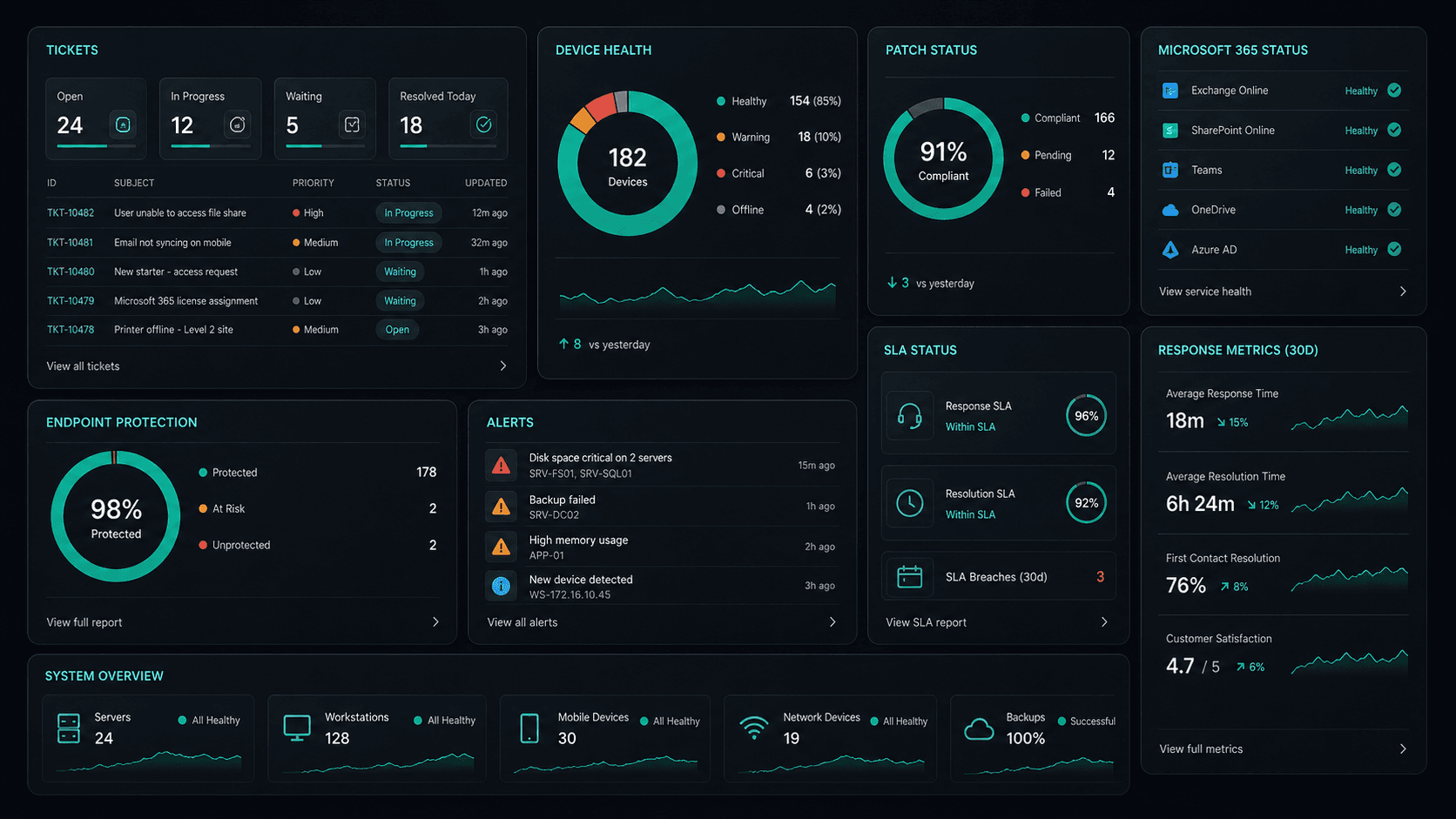
What's included
Cloud Solutions in Norwest. One team.
Microsoft 365 Management
Full lifecycle management of Exchange, Teams, SharePoint, and OneDrive — deployment, security, and optimisation.
Azure Cloud Infrastructure
Design, deploy, and manage Azure environments tailored to your workloads — VMs, networking, and storage.
Zero-Downtime Migrations
Move from on-prem or legacy cloud to Microsoft 365 and Azure with zero disruption to your team.
Cloud Security & Compliance
Entra ID, conditional access, Defender, and MFA — enterprise security configured for your environment.
Service detail
Your entire cloud, one team
Licence management, user provisioning, Teams, SharePoint, Exchange, and Intune — your entire Microsoft ecosystem managed.
Virtual machines, storage, networking, and Azure AD — designed, deployed, and maintained to best-practice standards.
Lift-and-shift or full re-architect migrations from on-premise to Azure or Microsoft 365 — zero downtime, fully tested.
EC2, S3, RDS, Lambda, and CloudFront — multi-cloud architectures built for performance, cost, and compliance.
Defender for Cloud, conditional access, MFA, and Entra ID — enterprise security posture maintained across your cloud estate.
Automated cloud backup with point-in-time restore. DR runbooks tested annually — RTO and RPO targets met.
Monthly licence and resource reviews to eliminate waste — reserved instances, right-sizing, and savings plan recommendations.
Uptime, performance, and security alerts across your cloud — issues detected and actioned before they impact the business.
Why OnIT
Everything in one cloud service
One provider. One invoice. Microsoft 365, Azure, migrations, and security — all managed.
Full cloud visibility
Monitor licences, usage, and spend across your Microsoft cloud — with monthly reviews to optimise costs.
Microsoft cloud specialists
Microsoft 365, Azure, Exchange, Teams, SharePoint, Entra ID — your entire Microsoft ecosystem, fully managed.









Sydney-based cloud team
Local cloud engineers across Greater Sydney. On-site workshops, remote support, and 24/7 monitoring.
Cloud security baseline
Defender, MFA, conditional access, and Entra ID — enterprise security configured and maintained by our team.
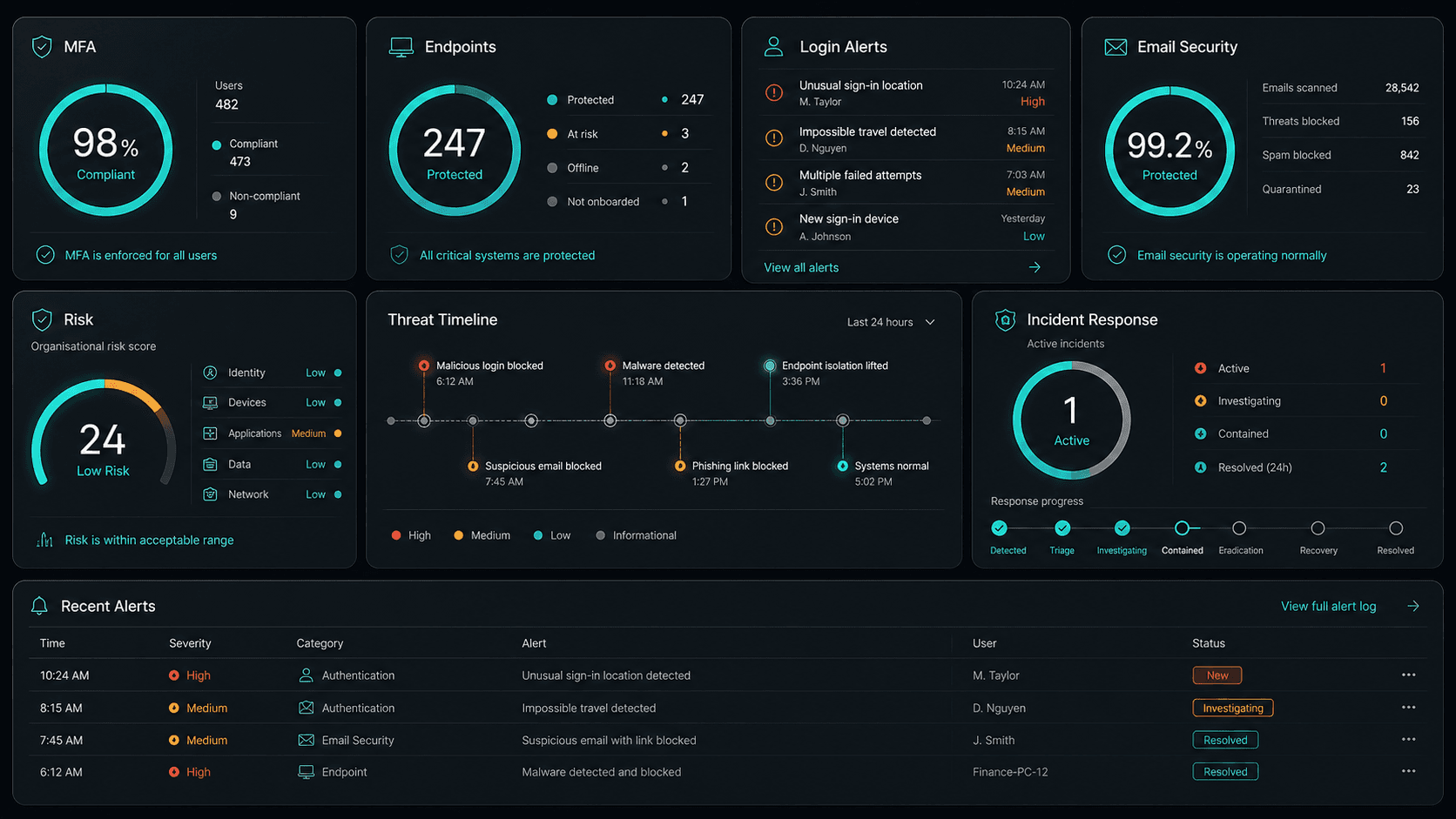










Technology Ecosystem
Powered by Enterprise Technology
A constellation of best-in-class platforms, deployed and managed as one seamless service.
Service Breakdown
What's inside your plan
Click any card to see exactly what's included in each service area.

Cloud Solutions that scales from 5 to 200 seats, across every Hills District business.
Why OnIT Solutions
Your Norwest business, without the overhead.
Serving Norwest (2153) and the broader Hills District area — our Sydney-based engineers understand the Hills District business community and are reachable when you need them. Whether you're a 5-person team or a growing operation with 200 seats, we scale cloud solutions to fit.
By the numbers
Measurable outcomes, guaranteed in writing
No surprise invoices. No waiting on hold. No different technician every time you call.
At a Glance
Included in your plan
Got questions?
Frequently asked questions
Also serving nearby
Cloud Solutions across Hills District
Explore further
Related services for Norwest
Cybersecurity
Threat monitoring, Essential Eight compliance, and endpoint detection — keeping your business secure around the clock.
IT Support Sydney
On-demand helpdesk and on-site support for your team. Fast response, local engineers, no lock-in contracts.
AI Automation
Workflow automation, AI chatbots and voice agents that reduce admin and free your team to focus on growth.

Get started
Ready for better Cloud Solutions
in Norwest?
Book a free cloud solutions assessment with one of our Sydney-based engineers serving Norwest and Hills District. No lock-in, no obligation.
No lock-in contracts · Sydney-based engineers · Same-day response