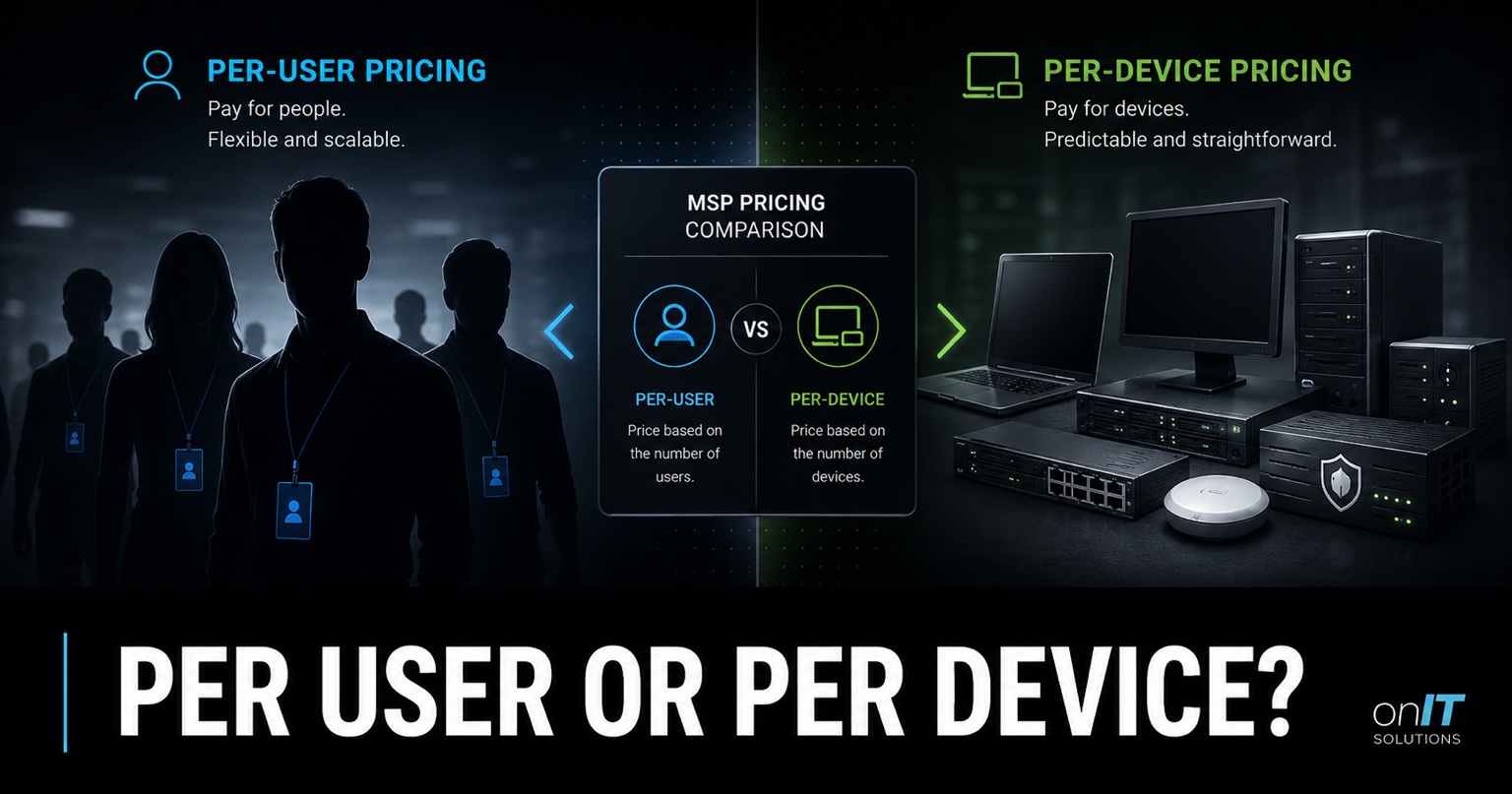
When businesses compare managed IT providers, pricing can appear inconsistent. One quote charges for every employee, another charges for every managed device, and a third combines users, endpoints, servers and cloud services. The unit rate alone rarely explains which proposal will deliver the best value.
Per-user versus per-device MSP pricing is best understood as a way of allocating service cost. It does not determine service quality, security coverage or responsiveness. Two providers can use the same pricing model while including very different work. Before comparing totals, normalise the scope and make sure each quote protects the same environment.
What is per-user MSP pricing?
Per-user pricing charges a recurring amount for each supported person. The fee will usually cover that user’s everyday devices, identity, Microsoft 365 account and access to helpdesk support. It can be straightforward for organisations where each employee uses several devices and has a consistent technology profile.
Where per-user pricing works well
- Professional teams where most employees have a laptop, phone and cloud identity.
- Hybrid workplaces where users move between office and remote locations.
- Businesses that want staffing changes to drive predictable IT costs.
- Environments where user onboarding, offboarding and identity security are significant workloads.
The main risk is counting users who require little support or treating shared and casual accounts inconsistently. The agreement should define active, casual, contractor, service and shared accounts. It should also explain when a new user becomes billable and how quickly leavers are removed.
What is per-device MSP pricing?
Per-device pricing charges for each managed endpoint or infrastructure item. Laptops, desktops, servers, firewalls and network devices may have different rates because they require different monitoring and support. This model makes the managed asset list visible and can be fair where many people share a smaller number of devices.
Where per-device pricing works well
- Retail, hospitality, healthcare or warehouse environments with shared workstations.
- Businesses with seasonal staff using a stable pool of managed equipment.
- Organisations that need clear device-level monitoring, patching and lifecycle reporting.
- Teams with few cloud-only users and a tightly controlled hardware fleet.
The risk is device multiplication. One employee may use a desktop, laptop, tablet and mobile phone, turning a competitive device rate into a high effective user cost. Quotes must define which endpoints are billable and whether phones, printers, switches, access points and inactive devices count.
How hybrid MSP pricing works
A hybrid model combines the units that best reflect workload. A provider might charge per user for helpdesk and identity administration, then add separate rates for servers, shared workstations, firewalls or specialised applications. Hybrid pricing can be accurate, but it is harder to compare and audit.
The provider should supply a schedule showing each unit, quantity and included service. Without that schedule, hybrid pricing can hide the same cost uncertainty described in our guide to hidden MSP agreement costs.
Per-user vs per-device MSP pricing comparison
| Consideration | Per user | Per device | Hybrid |
|---|---|---|---|
| Cost usually changes with | Headcount | Managed asset count | Several agreed drivers |
| Often suits | Multi-device knowledge workers | Shared-device operations | Mixed or complex environments |
| Main strength | Simple workforce budgeting | Visible asset coverage | Closer workload alignment |
| Main risk | Low-use users still billed | Device sprawl increases cost | More difficult reconciliation |
These are tendencies rather than rules. The provider’s inclusions and operating process matter more than the label attached to the model.
Compare the whole service, not the unit rate
A $100 per-user quote and a $140 per-user quote are not comparable until you know what each includes. One might cover endpoint detection, Microsoft 365 administration, backup checks and onsite support. The other may treat those as separate products or project work.
Ask each provider to price the same inventory and assumptions. A transparent managed IT pricing proposal should disclose recurring tools, implementation fees, minimum commitments, annual increases and excluded work.
Build a like-for-like quote sheet
- List active employees, contractors, shared accounts and service accounts.
- List endpoints, servers, network equipment, sites and cloud platforms.
- Define required helpdesk hours, onsite coverage and response targets.
- Specify identity, endpoint, email, backup and security responsibilities.
- Request separate pricing for projects, procurement and after-hours work.
Then calculate the expected annual cost under normal growth and one realistic high-change scenario. This exposes models that look inexpensive only because common additions were omitted.
Check reconciliation and contract mechanics
Even a sensible model becomes frustrating if billing records are stale. The agreement should say how often user and device counts are reconciled, which system is authoritative and when reductions appear on the invoice. Monthly reconciliation is easier to verify than an informal annual adjustment.
Also review minimum quantities, onboarding fees, offboarding obligations, price-rise clauses and notice periods. The MSP renewal questions article provides a structured contract review before another term begins.
Model how the price changes in realistic scenarios
A quote should remain understandable when the business changes. Ask each provider to model the current environment, expected growth and one high-change scenario. For example, compare the cost at 25, 35 and 50 employees, or model a new site with shared workstations and network equipment. This shows whether the proposed structure scales smoothly or creates sudden cost steps.
Include temporary staff, maternity leave, contractors, spare devices and decommissioning delays in the assumptions. These edge cases often create invoice disputes because the contract does not explain when a unit becomes active or stops being billable. Agree the evidence used for reconciliation, such as the endpoint-management inventory and active Microsoft 365 accounts.
Finally, separate price certainty from service certainty. A fixed total is not useful if routine changes are excluded, while a variable model can still be predictable when the units, rates and approval process are transparent. The goal is not to eliminate every variable charge. It is to make the likely total cost visible before the business commits.
Which MSP pricing model is best?
The best model mirrors the work required to support your business and remains understandable as the environment changes. Per-user pricing may suit a growing professional team. Per-device pricing may suit an operation with shared hardware. A hybrid can suit a complex environment if the schedule is disciplined.
Good managed IT services should be able to explain why the proposed unit reflects workload and risk. If the inventory, assumptions or inclusions remain unclear, request clarification before negotiating the price. If you need an independent comparison, an MSP Switch Review can assess the current contract and proposed alternatives without requiring an immediate provider change.
Frequently asked questions
Is per-user or per-device MSP pricing cheaper?
Neither model is always cheaper. Per-user pricing often suits knowledge-work teams with several devices per person, while per-device pricing can suit environments with shared workstations or many casual users. The fair comparison is the total covered environment and included service, not the unit rate by itself.
What is hybrid MSP pricing?
Hybrid MSP pricing combines more than one unit, such as a fee for supported users plus separate charges for servers, network devices or shared workstations. It can reflect complex environments accurately, but every billable item and reconciliation rule must be documented to keep the monthly cost predictable.
What should be included in an MSP pricing quote?
A useful quote identifies covered users, devices, sites and cloud services; helpdesk hours; onsite and after-hours terms; security and backup tools; onboarding costs; project rates; licence pricing; service levels; annual increases; and the process for adding or removing billable units.
Final perspective
Per-user versus per-device MSP pricing is not a contest with one universal winner. It is a design decision. A fair agreement uses a model that matches the business, defines every billable unit and makes changes visible. Compare coverage, outcomes and total annual cost first; negotiate the unit rate second. Recheck the model each year so headcount, device growth and cloud adoption do not quietly undermine the original commercial assumptions or expected service outcomes.

