Cloud Solutions · Wahroonga
Cloud Solutions Wahroonga: Role-Based Access Review
Check cloud permissions against the work people perform today. Use business owners and role evidence to approve access changes and keep exceptions visible.
No lock-in · Sydney-based engineers · Response <4h

<4h
Response SLA
Priority response in Wahroonga
99.9%
Uptime Target
SLA-backed availability
0
Lock-In Contracts
Cancel anytime, no penalties
100%
Australian Team
Local engineers, no offshore
Technology partners and platforms we work with







What we deliver
Cloud Solutions that works while you do.
Everything your Wahroonga business needs — managed as one seamless service with a fixed monthly price and guaranteed response times.

Last updated: 12 October 2026
Review the role instead of judging the account in isolation
A cloud access review for a Wahroonga business should connect permissions with current responsibilities. An account can be active and correctly named while retaining access from an old role. Begin with the work each person performs and the information they need for it. OnIT's cloud identity and administration services can support the technical review, while managers and data owners approve the business requirement. The objective is an explainable access model, not a report that merely lists enabled users.
Choose a defined review scope such as a department, application or sensitive information collection. Record the people included, the relevant owners and the date of the evidence. Ask managers about recent role changes, temporary cover and contractors. Avoid treating employment status as the only test. Someone can still work for the business while no longer needing a particular workspace, administrative function or customer record group associated with a previous responsibility.
Collect actual access from the relevant services
Gather current membership and permission information for the platforms in scope. Include direct assignments, groups, shared resources and external identities where relevant. A central user list may not show independent SaaS access or permissions granted inside an application. Record which sources were checked and which remain outside the assessment. This helps the business distinguish a focused review from a claim that every access route across the organisation has been examined.
Translate technical entries into recognisable resources and actions for the approver. An opaque group name does not help a manager decide whether access is needed. Explain what membership enables and identify the owner who can confirm its purpose. Keep sensitive access reports protected. Where the effect of a permission is unclear, ask the technical operator or supplier to verify it before seeking approval. The review should reduce ambiguity rather than ask managers to approve settings they cannot interpret.

Ask owners to approve need and boundary separately
For each role, determine which resources are required and what actions are appropriate. Reading, editing, sharing and administering can represent different levels of authority. Ask the business owner to approve the needed boundary in plain terms, then have the technical team assess how to implement it. The precise options depend on the platform and setup. Avoid broadening access simply because a more precise arrangement requires investigation or because one colleague already has wider permissions.
Consider people whose roles overlap. Combined group membership can produce broader access than either manager expects when reviewing their own area. Ask information owners to resolve conflicts and document the approved result. Where a person needs temporary additional access, record the purpose, approver and review condition. Exceptions are easier to maintain when they remain visible and finite, rather than becoming permanent memberships whose original justification disappears after the immediate business task is complete.
Investigate unfamiliar or elevated permissions deliberately
Prioritise access that allows administration or reaches sensitive information, while keeping the review proportionate to the scope. Confirm who uses each elevated route and for which tasks. Include supplier and service identities that may support background processes. Do not remove an unfamiliar account without investigating its dependencies, but do not treat uncertainty as a reason to leave it unreviewed indefinitely. Assign a person to establish its purpose and an owner to decide the appropriate next action.
Review inactive or unexplained memberships with the relevant manager and technical lead. Record the evidence used, such as a role statement, supplier confirmation or verified application dependency. Avoid relying solely on recent activity as proof of business need; some legitimate tasks are periodic. Conversely, activity does not itself prove authorisation. A sound review combines current purpose, approved authority and technical effect, with unresolved questions assigned for follow-up instead of buried in a large spreadsheet.

Apply changes and verify their working effect
Schedule approved changes with awareness of business tasks and support availability. Keep a baseline of the relevant access state and record the operator's actions. Ask affected users to perform representative work after the change. Where a restriction is important, verify the intended denied action through an appropriate test. A successful group update in the administration console is evidence of implementation, but it does not always establish the resulting experience across connected services or cached sessions.
Have owners accept the outcome and retain remaining exceptions with review points. Update role guidance so onboarding and internal moves use the approved model. Define when the next review is required, including material changes to teams, suppliers or applications. The review record should show the scope, decisions and evidence without collecting unnecessary personal detail. Its value is a maintainable baseline that lets the business understand why access exists and identify when that reason changes.
Prepare a Wahroonga access review brief
Bring the current staff roles, application list, known sensitive areas and recent personnel changes. Use OnIT's cloud solutions service to scope the identity and permission evidence. Ask for a clear distinction between technical collection, business approval and implementation. Include the owners who can decide about information access, not only the person who manages staff. This allows the review to produce authorised changes instead of an inventory waiting for a decision nobody owns.
For recurring role and permission maintenance, align the process with managed IT administration. Your Wahroonga organisation should retain an approved role model, checked changes and visible exceptions. Use the same model when people join or move responsibilities so the next review starts from a coherent baseline. Access then remains connected to current business work, with evidence of both usability and restriction, rather than accumulating through a series of informal requests that no owner has assessed together.
Quick Facts
“For Wahroonga businesses, cloud solutions isn't just about keeping things running — it's about building a technology foundation that drives growth across North Shore.”
— OnIT Solutions, North Shore
What's included
Cloud Solutions in Wahroonga. One team.
Microsoft 365 Management
Full lifecycle management of Exchange, Teams, SharePoint, and OneDrive — deployment, security, and optimisation.
Azure Cloud Infrastructure
Design, deploy, and manage Azure environments tailored to your workloads — VMs, networking, and storage.
Zero-Downtime Migrations
Move from on-prem or legacy cloud to Microsoft 365 and Azure with zero disruption to your team.
Cloud Security & Compliance
Entra ID, conditional access, Defender, and MFA — enterprise security configured for your environment.
Service detail
Your entire cloud, one team
Licence management, user provisioning, Teams, SharePoint, Exchange, and Intune — your entire Microsoft ecosystem managed.
Virtual machines, storage, networking, and Azure AD — designed, deployed, and maintained to best-practice standards.
Lift-and-shift or full re-architect migrations from on-premise to Azure or Microsoft 365 — zero downtime, fully tested.
EC2, S3, RDS, Lambda, and CloudFront — multi-cloud architectures built for performance, cost, and compliance.
Defender for Cloud, conditional access, MFA, and Entra ID — enterprise security posture maintained across your cloud estate.
Automated cloud backup with point-in-time restore. DR runbooks tested annually — RTO and RPO targets met.
Monthly licence and resource reviews to eliminate waste — reserved instances, right-sizing, and savings plan recommendations.
Uptime, performance, and security alerts across your cloud — issues detected and actioned before they impact the business.
Why OnIT
Everything in one cloud service
One provider. One invoice. Microsoft 365, Azure, migrations, and security — all managed.
Full cloud visibility
Monitor licences, usage, and spend across your Microsoft cloud — with monthly reviews to optimise costs.
Microsoft cloud specialists
Microsoft 365, Azure, Exchange, Teams, SharePoint, Entra ID — your entire Microsoft ecosystem, fully managed.









Sydney-based cloud team
Local cloud engineers across Greater Sydney. On-site workshops, remote support, and 24/7 monitoring.
Cloud security baseline
Defender, MFA, conditional access, and Entra ID — enterprise security configured and maintained by our team.
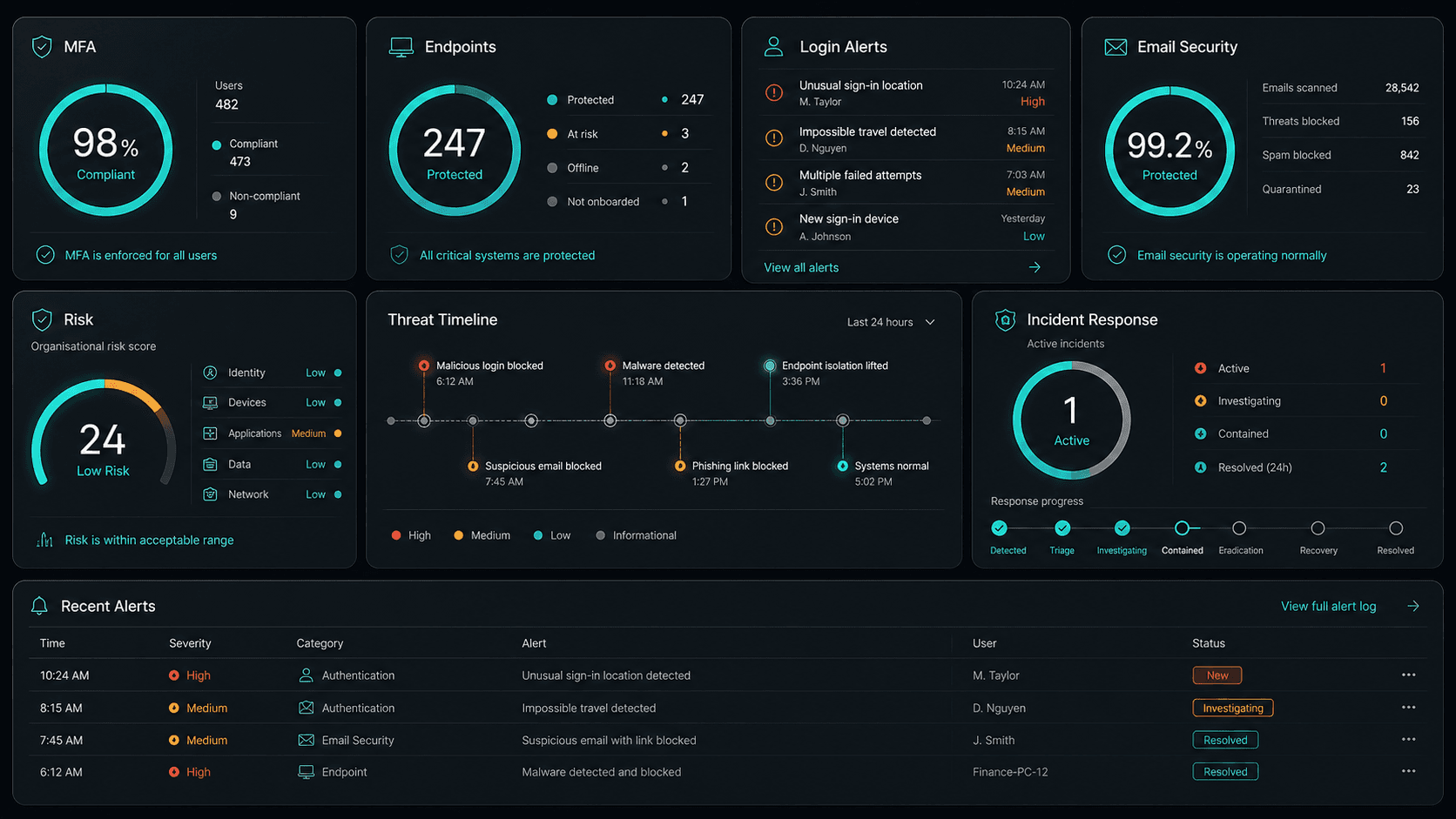











Technology Ecosystem
Powered by Enterprise Technology
A constellation of best-in-class platforms, deployed and managed as one seamless service.
Service Breakdown
What's inside your plan
Click any card to see exactly what's included in each service area.

Cloud Solutions that scales from 5 to 200 seats, across every North Shore business.
Why OnIT Solutions
Your Wahroonga business, without the overhead.
Serving Wahroonga (2076) and the broader North Shore area — our Sydney-based engineers understand the North Shore business community and are reachable when you need them. Whether you're a 5-person team or a growing operation with 200 seats, we scale cloud solutions to fit.
By the numbers
Measurable outcomes, guaranteed in writing
No surprise invoices. No waiting on hold. No different technician every time you call.
At a Glance
Included in your plan
Got questions?
Frequently asked questions
Also serving nearby
Cloud Solutions across North Shore
Explore further
Related services for Wahroonga
Cybersecurity
Threat monitoring, Essential Eight compliance, and endpoint detection — keeping your business secure around the clock.
IT Support Sydney
On-demand helpdesk and on-site support for your team. Fast response, local engineers, no lock-in contracts.
AI Automation
Workflow automation, AI chatbots and voice agents that reduce admin and free your team to focus on growth.

Get started
Ready for better Cloud Solutions
in Wahroonga?
Book a free cloud solutions assessment with one of our Sydney-based engineers serving Wahroonga and North Shore. No lock-in, no obligation.
No lock-in contracts · Sydney-based engineers · Same-day response