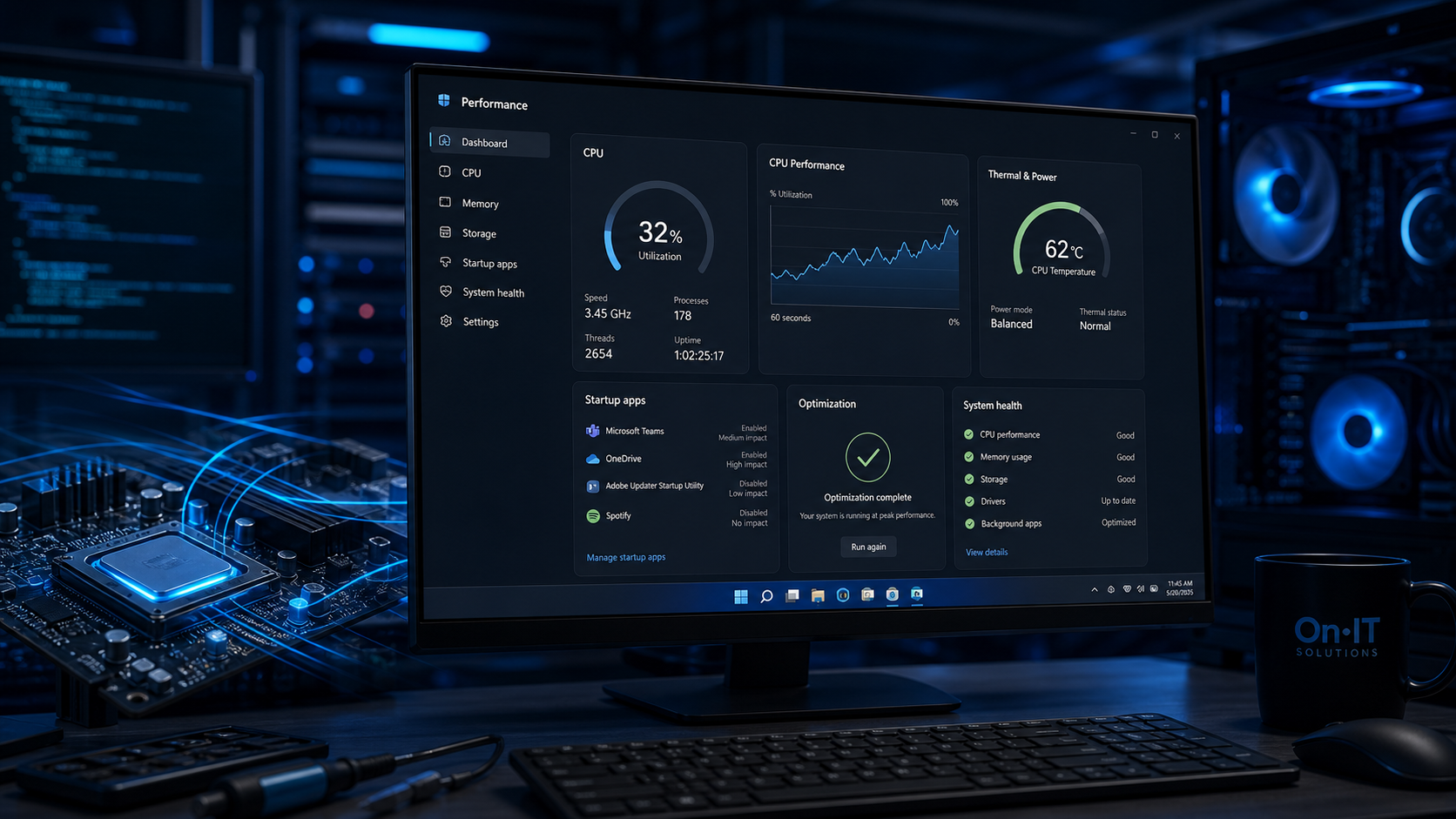
How Windows 11 performance is driven by foreground app prioritization
Microsoft engineering teams have demonstrated that Windows 11 can maintain snappy application launches even when the system is under a staggering 90% CPU load. This capability stems from a fundamental re-engineering of how the operating system manages memory and compute resources. By focusing on foreground process management, the OS ensures that the software you are actively using remains responsive regardless of background activity. This shift is a core component of overall Windows 11 performance for modern business users.
Improving Responsiveness Through Dynamic CPU Optimization
Under the hood, Windows 11 uses a more intelligent approach to CPU optimization than its predecessors. When you click on a window, the system dynamically shifts resources toward that active task to reduce latency. This means that system-level processes and background updates are deprioritized in real-time to prevent them from interfering with your workflow. For businesses relying on managed IT support, this translates to fewer support tickets regarding "frozen" applications during peak periods.
Microsoft has showcased this efficiency through internal "P90" tests, which simulate a computer running at nearly maximum capacity. Even in these high-stress environments, secondary applications like Microsoft Word and Excel launch without the noticeable lag typically expected on a strained system. By snapping these windows side-by-side, users can see that the active application continues to receive the necessary compute cycles to function smoothly. This ensures that a heavy background virus scan or a large file download won't derail your presentation or spreadsheet work.
Maximising Productivity and App Prioritization
For Australian professionals, these technical changes result in a significant cumulative impact on daily productivity. While saving a few seconds on an app launch might seem minor, these efficiencies add up across hundreds of interactions throughout a standard workday. This strategic app prioritization allows employees to move between tasks fluidly without the frustration of waiting for the interface to catch up.
Efficient resource management also complements broader organizational goals, such as maintaining a robust cybersecurity posture. Because the OS can handle heavy loads more gracefully, security scans can run in the background with a reduced impact on the end-user experience. This balance ensures that performance does not have to be sacrificed for safety. By refining how the CPU interacts with software, Windows 11 provides a more reliable foundation for high-demand business environments.
The way these processes interact with specific chipsets further defines the speed and security of the modern workspace.
Balancing security and CPU optimization with modern hardware
The requirement for Intel 8th Gen or AMD Ryzen 2000 series processors serves as a foundational baseline to ensure that modern security features do not compromise system speed. While some users initially viewed these hardware constraints as restrictive, Microsoft has clarified that the primary rationale was to balance robust system protection with consistent Windows 11 performance. By aligning the operating system with specific silicon capabilities, the OS can offload complex security tasks to the hardware level. This prevents the "security tax" often seen on older machines where software-based encryption and monitoring would significantly slow down the user experience.
Architecture Shifts and UEFI-Based Protection
Windows 11 represents a significant architectural shift by moving exclusively to a single 64-bit architecture. This transition eliminates the overhead of supporting legacy 32-bit systems, allowing for a leaner and more responsive kernel that handles data more efficiently. By utilizing UEFI-based firmware (Unified Extensible Firmware Interface), the operating system can verify the integrity of the boot process before any malicious code has a chance to execute. This hardware-rooted security ensures that your Windows 11 startup is not just fast, but inherently protected from rootkits and low-level attacks.
The move to modern hardware also enables the use of Windows DCH drivers, which are declarative and componentized for better system reliability. These drivers are designed to work seamlessly with silicon partners, ensuring that your hardware receives ongoing support and optimization directly from the manufacturer. For businesses, this translates to a more stable environment where driver-related crashes are significantly reduced. Reliable drivers are a quiet but critical component of CPU optimization, as they manage the communication between your software and your processor more efficiently.
Maintaining Windows 11 Performance for Business
For Australian SMBs, upgrading to supported hardware is an investment in both speed and long-term viability. Leveraging these architectural benefits allows teams to run modern cloud solutions and heavy business applications without the hardware becoming a bottleneck. When the underlying hardware is modern, the OS can more effectively implement foreground process management, ensuring that active windows receive the cycles they need. This synergy between chip and code means that security scans can run in the background without causing the system to stutter during a client meeting.
Ultimately, the decision to mandate specific CPU generations ensures that the entire ecosystem moves forward together. Modern processors provide the instruction sets necessary for the OS to juggle multiple demanding tasks while maintaining a high level of cybersecurity. By removing the constraints of older, less efficient hardware, Windows 11 can focus its resources on delivering the most responsive experience possible. This hardware-software harmony is what allows app prioritization to remain effective even when the total system load is high.
The performance gains from these hardware requirements are most visible when you look at how the system handles the initial boot and daily responsiveness.
Practical steps to improve Windows 11 startup and responsiveness
Enabling the 'Fast Startup' feature within your system's power settings allows your PC to boot significantly faster by optimizing how the system handles the transition between shutdown and restart. This native setting is one of the most effective ways to boost Windows 11 performance without requiring hardware upgrades. By effectively 'hibernating' the kernel and loaded drivers rather than closing them entirely, the OS can resume operations almost instantly when you press the power button.
Optimising Windows 11 startup by managing background load
A cluttered 'Startup Apps' list is a common culprit for sluggish system behavior immediately after logging in. Every unnecessary program that launches at boot adds immediate strain to your processor, delaying your ability to start work. By navigating to your settings and toggling off high-impact applications, you reduce initial system strain and ensure your Windows 11 startup is as lean as possible.
Reducing the number of active background services also ensures that app prioritization works exactly as intended. When the system isn't fighting to allocate resources to hidden update checkers or dormant software, it can dedicate more cycles to the window you are currently using. Regularly auditing this list as part of your managed IT routine keeps the environment responsive and reliable for your team.
This proactive management prevents the "bottleneck" effect where multiple low-priority tasks compete for CPU attention. In a busy office environment, ensuring that resource-heavy background processes are kept to a minimum helps maintain the high-speed experience Microsoft engineered for modern chipsets. It allows the operating system to maintain its focus on the tools you need to stay productive throughout the day.
Reducing system latency through foreground process management
The synergy between hardware-level security and software-level foreground process management drastically reduces overall system latency. Modern CPUs, such as the Intel 8th Gen and AMD Ryzen 2000 series, are designed to work with the OS to ensure that security features like UEFI-based firmware do not slow down your interactions. This hardware-software alignment is a key part of CPU optimization in the Windows 11 ecosystem.
For businesses utilizing cloud solutions, maintaining a low-latency local environment is critical for a seamless experience with remote applications. When Windows 11 intelligently prioritizes the active window, it ensures that your browser or cloud client remains snappy, even if background security scans are running. This architectural balance ensures that protection never comes at the cost of your team's efficiency.
Consistent monitoring of background resource usage is the final step in preserving these performance gains. By identifying and limiting "noisy" applications that bypass standard priority rules, you can ensure the system always has the headroom needed for your primary tasks. This strategic oversight ensures that the underlying technology continues to support your business objectives effectively.
The business impact of intelligent foreground process management
Employees can reclaim cumulative minutes of productivity every single day simply through the way the operating system handles intense multitasking workloads. By ensuring that active tasks receive the bulk of available resources, Windows 11 performance remains high even when background processes are demanding significant power. This shift from equal resource distribution to foreground process management means that critical business tools like Excel or CRM software remain responsive during a P90 load event. For a standard team, these "seconds of time saved" on every app launch prevent the compounding frustration and downtime associated with older operating systems.
Maximising Efficiency with App Prioritization
Prioritizing compute resources for active tasks prevents the 'slowdown' typically experienced when running multiple business applications simultaneously. This is achieved by dynamically allocating more CPU cycles and memory to the window currently in focus. For staff members who frequently switch between video conferencing, web browsers, and heavy data tools, this app prioritization ensures that the interface never feels sluggish. When the software reacts instantly to user input, it reduces cognitive load and allows for a more focused workflow.
Beyond raw data processing, the refined user interface contributes to a more efficient digital environment. Optimized animations and transitions create a smoother user experience that feels faster to the operator, even if the underlying hardware is under heavy strain. Modern managed IT providers use these built-in Windows 11 tools to ensure client hardware performs at peak efficiency without requiring expensive hardware overhauls. By leveraging these native features, businesses can extend the lifecycle of their devices while maintaining a high standard of employee output.
Future-Proofing Through Smart CPU Optimization
Future updates from Microsoft continue to lean on CPU intelligence to refine how the operating system handles complex, multi-tasking workflows. As business software becomes more resource-intensive, particularly with the integration of cloud solutions and real-time collaboration tools, this architectural intelligence becomes a necessity. Ongoing CPU optimization ensures that the OS can adapt to new software demands without sacrificing the responsiveness of the foreground application. This forward-thinking approach allows organisations to adopt new technologies with confidence.
Managing these settings effectively also impacts the daily Windows 11 startup experience for employees. By reducing initial system strain and focusing on the most critical processes first, the system allows users to get to work faster each morning. For Australian businesses looking to stay competitive, these incremental improvements in system responsiveness create a more agile and satisfied workforce. Understanding these resource management techniques is the final step in building a high-performance computing environment that supports long-term growth.
Frequently Asked Questions
How does Windows 11 prioritize apps for better performance?
Windows 11 uses advanced memory management to favor the application windows currently in the foreground. By allocating more CPU and system resources to the active task, the OS ensures that the app you are using remains responsive even if the total system load is as high as 90%.
Why does Windows 11 require specific CPU versions like Intel 8th Gen?
The requirement for newer CPUs like Intel 8th Gen or AMD Ryzen 2000 is based on balancing security with performance. These chips support a 64-bit architecture and UEFI-based firmware, which allow Windows 11 to utilize modern DCH drivers for better reliability and system protection.
What is the best way to speed up Windows 11 boot times?
To improve boot speed, users should enable the 'Fast Startup' option within the Control Panel power settings. Additionally, disabling unnecessary programs in the Startup Apps list through Task Manager or Settings will reduce the time it takes for the desktop to become usable after turning on the PC.
Sources
- https://techcommunity.microsoft.com/blog/microsoftmechanicsblog/windows-11-the-optimization-and-performance-improvements/2733299
- https://www.howtogeek.com/875977/how-to-speed-up-windows-11-boot-time/
- https://learn.microsoft.com/en-us/answers/questions/3927416/new-pc-with-windows-11-slow-app-responsiveness-and
- https://www.pcmag.com/explainers/11-proven-fixes-to-make-windows-11-lightning-fast
- https://www.guidingtech.com/fix-microsoft-teams-high-cpu-usage-on-windows
- https://support.microsoft.com/en-us/windows/tips-to-improve-pc-performance-in-windows-b3b3ef5b-5953-fb6a-2528-4bbed82fba96
Future-Proof Your Business with OnIT Solutions
Staying on top of AI and technology trends is critical for Australian SMBs. Our team helps you cut through the noise and implement the right solutions for your business. Talk to our AI Strategy team about what today's developments mean for your organisation — or explore our full range of Managed IT Services.