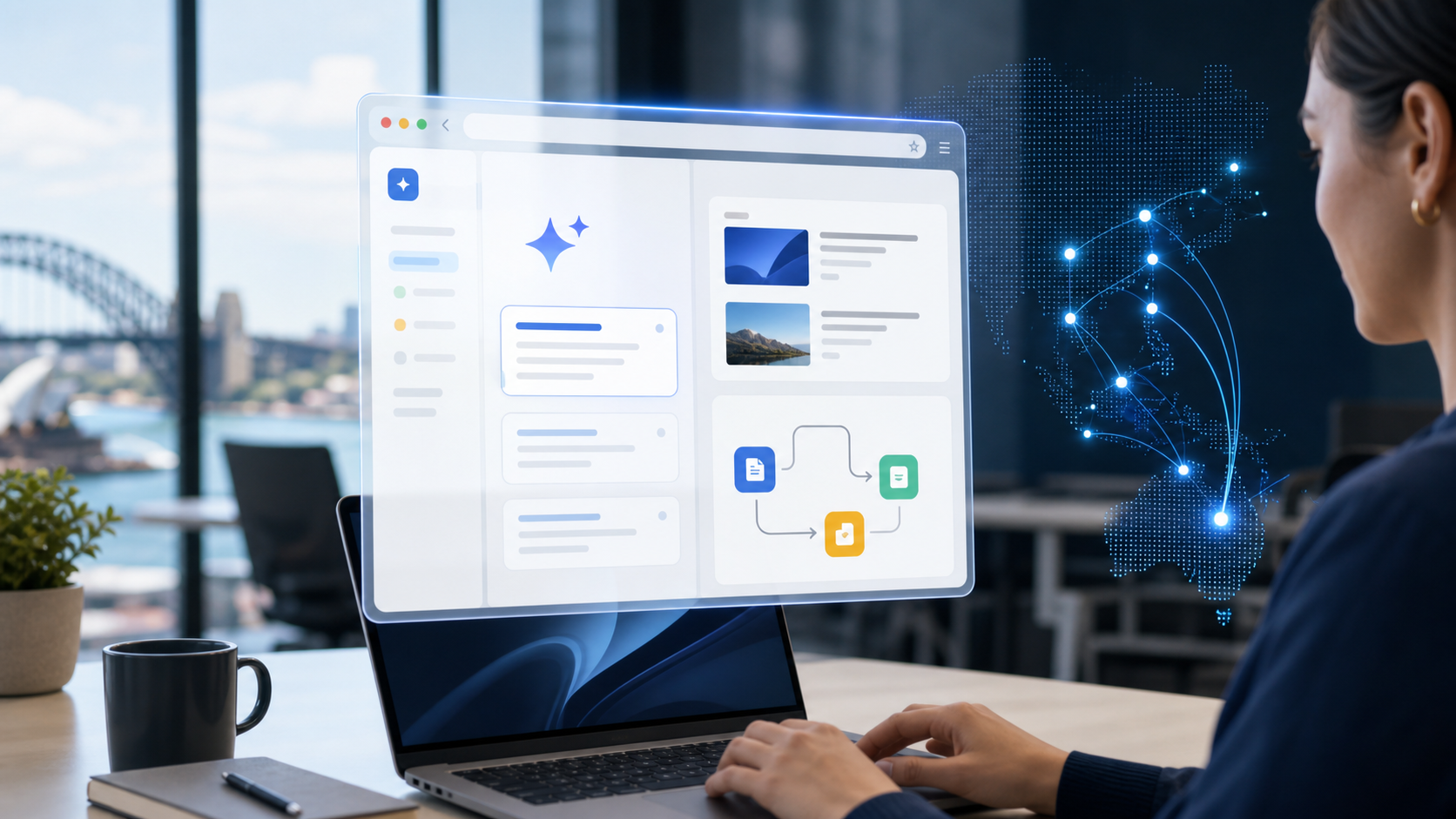
Google Brings Gemini in Chrome to Australian Business Users
Australia is one of seven new countries to receive the latest update, joining digital powerhouses like Singapore, Japan, South Korea, Indonesia, the Philippines, and Vietnam in this global rollout. This expansion allows local organisations to leverage Gemini in Chrome as a native part of their daily operations rather than a separate third-party application. By integrating AI productivity tools directly into the browser, Google is targeting developed digital markets where speed and efficiency are paramount for maintaining a competitive edge. These tools are designed to work across the existing web landscape, making them immediately useful for a wide range of industries.
Maximising Efficiency with Chrome AI Features
Chrome currently commands more than 63% of the global browser market share according to 2026 StatCounter data, providing an immediate and massive scale for these new features. This dominance means that most Australian businesses already have the necessary infrastructure to adopt Google AI browser tools without needing to deploy new software across their entire device fleet. For IT managers and business owners, this reduces the friction often associated with rolling out new enterprise technology. The ubiquity of the browser makes it a highly effective vehicle for delivering high-level automation to the average office worker.
The shift toward native Chrome AI features represents a significant move in how professionals interact with data and web content. Instead of jumping between multiple windows or logging into external platforms, users can now process information within their active workspace. This level of Google Gemini integration ensures that workflows remain fluid, helping teams stay focused on high-value tasks rather than administrative overhead. By removing the need to leave the active browser window, Google is addressing one of the biggest drains on modern digital productivity.
Bridging the Gap for the Australian Digital Economy
Australia’s inclusion in this phase highlights the country's status as a key market for emerging technology and digital innovation. As local businesses look to refine their AI strategy, having these tools built into the browser simplifies the path to widespread adoption. The rollout ensures that Australian users are not left behind as the global landscape shifts toward embedded artificial intelligence that requires no extra logins. Providing these tools in a familiar environment helps staff transition to AI-assisted workflows with minimal training requirements.
These native capabilities are specifically designed to reduce the "context switching" that often hampers productivity in fast-paced corporate environments. By keeping the AI interface pinned to the side of the active webpage, Google helps users maintain continuity in their research, data analysis, and communication. This approach is particularly effective for Australian business users who manage complex, data-heavy projects that require constant referencing of web-based resources. This seamless experience is made possible by the way the interface remains accessible alongside the user's primary tasks.
The ease of access provided by this update is further enhanced by the specific way the tool is housed within the existing browser window.
Direct Access to Google AI Browser Tools via the Sidebar
Activating the new suite of Google AI browser tools is as simple as clicking the new 'sparkle' icon located in the top-right corner of the browser interface. This single click deploys a persistent sidebar that allows users to interact with Gemini in Chrome without ever navigating away from their current webpage. This design choice addresses the primary hurdle of digital multitasking: the constant friction of switching between tabs to find information or generate content.
By keeping the interface tucked into the side of the screen, Google ensures that workflow continuity remains undisturbed for Australian professionals. Users can now draft responses, summarise long articles, or perform research while keeping their source material in full view. This side-by-side functionality is a significant upgrade over traditional AI web portals that require a separate window, which often leads to lost focus and fragmented attention.
Multilingual Support for Chrome AI Features
Global teams and Australian organisations with international partners will benefit from the platform's expanded linguistic capabilities, which now support over 50 languages. The rollout includes comprehensive support for languages such as French, German, Hindi, and Spanish, alongside regional dialects like Gujarati. This makes the Google Gemini integration a versatile asset for multicultural workplaces that need to process information from various international sources.
Local business owners can use these translation and generation tools to communicate more effectively with overseas suppliers or clients without leaving their email or CRM platform. For those managing complex cloud solutions, the ability to translate technical documentation or project notes on the fly is a major productivity booster. Having these AI productivity tools natively available ensures that language barriers no longer impede the speed of business operations.
Customising AI Productivity Tools in the Workplace
Beyond simple text generation, the sidebar serves as a centralised hub for various Google services, including direct access to image generation and workspace apps. Users can prompt the AI to create visual assets or pull data from other parts of their digital ecosystem without losing their place on a website. This level of accessibility is particularly useful for marketing teams and creative professionals who need to generate ideas rapidly during the research phase of a project.
Security-conscious organisations also have granular control over how the feature appears on their managed devices. If a business decides that the interface is not currently required for specific roles, users can simply right-click the sparkle icon and select 'unpin' to remove it from their immediate view. This allows for a clean browser environment while keeping the advanced Chrome AI features available for when they are needed most. Providing this level of control is essential for maintaining a focused work environment while still embracing an AI strategy that scales with the business.
This customisation ensures that the new sidebar remains a helpful assistant rather than a distraction in the modern workplace. The utility of the tool extends even further when looking at how it bridges the gap between the browser and other core productivity applications.
Streamlining Workflows with Native Chrome AI Features
Instant summarisation of web pages has become a central feature for professionals who need to digest long-form reports or complex articles without losing momentum. By using Gemini in Chrome, users can prompt the sidebar to extract key takeaways or answer specific questions about the content currently on their screen. This capability transforms the browser into an active assistant that processes information in real-time, significantly reducing the manual effort required for research and data synthesis. For Australian teams managing high-volume communications, these AI productivity tools also provide the ability to draft professional text and emails directly from the active window.
Unified Productivity via Google Gemini Integration
One of the most powerful aspects of this rollout is the direct Google Gemini integration with the wider Google ecosystem. The sidebar does not just analyse the static web page; it connects to essential services like Gmail, Google Calendar, Google Maps, and YouTube. For instance, a user can ask the AI to find a specific meeting time in their calendar or pull details from a recent email while they are actively browsing a client's website. This deep level of connectivity ensures that information flows seamlessly between different applications, which helps staff stay focused on high-value tasks rather than administrative overhead.
Beyond text-based tasks, the sidebar provides immediate access to Google’s in-house image generator for rapid visual content creation. This feature allows marketing professionals and small business owners to generate visual assets without needing to open dedicated graphic design software or leave their browser. Having these Google AI browser tools available natively means that a social media post or internal presentation can be enhanced with custom imagery in seconds. It is a practical example of how Chrome AI features are evolving to handle multi-modal tasks that previously required multiple disparate subscriptions.
Optimising AI Productivity Tools for Local Business
Implementing these tools effectively requires a clear AI strategy to ensure they align with existing business objectives and security protocols. While the interface is highly user-friendly, business owners should consider how these features impact their overall cloud solutions and employee workflows. Providing staff with the ability to summarise complex queries and manage their schedules through a simple sidebar can lead to measurable gains in daily output across the organisation. As Australian organisations look to modernise their digital operations, these built-in browser features offer a low-barrier entry point into sophisticated automation.
The accessibility of these features within a familiar environment ensures that employees can transition to AI-assisted workflows with minimal training requirements. This approach helps maintain a consistent user experience while paving the way for more advanced integrations in the future.
Future Roadmap for Google Gemini Integration
Google plans to sustain the momentum of its global AI rollout by extending the availability of Gemini in Chrome to a wider range of countries and languages throughout the remainder of 2026. This ongoing expansion is a direct response to the global surge in AI technology investment, as organisations seek more efficient ways to manage digital workflows. By embedding these capabilities directly into the web browser, Google is positioning itself at the centre of the modern professional environment. This move ensures that as new markets come online, users can access advanced automation without the need for additional software installations or complex setups.
Customising AI Productivity Tools for the Enterprise
While the integration is designed to be helpful, Google has included clear controls for users and organisations that may not be ready to adopt these features immediately. If a business decides that these specific AI productivity tools do not currently fit their operational needs, the interface is easily adjustable. Users can simply right-click the sparkle icon in the toolbar and select 'unpin' to remove the tool from their immediate view. This flexibility is vital for IT managers who oversee managed IT services and need to maintain a standardised user experience across their fleets. Providing the option to disable the sidebar ensures that the rollout does not disrupt existing business processes.
The Shift Toward Permanent Chrome AI Features
The current support for over 50 languages, including French, Hindi, and Spanish, acts as a springboard for this future growth and wider accessibility. This strategy signals a broader change in how professional software is delivered, moving away from standalone applications toward a deep Google Gemini integration. This approach aligns with the rising demand for seamless digital experiences that reduce the time spent switching between different platforms. As more businesses refine their AI strategy, having these tools available natively in Chrome provides a foundation for more advanced automation in the future.
The transition toward embedded, browser-based tools reflects a global trend of making high-level intelligence a standard feature of the web experience. By making these Google AI browser tools accessible to more regions, Google is ensuring that productivity gains are not limited by geographic location. This persistent availability allows for a more consistent approach to data handling and content creation in professional settings. The roadmap ahead suggests that the browser will continue to evolve into a more proactive assistant for daily business operations.
Frequently Asked Questions
How do I start using Gemini in Chrome?
To access Gemini, click the sparkle icon in the top right corner of the Chrome interface. This opens a sidebar where you can chat with the AI, generate images, or summarise pages without switching tabs.
Which countries have access to Gemini in Chrome?
The latest rollout includes Australia, Indonesia, Japan, the Philippines, Singapore, South Korea, and Vietnam. This follows previous launches in the United States, Canada, India, and New Zealand.
Can Gemini in Chrome help with my emails and schedule?
Yes, Gemini in Chrome offers direct integrations with Google Workspace apps. You can use the AI sidebar to interact with and pull information from Gmail, Google Calendar, and Google Maps.
How do I remove the Gemini icon from my browser?
If you do not wish to use the feature, you can right-click the sparkle icon in the toolbar and select 'unpin'. This will remove the icon from your immediate view and disable the sidebar access.
Sources
- https://www.engadget.com/ai/google-starts-rolling-out-gemini-in-chrome-to-users-in-canada-india-and-new-zealand-023000528.html
- https://inspirepreneurmagazine.com/business/google-gemini-chrome-global-rollout/
- https://www.engadget.com/ai/google-brings-gemini-in-chrome-to-users-in-asia-and-the-pacific-220000698.html
- https://workspaceupdates.googleblog.com/2026/03/gemini-in-chrome-expands-to-more-countries-and-languages.html
- https://blog.google/products-and-platforms/products/chrome/chrome-expands-india-new-zealand-canada/
- https://gemini.google/overview/gemini-in-chrome/
Future-Proof Your Business with OnIT Solutions
Staying on top of AI and technology trends is critical for Australian SMBs. Our team helps you cut through the noise and implement the right solutions for your business. Talk to our AI Strategy team about what today's developments mean for your organisation — or explore our full range of Managed IT Services.

