Web Development · Waverley
Web Development Waverley: Govern External Website Scripts
An external widget can add a useful capability while introducing another dependency. Maintain an inventory and test what visitors experience when that dependency slows down or fails.
No lock-in · Sydney-based engineers · Response <4h

<4h
Response SLA
Priority response in Waverley
99.9%
Uptime Target
SLA-backed availability
0
Lock-In Contracts
Cancel anytime, no penalties
100%
Australian Team
Local engineers, no offshore
Technology partners and platforms we work with







What we deliver
Web Development that works while you do.
Everything your Waverley business needs — managed as one seamless service with a fixed monthly price and guaranteed response times.

Last updated: 14 October 2026
Give every external addition a defined purpose
A Waverley business website may contain maps, videos, analytics, chat tools and booking embeds supplied by other organisations. Each addition should have a purpose that justifies its effect on the customer experience. OnIT Solutions builds business websites with responsive design and performance optimisation. During development or review, identify what each external script enables and who requested it. A widget that was useful during an old campaign may no longer serve the site. Treat its continued presence as a decision to review rather than assume anything already installed must remain indefinitely.
Connect the feature to a visitor task or a specific business use. A map might help someone find an approved address, while a booking tool might support a particular enquiry journey. Describe how success will be judged and whether a simpler link could meet the same need. Do not add multiple overlapping tools because each supplier offers an attractive demonstration. The business should understand the trade-off between a richer interaction and the extra configuration, loading work and ongoing ownership it introduces into an otherwise straightforward website.
Inventory suppliers, accounts and installation routes
List the external resources and where they are introduced: application code, content fields, a tag manager or a supplier plugin. Record the owner, account arrangement, intended pages and the date of the last review. Some scripts load additional resources, so a visible widget name may not describe the entire dependency. Ask the implementer to explain the scope in understandable terms. Keep the inventory free of secret keys or passwords. Its purpose is to identify responsibility and enable review, while sensitive access material remains in the appropriate controlled location.
Confirm who can change or remove each installation. Marketing, development and operations teams may have different access, and an undocumented change can affect pages beyond the one being edited. Establish an approval route for new additions and significant configuration changes. Where information collection is involved, the business should review the supplier arrangement and relevant obligations for its circumstances. Development work can implement the approved choices, but should not silently decide what visitor information the organisation wishes to collect or imply that installing a standard widget settles every related question.

Measure the customer experience with the feature present
Review the page with the external feature enabled, rather than test a simplified demonstration without it. Check loading behaviour, layout movement and whether essential content remains usable while the resource arrives. Mobile visitors may experience different delays and control sizes from someone reviewing on a desktop connection. Identify the pages on which the feature is needed and consider whether it must load everywhere. Any proposed optimisation should preserve the intended customer task. Removing a necessary booking control without an alternative can improve one metric while making the website less useful.
Look beyond speed at the interaction itself. Confirm that an embedded control fits the layout, explains its purpose and works with the surrounding navigation. Check keyboard operation and any relevant error feedback within the agreed review scope. Inspect whether content added by the supplier changes the page in unexpected ways, including overlapping buttons or obstructed text. Record observations before recommending a change. A single slow session is useful evidence to investigate, but it does not justify an unsupported claim about every visitor or the precise cause of a wider performance problem.
Plan for blocked, unavailable or changed resources
Test what happens when an external resource cannot load. A page should not lose all contact information because an optional map or chat service is unavailable. Provide an appropriate independent route where the task is important, such as a visible business contact or a link to the relevant booking destination. Explain failures clearly rather than display an empty space that looks like unfinished content. Agree which fallback is accurate and practical for the business. Do not promise that a supplier will always be reachable or treat an embedded interface as part of infrastructure you fully control.
Review replacement and removal as deliberate changes. Identify what settings, content and customer routes depend on the tool before disabling it. If a campaign ends, check whether removing its script affects reporting or forms elsewhere. Record who authorises the change and how the result will be tested. A supplier may update its own feature without a matching website release, so maintain a review route for unexpected behaviour. The inventory becomes particularly valuable when the person who originally installed the tool is no longer responsible for the site.

Accept a manageable external dependency set
For each retained resource, keep a short record of its purpose, owner, affected pages and useful test. Confirm that only the approved installation route is active so duplicate snippets do not remain hidden in older content or configuration. Test important journeys after changes and verify the intended fallback. Include these checks in handover and ongoing website review, with the actual support scope understood. The aim is not a website with no external services. It is a site where each dependency earns its place and someone knows how to respond when it changes.
For a Waverley website review, bring the known widget accounts, campaign requirements and any observed loading problems to OnIT's web development service. Ask for an evidence-based assessment of which additions remain useful and how their failure affects visitors. Agree separately on supplier account decisions or broader business-system work. A practical outcome includes a maintained inventory, approved configuration and verified customer routes. This lets the business add capabilities deliberately while keeping ordinary website maintenance understandable to the next person who takes responsibility for it.
Quick Facts
“For Waverley businesses, web development isn't just about keeping things running — it's about building a technology foundation that drives growth across Eastern Suburbs.”
— OnIT Solutions, Eastern Suburbs
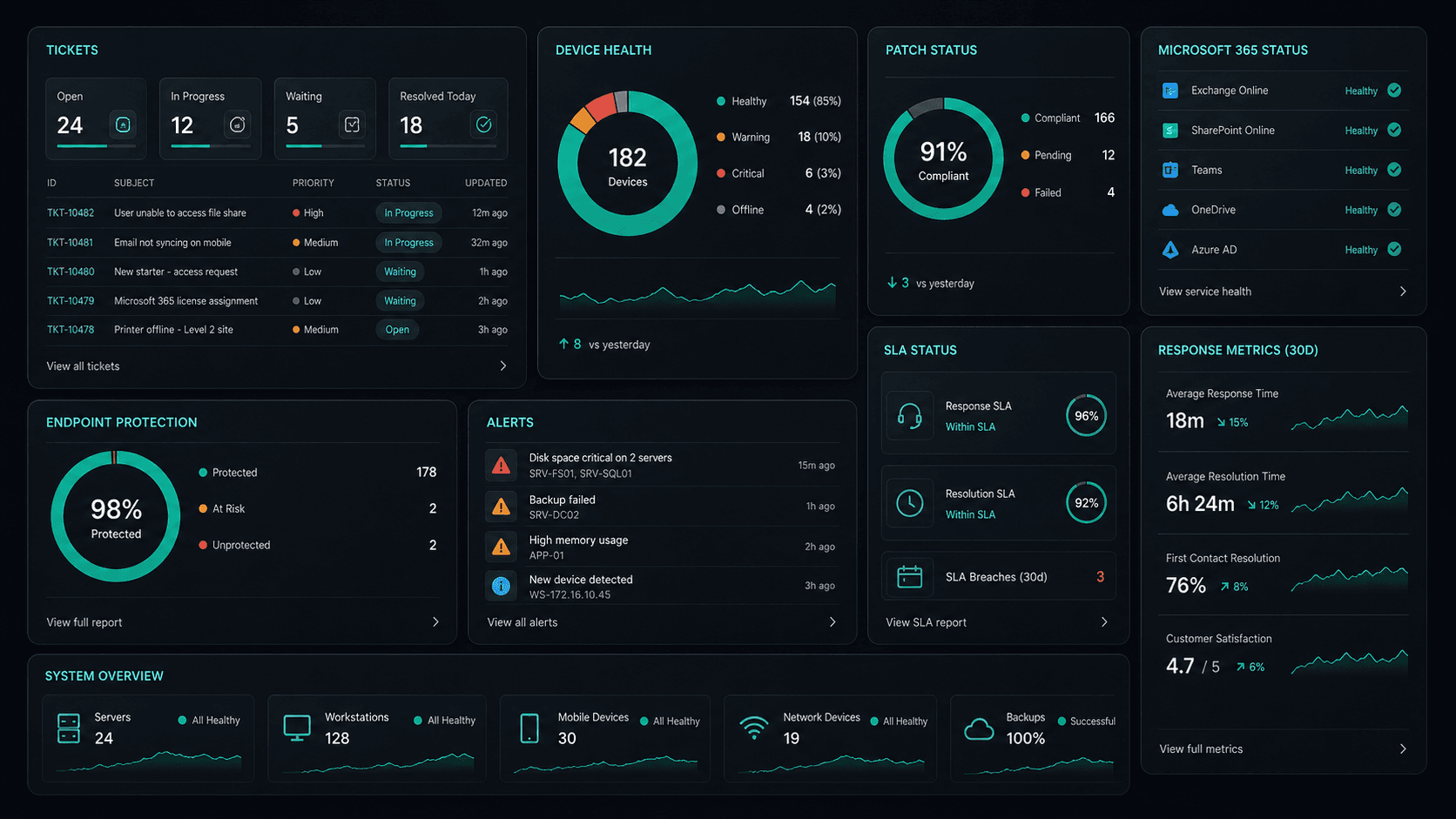
What's included
Web Development in Waverley. One team.
Custom Website Design
Bespoke designs built to your brand — no templates, no compromises. Every site is unique to your business.
SEO-First Architecture
SEO isn't an afterthought — site structure, speed, and schema are engineered for search from day one.
Core Web Vitals Optimised
Fast-loading, accessible, and mobile-first. Every site meets Google's performance standards out of the box.
CMS & Self-Management
Built on modern CMS platforms (Sanity, Contentful, WordPress) so your team can update content without a developer.
Service detail
Websites built to perform
Bespoke designs built to your brand — not templates. Every layout crafted for conversion and mobile-first performance.
Modern tech stack: Next.js, React, Tailwind CSS, and TypeScript — fast, scalable, and maintainable from day one.
Search-first structure: schema markup, canonical URLs, Core Web Vitals, and meta optimisation baked into every build.
Sanity, WordPress, or headless CMS — content your team can update without a developer.
Shopify, WooCommerce, and custom storefronts — product pages, checkout flows, and inventory integrations.
Green Core Web Vitals scores, lazy loading, image optimisation, and CDN configuration — fast on every device.
GA4, Tag Manager, conversion tracking, and heatmaps — full visibility into how visitors interact with your site.
Security patches, dependency updates, uptime monitoring, and feature development — your site stays fast and secure.
Why OnIT
Everything in one web development service
One team. One fixed scope. SEO-first design, fast delivery, and ongoing management — all included.
SEO architecture from day one
Every site is built with search in mind — page structure, meta tags, schema markup, and Core Web Vitals optimised.
Modern tech stack
Next.js, React, Tailwind, Sanity, WordPress — we build on platforms that scale with your business.










Sydney-based design team
Local designers and developers who understand your market — with face-to-face workshops available.
Fast, accessible, mobile-first
Every site scores green on Core Web Vitals — fast loading, responsive, and accessible on every device.
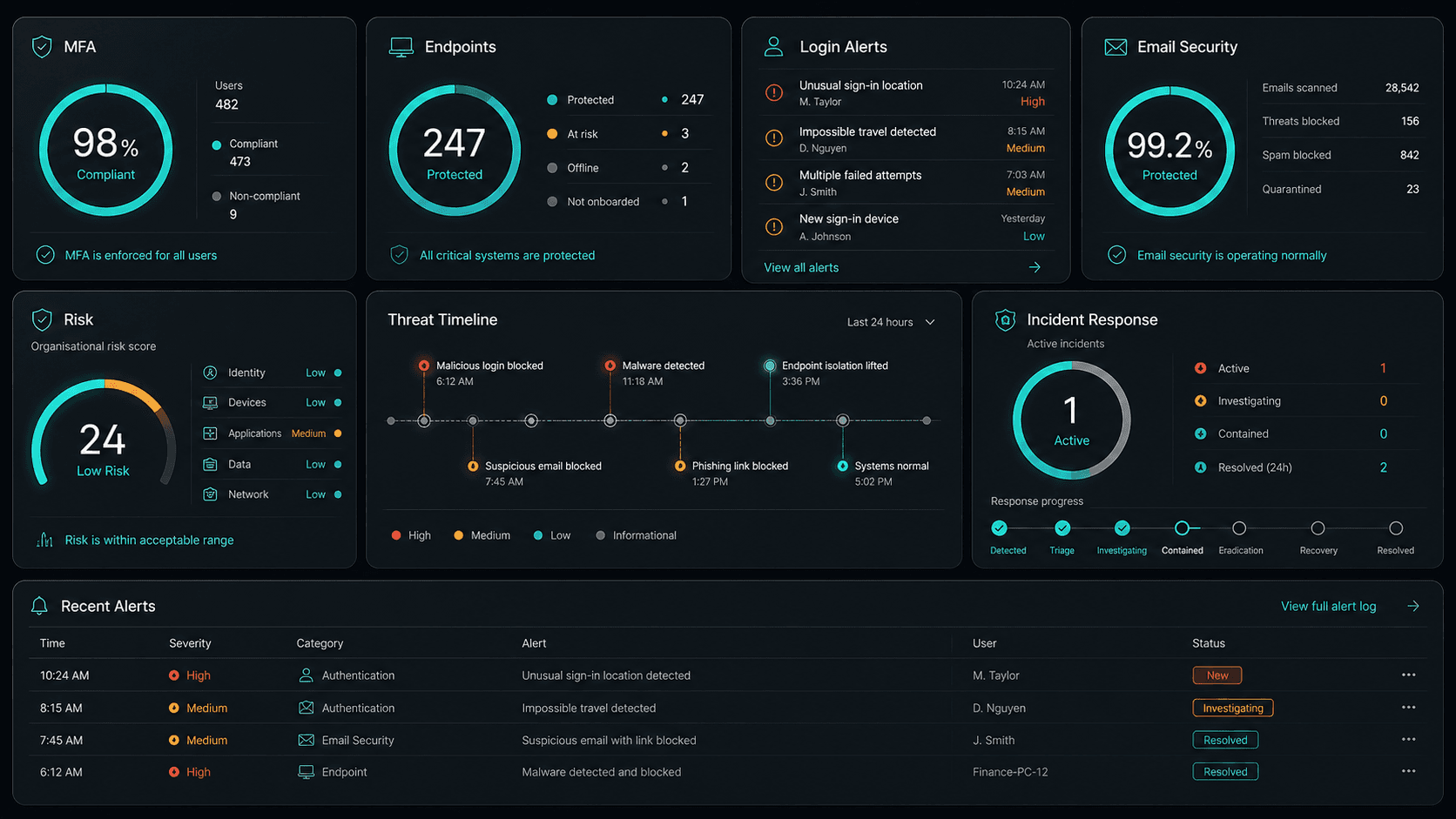
Service Breakdown
What's inside your plan
Click any card to see exactly what's included in each service area.

Web Development that scales from 5 to 200 seats, across every Eastern Suburbs business.
Why OnIT Solutions
Your Waverley business, without the overhead.
Serving Waverley (2024) and the broader Eastern Suburbs area — our Sydney-based engineers understand the Eastern Suburbs business community and are reachable when you need them. Whether you're a 5-person team or a growing operation with 200 seats, we scale web development to fit.
By the numbers
Measurable outcomes, guaranteed in writing
No surprise invoices. No waiting on hold. No different technician every time you call.
At a Glance
Included in your plan
Got questions?
Frequently asked questions
Also serving nearby
Web Development across Eastern Suburbs
Explore further
Related services for Waverley
Cybersecurity
Threat monitoring, Essential Eight compliance, and endpoint detection — keeping your business secure around the clock.
IT Support Sydney
On-demand helpdesk and on-site support for your team. Fast response, local engineers, no lock-in contracts.
AI Automation
Workflow automation, AI chatbots and voice agents that reduce admin and free your team to focus on growth.

Get started
Ready for better Web Development
in Waverley?
Book a free web development assessment with one of our Sydney-based engineers serving Waverley and Eastern Suburbs. No lock-in, no obligation.
No lock-in contracts · Sydney-based engineers · Same-day response