Cloud Solutions · Westmead
Cloud Solutions Westmead: Prepare Document Paths for Migration
File names and folder paths are part of the way people find and share work. Review their meaning and dependencies before a cloud migration turns a tidy-up into broken references.
No lock-in · Sydney-based engineers · Response <4h

<4h
Response SLA
Priority response in Westmead
99.9%
Uptime Target
SLA-backed availability
0
Lock-In Contracts
Cancel anytime, no penalties
100%
Australian Team
Local engineers, no offshore
Technology partners and platforms we work with







What we deliver
Cloud Solutions that works while you do.
Everything your Westmead business needs — managed as one seamless service with a fixed monthly price and guaranteed response times.

Last updated: 2 November 2026
Map the paths people actually rely on
For a Westmead business preparing to move documents into cloud storage, the folder structure is more than a technical inventory. Staff may rely on shortcuts, saved links, spreadsheet references and names embedded in operating instructions. OnIT Solutions provides cloud migration and Microsoft 365 management, including SharePoint and OneDrive services. Before changing names, ask people to demonstrate how they reach important documents. The review should identify working dependencies as well as untidy folders, so cleanup does not accidentally remove a familiar route to essential information.
Inventory the source locations and identify the business owner for each collection. Include shared drives, selected personal folders and areas managed by another supplier where they are in scope. Record examples of deep nesting, repeated names and unclear ownership without immediately changing them. A folder that looks redundant may support an application or an established handoff. Distinguish observations from approved cleanup decisions. Where use cannot yet be established, keep the uncertainty visible and assign someone to investigate rather than treating an unexplained path as permission to delete it.
Agree naming decisions with the content owners
Develop a small set of naming principles that makes sense to the people maintaining the documents. Names should help users recognise the subject, status or relevant period without requiring private information in every path. Avoid replacing one unexplained code system with another merely because it looks consistent. Ask owners to compare proposed names with ordinary search and filing tasks. The decision should balance clarity, existing references and maintainability, rather than demand that staff rename every historic item before any migration work can proceed.
Separate business terminology from constraints imposed by the selected destination. Ask the implementer to check the platform's current supported names and path behaviour for the proposed environment; do not apply an assumed universal limit. Record the actual conflicts found and the agreed treatment for each category. Some changes may be necessary for transfer, while others are optional improvements. Keeping those reasons separate helps management approve the required work without allowing a broad cleanup exercise to expand quietly beyond the migration's agreed scope and timetable.

Find references before renaming their targets
Review documents and processes that refer to the paths being changed. A spreadsheet may retrieve another file, a line-of-business application may expect a particular location or staff may distribute a saved link to customers. Ask the relevant owner to identify representative dependencies and how they can be tested. A successful document copy does not prove that those references continue to work. Build a source-to-destination map containing the agreed addresses and naming decisions so support staff can investigate a broken route without reconstructing the whole transition from memory.
Consider which references can be updated within the engagement and which belong to another supplier or business owner. Give external dependencies a contact and acceptance step rather than assuming the migration team can alter every application. Where an old link cannot be preserved, agree how users will discover the replacement and how long any transition instructions remain relevant. Keep confidential document contents out of general tracking sheets. The map needs enough context to identify the item and decision, not unrestricted copies of the underlying business records.
Test a representative subset before broad cleanup
Select authorised examples covering ordinary documents, deep paths, unusual names and known references. Transfer them through the proposed process and test access using the accounts and applications involved. Check the final location and usable document, not only a migration job's completion status. Have an owner follow the important links or application steps that depend on the files. Record any automatic naming changes or rejected items. A small pilot should expose the treatment needed for difficult cases before the same uncertainty is multiplied across the collection.
Include a correction scenario in the pilot. Show how staff identify the new location when an item has been renamed and how a mistaken mapping is resolved. Avoid allowing parallel changes in source and destination without a reconciliation decision. A document edited after its initial transfer may require a different treatment from an unchanged reference copy. Agree which location is authoritative at each stage and who approves further naming changes. That operating decision matters as much as the initial folder layout when people continue working during the migration.

Accept the usable document journey and maintain the map
Review outstanding path conflicts, missing owners and untested dependencies before declaring cleanup complete. Classify each item by its effect on the intended work and assign the next action. Confirm where the final mapping and naming instructions will be kept, who can update them and how staff report a missing reference after launch. A long exception list should not disappear into a migration log nobody owns. The business needs a practical account of what changed, what was verified and which remaining limitations it has agreed to accept.
For a Westmead document migration, bring the source inventory and examples of important links to OnIT's cloud solutions service. Ask the scope to distinguish mandatory destination conflicts, business-approved naming improvements and external application changes. Accept a representative task only when an authorised person can reach the correct document and complete the work that depends on it. The outcome should be a maintainable information structure with traceable decisions, rather than a visually cleaner folder tree that leaves staff searching for the files they previously knew how to find.
Quick Facts
“For Westmead businesses, cloud solutions isn't just about keeping things running — it's about building a technology foundation that drives growth across Western Sydney.”
— OnIT Solutions, Western Sydney
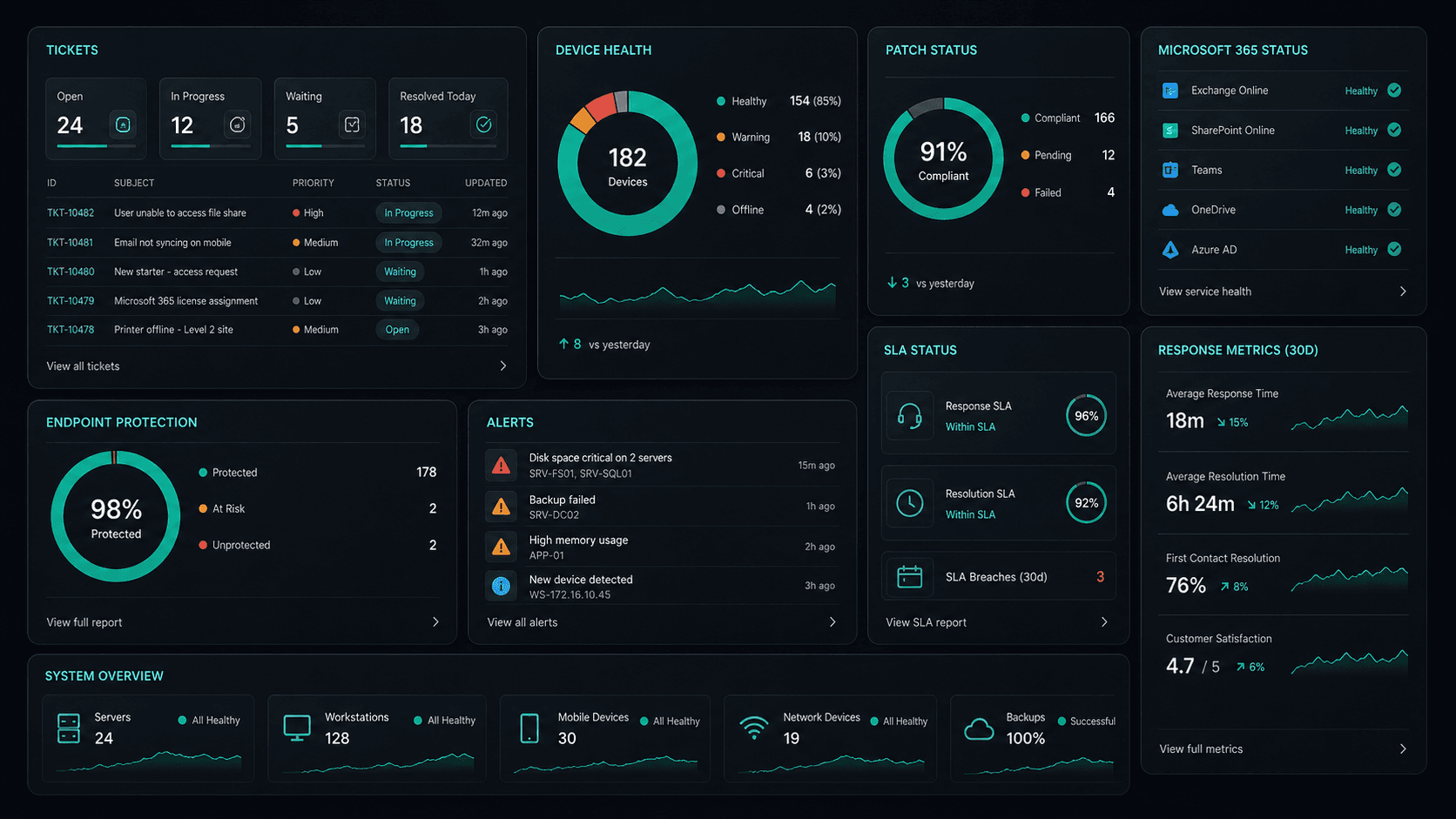
What's included
Cloud Solutions in Westmead. One team.
Microsoft 365 Management
Full lifecycle management of Exchange, Teams, SharePoint, and OneDrive — deployment, security, and optimisation.
Azure Cloud Infrastructure
Design, deploy, and manage Azure environments tailored to your workloads — VMs, networking, and storage.
Zero-Downtime Migrations
Move from on-prem or legacy cloud to Microsoft 365 and Azure with zero disruption to your team.
Cloud Security & Compliance
Entra ID, conditional access, Defender, and MFA — enterprise security configured for your environment.
Service detail
Your entire cloud, one team
Licence management, user provisioning, Teams, SharePoint, Exchange, and Intune — your entire Microsoft ecosystem managed.
Virtual machines, storage, networking, and Azure AD — designed, deployed, and maintained to best-practice standards.
Lift-and-shift or full re-architect migrations from on-premise to Azure or Microsoft 365 — zero downtime, fully tested.
EC2, S3, RDS, Lambda, and CloudFront — multi-cloud architectures built for performance, cost, and compliance.
Defender for Cloud, conditional access, MFA, and Entra ID — enterprise security posture maintained across your cloud estate.
Automated cloud backup with point-in-time restore. DR runbooks tested annually — RTO and RPO targets met.
Monthly licence and resource reviews to eliminate waste — reserved instances, right-sizing, and savings plan recommendations.
Uptime, performance, and security alerts across your cloud — issues detected and actioned before they impact the business.
Why OnIT
Everything in one cloud service
One provider. One invoice. Microsoft 365, Azure, migrations, and security — all managed.
Full cloud visibility
Monitor licences, usage, and spend across your Microsoft cloud — with monthly reviews to optimise costs.
Microsoft cloud specialists
Microsoft 365, Azure, Exchange, Teams, SharePoint, Entra ID — your entire Microsoft ecosystem, fully managed.









Sydney-based cloud team
Local cloud engineers across Greater Sydney. On-site workshops, remote support, and 24/7 monitoring.
Cloud security baseline
Defender, MFA, conditional access, and Entra ID — enterprise security configured and maintained by our team.
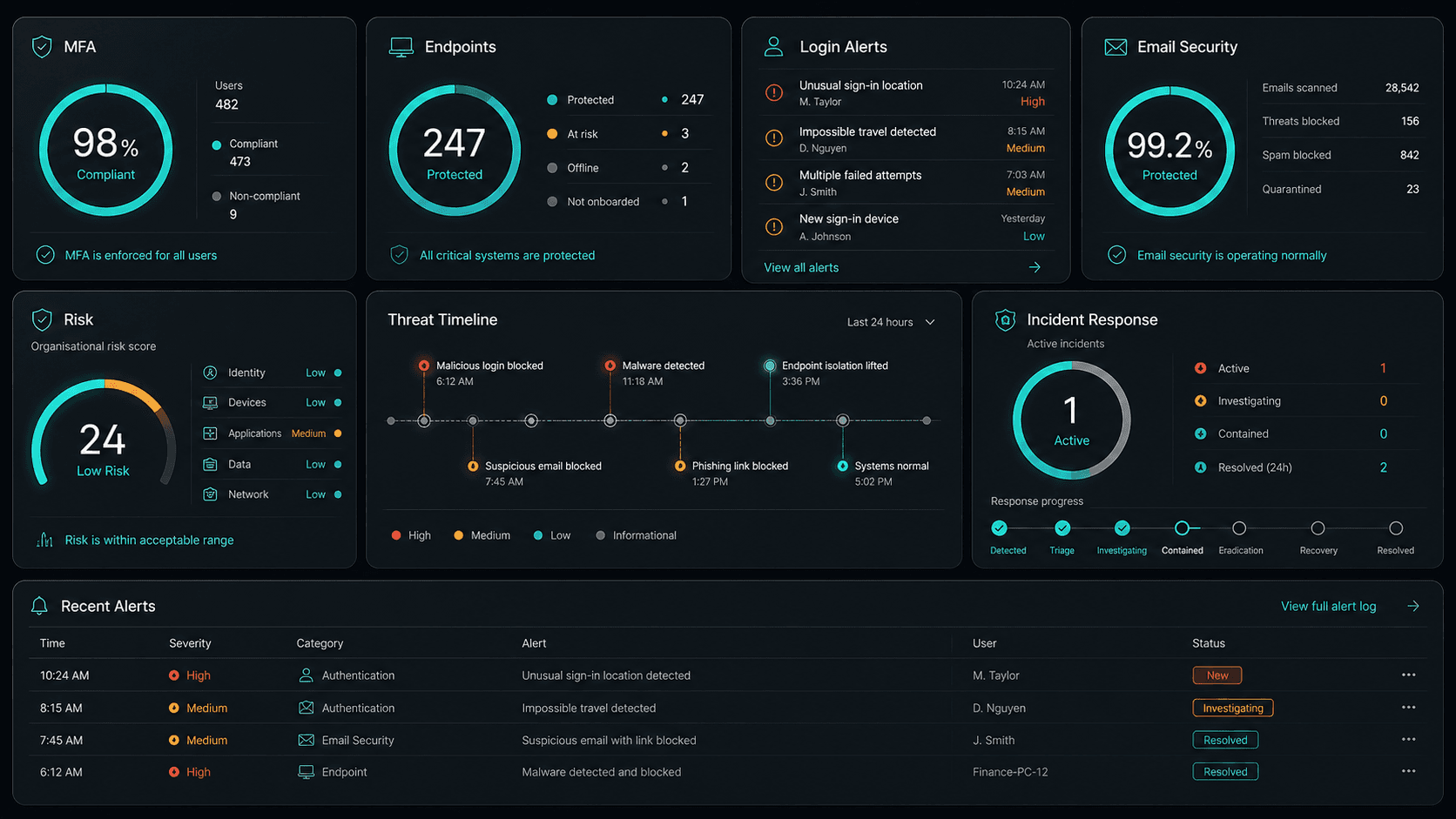











Technology Ecosystem
Powered by Enterprise Technology
A constellation of best-in-class platforms, deployed and managed as one seamless service.
Service Breakdown
What's inside your plan
Click any card to see exactly what's included in each service area.

Cloud Solutions that scales from 5 to 200 seats, across every Western Sydney business.
Why OnIT Solutions
Your Westmead business, without the overhead.
Serving Westmead (2145) and the broader Western Sydney area — our Sydney-based engineers understand the Western Sydney business community and are reachable when you need them. Whether you're a 5-person team or a growing operation with 200 seats, we scale cloud solutions to fit.
By the numbers
Measurable outcomes, guaranteed in writing
No surprise invoices. No waiting on hold. No different technician every time you call.
At a Glance
Included in your plan
Got questions?
Frequently asked questions
Also serving nearby
Cloud Solutions across Western Sydney
Explore further
Related services for Westmead
Cybersecurity
Threat monitoring, Essential Eight compliance, and endpoint detection — keeping your business secure around the clock.
IT Support Sydney
On-demand helpdesk and on-site support for your team. Fast response, local engineers, no lock-in contracts.
AI Automation
Workflow automation, AI chatbots and voice agents that reduce admin and free your team to focus on growth.

Get started
Ready for better Cloud Solutions
in Westmead?
Book a free cloud solutions assessment with one of our Sydney-based engineers serving Westmead and Western Sydney. No lock-in, no obligation.
No lock-in contracts · Sydney-based engineers · Same-day response