Cloud Solutions · Ultimo
Cloud Solutions Ultimo: Licence and Entitlement Review
Compare cloud subscriptions with the work your team actually needs to perform. Review entitlement, assignment and renewal decisions before removing or adding licences.
No lock-in · Sydney-based engineers · Response <4h

<4h
Response SLA
Priority response in Ultimo
99.9%
Uptime Target
SLA-backed availability
0
Lock-In Contracts
Cancel anytime, no penalties
100%
Australian Team
Local engineers, no offshore
Technology partners and platforms we work with







What we deliver
Cloud Solutions that works while you do.
Everything your Ultimo business needs — managed as one seamless service with a fixed monthly price and guaranteed response times.

Last updated: 12 October 2026
Start with capability needs rather than the invoice total
A cloud licence review for an Ultimo business should explain what each subscription enables. A lower invoice is not a useful outcome if an essential function disappears, while paying for unused capability may hide poor ownership. OnIT's cloud services include licence management and cost optimisation. Begin with the people, applications and administrative functions that rely on the current entitlements. The review should connect a commercial decision to a verified operating requirement rather than a product name alone.
Ask team managers which capabilities their staff use and which changes are planned. Include occasional workers, shared functions and administrative accounts where relevant. Distinguish a requirement from a preference or an old assumption. Some features may be depended on indirectly through security, integration or management processes that users do not see. Have the technical owner identify those relationships before deciding that a licence is unnecessary because the employee uses only a small part of the visible application.
Reconcile purchased subscriptions with actual assignments
Collect current subscription records, assignment information and the business roster. Match them carefully, noting different account names and workers who are on leave or changing roles. Record unassigned purchases, duplicate services and accounts that no longer have an obvious owner. An unrecognised account needs investigation rather than immediate removal. It may support a shared process, a vendor arrangement or a temporary transition that has not been explained in the commercial records.
Identify the purchasing channel and renewal owner for each subscription. A service bought through a reseller may follow a different change process from a direct purchase. Ask which agreement governs adjustments and when decisions need to be made. Verify current terms with the relevant supplier rather than assuming all subscriptions can be reduced immediately. Keep the commercial evidence protected and summarise the decision-relevant details in the review record for the people who approve spend.

Check feature dependencies before changing entitlement
For a proposed change, list the features that would be retained, altered or lost. Compare that list with the business requirements and current technical arrangements. Exact entitlements can change and depend on the chosen product, so verify them against current supplier information during the assessment. Do not rely on a remembered plan comparison. Ask the provider to identify any management, protection or integration function that could be affected even if the user's everyday document editing remains available.
Use a representative test where the change can be assessed safely. Confirm sign-in, required application tasks and relevant administrative processes. Record any prerequisites or separate purchases needed to preserve the agreed outcome. The business owner should understand the whole consequence, including support effort and transition work. A cheaper licence that introduces another subscription or manual task may still be appropriate, but the decision should be made with that trade-off visible instead of appearing later as an unexpected dependency.
Separate inactive accounts from data retention decisions
A person leaving the organisation creates several decisions: access, information handover, account state and subscription entitlement. Handle them together but do not treat them as identical. Ask the data owner what must remain available and through which approved process. Check platform behaviour and recovery implications before removing a licence or deleting an account. The correct sequence depends on the actual service and business requirements, so a general assumption about inactive users is not enough.
Document who authorises each change and how completion will be checked. Where a dormant account remains for a defined reason, record that reason and its review point. Where information needs transfer, nominate a recipient and confirm usability before closing the old arrangement. Keep credentials out of handover records. This approach allows the licence review to identify waste without turning a cost exercise into an accidental loss of business data or an unapproved extension of access.

Make the recommendation reviewable and reversible where possible
Present proposed changes as specific decisions with supporting evidence. Each should identify the affected subscription or account, business reason, dependencies, timing and approver. Separate confirmed savings opportunities from items awaiting supplier clarification. Avoid presenting uncertain estimates as a guaranteed invoice reduction. Ask how the next bill will be reconciled with the approved actions and who follows up discrepancies. Commercial completion is a different check from seeing the new assignment in the administration portal.
Keep a baseline of the relevant assignments and agreed operating requirements before changing them. Define what would trigger a review if users lose a required capability. Some commercial changes may not be immediately reversible under the applicable agreement, so establish that limit first. After implementation, confirm the representative tasks and update the subscription register. The review should leave a maintainable decision trail rather than a one-off spreadsheet whose recommendations cannot be connected to later purchases or staff changes.
Prepare an Ultimo cloud licence discussion
Bring the current roster, known subscriptions, purchasing contacts and planned staffing or application changes. Use OnIT's cloud solutions service to scope the entitlement assessment. Ask for the proposed checks on features, commercial terms and data handling, not just a list of unused accounts. Include the person who approves spend and the owners of affected business processes so the review can resolve requirements instead of passing technical questions back and forth after delivery.
For recurring oversight, align the register with managed IT onboarding, departures and service reviews. Your Ultimo business should be able to explain why a subscription exists, who uses its capabilities and when its next decision is due. Review material changes before renewal wherever practical. The result is clearer commercial ownership and better informed entitlement choices, with the evidence needed to preserve important work while adjusting subscriptions as the organisation's needs change over time.
Quick Facts
“For Ultimo businesses, cloud solutions isn't just about keeping things running — it's about building a technology foundation that drives growth across Inner City.”
— OnIT Solutions, Inner City
What's included
Cloud Solutions in Ultimo. One team.
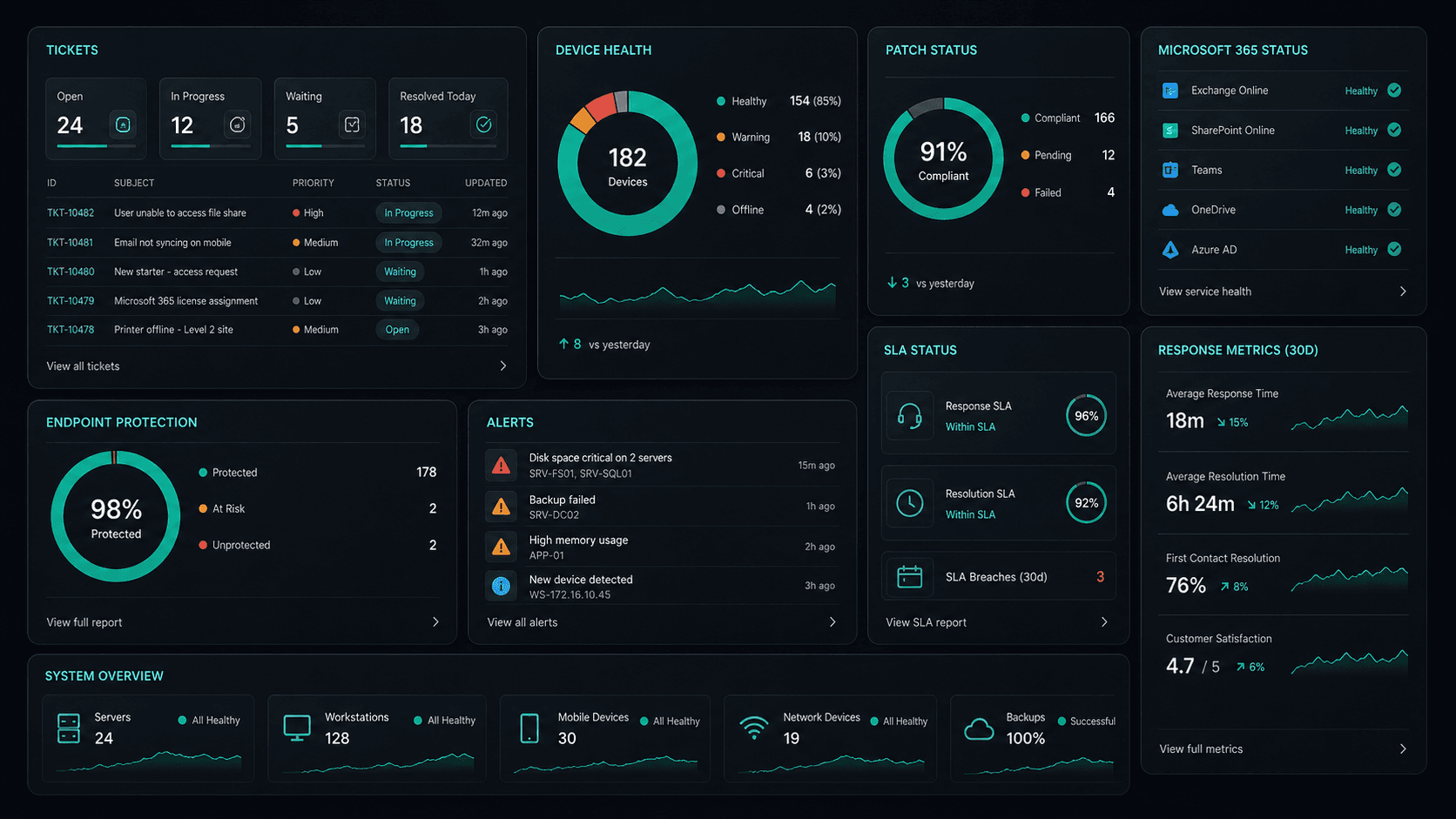
Microsoft 365 Management
Full lifecycle management of Exchange, Teams, SharePoint, and OneDrive — deployment, security, and optimisation.
Azure Cloud Infrastructure
Design, deploy, and manage Azure environments tailored to your workloads — VMs, networking, and storage.
Zero-Downtime Migrations
Move from on-prem or legacy cloud to Microsoft 365 and Azure with zero disruption to your team.
Cloud Security & Compliance
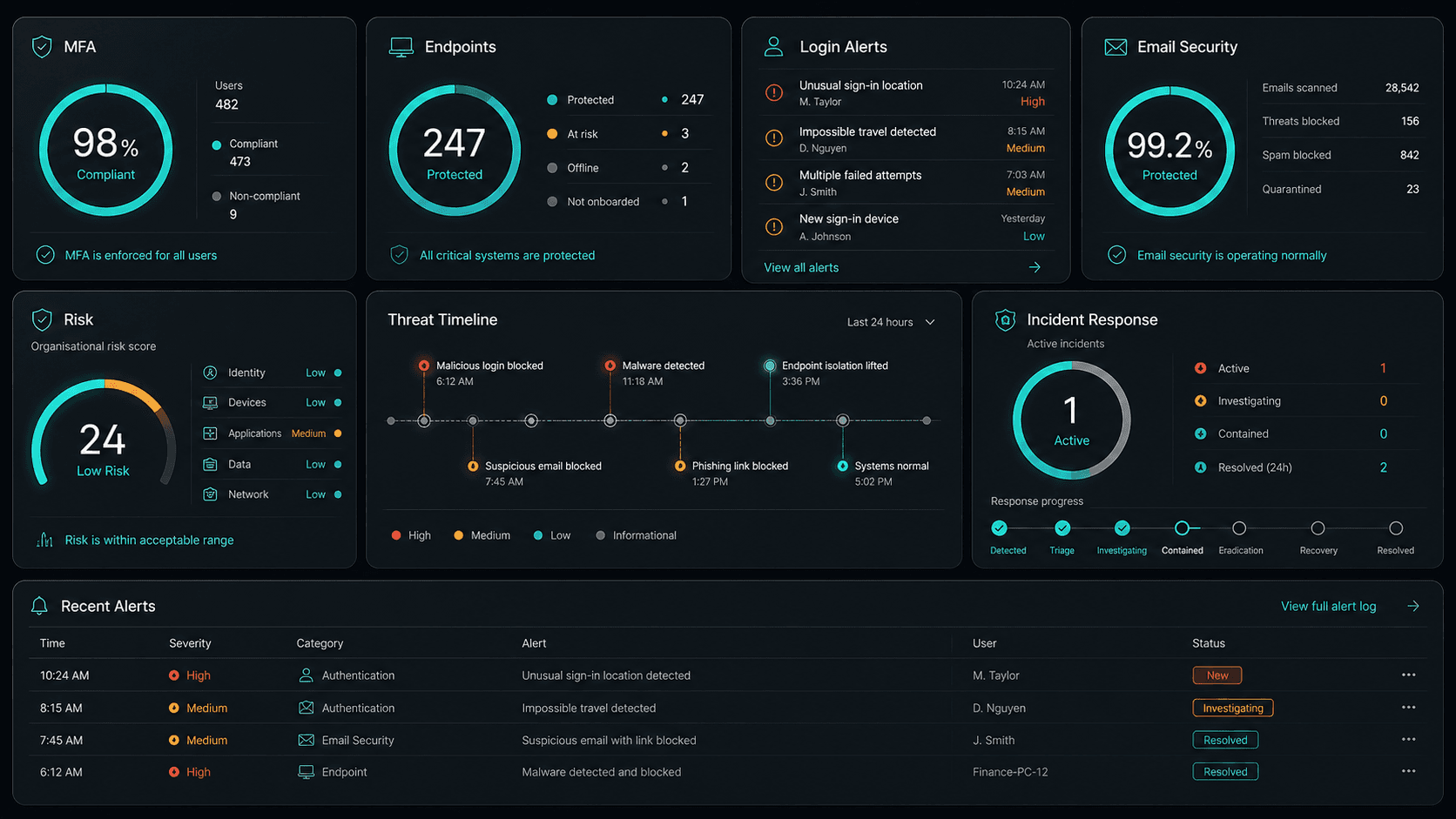
Entra ID, conditional access, Defender, and MFA — enterprise security configured for your environment.
Service detail
Your entire cloud, one team
Licence management, user provisioning, Teams, SharePoint, Exchange, and Intune — your entire Microsoft ecosystem managed.
Virtual machines, storage, networking, and Azure AD — designed, deployed, and maintained to best-practice standards.
Lift-and-shift or full re-architect migrations from on-premise to Azure or Microsoft 365 — zero downtime, fully tested.
EC2, S3, RDS, Lambda, and CloudFront — multi-cloud architectures built for performance, cost, and compliance.
Defender for Cloud, conditional access, MFA, and Entra ID — enterprise security posture maintained across your cloud estate.
Automated cloud backup with point-in-time restore. DR runbooks tested annually — RTO and RPO targets met.
Monthly licence and resource reviews to eliminate waste — reserved instances, right-sizing, and savings plan recommendations.
Uptime, performance, and security alerts across your cloud — issues detected and actioned before they impact the business.
Why OnIT
Everything in one cloud service
One provider. One invoice. Microsoft 365, Azure, migrations, and security — all managed.
Full cloud visibility
Monitor licences, usage, and spend across your Microsoft cloud — with monthly reviews to optimise costs.
Microsoft cloud specialists
Microsoft 365, Azure, Exchange, Teams, SharePoint, Entra ID — your entire Microsoft ecosystem, fully managed.









Sydney-based cloud team
Local cloud engineers across Greater Sydney. On-site workshops, remote support, and 24/7 monitoring.
Cloud security baseline
Defender, MFA, conditional access, and Entra ID — enterprise security configured and maintained by our team.











Technology Ecosystem
Powered by Enterprise Technology
A constellation of best-in-class platforms, deployed and managed as one seamless service.
Service Breakdown
What's inside your plan
Click any card to see exactly what's included in each service area.

Cloud Solutions that scales from 5 to 200 seats, across every Inner City business.
Why OnIT Solutions
Your Ultimo business, without the overhead.
Serving Ultimo (2007) and the broader Inner City area — our Sydney-based engineers understand the Inner City business community and are reachable when you need them. Whether you're a 5-person team or a growing operation with 200 seats, we scale cloud solutions to fit.
By the numbers
Measurable outcomes, guaranteed in writing
No surprise invoices. No waiting on hold. No different technician every time you call.
At a Glance
Included in your plan
Got questions?
Frequently asked questions
Also serving nearby
Cloud Solutions across Inner City
Explore further
Related services for Ultimo
Cybersecurity
Threat monitoring, Essential Eight compliance, and endpoint detection — keeping your business secure around the clock.
IT Support Sydney
On-demand helpdesk and on-site support for your team. Fast response, local engineers, no lock-in contracts.
AI Automation
Workflow automation, AI chatbots and voice agents that reduce admin and free your team to focus on growth.

Get started
Ready for better Cloud Solutions
in Ultimo?
Book a free cloud solutions assessment with one of our Sydney-based engineers serving Ultimo and Inner City. No lock-in, no obligation.
No lock-in contracts · Sydney-based engineers · Same-day response