Cloud Solutions · Ingleburn
Cloud Solutions Ingleburn: Plan a Migration You Can Verify
A cloud migration needs more than a successful upload. Map what people use, how they gain access and what must be recoverable before changing your business systems.
No lock-in · Sydney-based engineers · Response <4h

<4h
Response SLA
Priority response in Ingleburn
99.9%
Uptime Target
SLA-backed availability
0
Lock-In Contracts
Cancel anytime, no penalties
100%
Australian Team
Local engineers, no offshore
Technology partners and platforms we work with







What we deliver
Cloud Solutions that works while you do.
Everything your Ingleburn business needs — managed as one seamless service with a fixed monthly price and guaranteed response times.

Last updated: 12 October 2026
Start with the work that must survive the move
Moving a folder or purchasing a cloud subscription is only one part of changing a business environment. Your team still needs to open its applications, find the correct documents and complete customer work after the move. Cloud solutions for an Ingleburn business should therefore begin with a practical dependency map. OnIT Solutions offers Microsoft 365 deployment and management, cloud infrastructure, migration assistance and recovery planning. Describe the working tasks you need supported before choosing a platform or assuming that every existing application can move in the same way.
List the information being moved, its current location, the people who use it and the application that creates or changes it. Include shared mailboxes, specialist databases, local files and integrations that run without anyone opening a window. Record who owns each system and which supplier can answer technical questions. A dependency that seems minor during discovery can stop a workflow at cutover. The purpose of the inventory is to expose those relationships while there is still time to test them and agree a suitable approach.
Decide how identity and permissions will work
A migration can preserve files while changing who can access them. Establish which business identities should be used, how access is approved and who administers the destination. Review shared folders and external collaborators deliberately instead of copying every historic permission without examination. Moving data should not become an excuse to broaden access because the original structure is difficult to understand. Ask for the proposed permission model to be explained through the roles in your business, with sensitive information and temporary access considered separately.
Authentication also needs a transition plan. Staff may have existing personal accounts, multiple work identities or applications connected to an older sign-in system. Identify these cases before the change. Explain how employees will receive instructions and obtain help if the expected account does not work. Keep passwords and authentication codes out of migration spreadsheets. A small pilot group can test the intended sign-in and document access experience without exposing the entire team to an unproven configuration or making assumptions about every person's devices.

Test documents and applications as working processes
Choose representative examples rather than judging success by the number of files copied. A spreadsheet may depend on linked files, a database may require a particular connection and a scanner may deliver documents to a fixed location. Ask users to describe these dependencies and nominate appropriate test material. The assessment should distinguish ordinary document collaboration from a specialist application that needs its vendor's involvement. A cloud platform that supports one use case well is not automatically a suitable replacement for every existing server or storage arrangement.
For each important workflow, record the starting condition, the task to perform and the expected result. Check authorised access, saving changes, finding the current copy and any relevant integration. Note what has not been tested as clearly as what passed. A pilot should expose operational questions, such as whether remote staff can work with the approved connection or whether a supplier needs adjusted permissions. Resolve those questions before making the new system the only available route for time-sensitive work.
Agree cutover and recovery as separate decisions
A cutover plan should identify the change window, the responsible people and the conditions that allow the move to proceed. Decide when users stop editing the old location and how any final changes will be reconciled. Communicate where staff should work during the transition and which channel they should use for problems. Discuss possible interruption openly. No migration should be treated as automatically free of downtime simply because the destination is cloud hosted or because an earlier test completed successfully.
Recovery planning asks a different question: what happens if information is lost, access fails or a change produces an unacceptable result? Define which data is protected, which restoration options apply and how they will be checked. Synchronisation, version history and a separate backup can have different purposes and limits. Ask for those distinctions in the agreed scope. Establish a rollback decision point where appropriate, while recognising that changes made in a new system may need reconciliation rather than a simple return to the previous state.

Hand over an environment someone can maintain
After the migration, assign responsibility for accounts, licences, protection and support. Review the subscriptions and old services that should remain, change or be retired only after their dependencies are understood. Keep a record of the destination, permissions and business owners so future staff changes do not require rediscovering the project. An acceptance meeting should cover actual user tasks and unresolved items. The cloud environment needs an operating owner after delivery, rather than a project completion message that leaves recurring administration unexplained.
For an Ingleburn cloud discussion, bring the user and device count, current platforms, important workflows and any supplier restrictions. Use OnIT's cloud solutions service to discuss the migration scope; consider managed IT when ongoing administration is also needed. Ask which evidence will support acceptance, what limitations remain and how help will be arranged after cutover. A useful proposal connects the business requirement to a tested working outcome instead of treating the location of the data as the outcome itself.
Quick Facts
“For Ingleburn businesses, cloud solutions isn't just about keeping things running — it's about building a technology foundation that drives growth across South West Sydney.”
— OnIT Solutions, South West Sydney
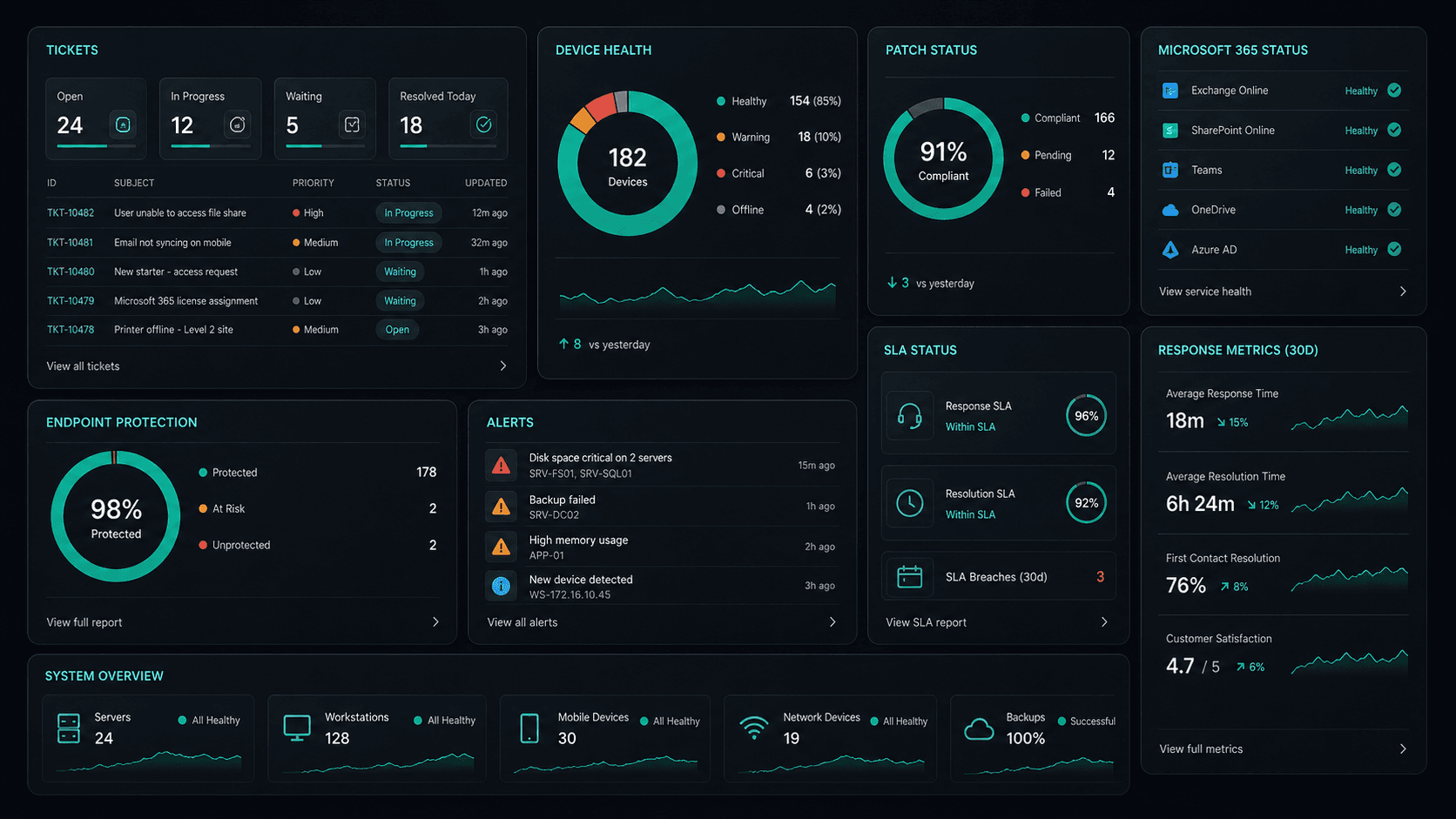
What's included
Cloud Solutions in Ingleburn. One team.
Microsoft 365 Management
Full lifecycle management of Exchange, Teams, SharePoint, and OneDrive — deployment, security, and optimisation.
Azure Cloud Infrastructure
Design, deploy, and manage Azure environments tailored to your workloads — VMs, networking, and storage.
Zero-Downtime Migrations
Move from on-prem or legacy cloud to Microsoft 365 and Azure with zero disruption to your team.
Cloud Security & Compliance
Entra ID, conditional access, Defender, and MFA — enterprise security configured for your environment.
Service detail
Your entire cloud, one team
Licence management, user provisioning, Teams, SharePoint, Exchange, and Intune — your entire Microsoft ecosystem managed.
Virtual machines, storage, networking, and Azure AD — designed, deployed, and maintained to best-practice standards.
Lift-and-shift or full re-architect migrations from on-premise to Azure or Microsoft 365 — zero downtime, fully tested.
EC2, S3, RDS, Lambda, and CloudFront — multi-cloud architectures built for performance, cost, and compliance.
Defender for Cloud, conditional access, MFA, and Entra ID — enterprise security posture maintained across your cloud estate.
Automated cloud backup with point-in-time restore. DR runbooks tested annually — RTO and RPO targets met.
Monthly licence and resource reviews to eliminate waste — reserved instances, right-sizing, and savings plan recommendations.
Uptime, performance, and security alerts across your cloud — issues detected and actioned before they impact the business.
Why OnIT
Everything in one cloud service
One provider. One invoice. Microsoft 365, Azure, migrations, and security — all managed.
Full cloud visibility
Monitor licences, usage, and spend across your Microsoft cloud — with monthly reviews to optimise costs.
Microsoft cloud specialists
Microsoft 365, Azure, Exchange, Teams, SharePoint, Entra ID — your entire Microsoft ecosystem, fully managed.









Sydney-based cloud team
Local cloud engineers across Greater Sydney. On-site workshops, remote support, and 24/7 monitoring.
Cloud security baseline
Defender, MFA, conditional access, and Entra ID — enterprise security configured and maintained by our team.
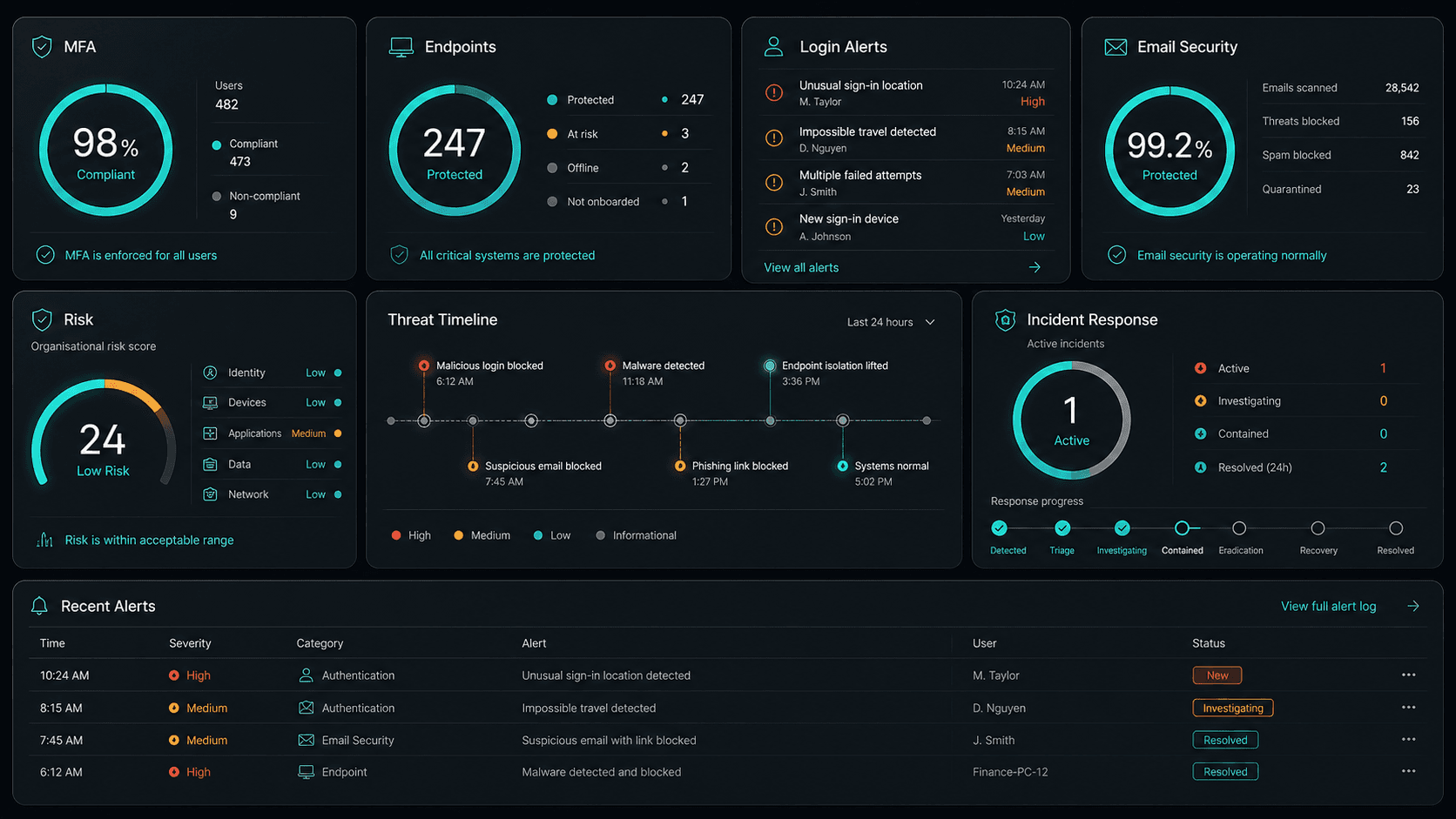











Technology Ecosystem
Powered by Enterprise Technology
A constellation of best-in-class platforms, deployed and managed as one seamless service.
Service Breakdown
What's inside your plan
Click any card to see exactly what's included in each service area.

Cloud Solutions that scales from 5 to 200 seats, across every South West Sydney business.
Why OnIT Solutions
Your Ingleburn business, without the overhead.
Serving Ingleburn (2565) and the broader South West Sydney area — our Sydney-based engineers understand the South West Sydney business community and are reachable when you need them. Whether you're a 5-person team or a growing operation with 200 seats, we scale cloud solutions to fit.
By the numbers
Measurable outcomes, guaranteed in writing
No surprise invoices. No waiting on hold. No different technician every time you call.
At a Glance
Included in your plan
Got questions?
Frequently asked questions
Also serving nearby
Cloud Solutions across South West Sydney
Explore further
Related services for Ingleburn
Cybersecurity
Threat monitoring, Essential Eight compliance, and endpoint detection — keeping your business secure around the clock.
IT Support Sydney
On-demand helpdesk and on-site support for your team. Fast response, local engineers, no lock-in contracts.
AI Automation
Workflow automation, AI chatbots and voice agents that reduce admin and free your team to focus on growth.

Get started
Ready for better Cloud Solutions
in Ingleburn?
Book a free cloud solutions assessment with one of our Sydney-based engineers serving Ingleburn and South West Sydney. No lock-in, no obligation.
No lock-in contracts · Sydney-based engineers · Same-day response