Cloud Solutions · Greenacre
Cloud Solutions Greenacre: Map Applications and Dependencies
Find the cloud applications and hidden connections your business depends on. Build an inventory that supports migration decisions, support triage and accountable ownership.
No lock-in · Sydney-based engineers · Response <4h

<4h
Response SLA
Priority response in Greenacre
99.9%
Uptime Target
SLA-backed availability
0
Lock-In Contracts
Cancel anytime, no penalties
100%
Australian Team
Local engineers, no offshore
Technology partners and platforms we work with







What we deliver
Cloud Solutions that works while you do.
Everything your Greenacre business needs — managed as one seamless service with a fixed monthly price and guaranteed response times.

Last updated: 12 October 2026
Use business activities to discover the application estate
A subscription list rarely shows the full cloud environment. A Greenacre business may have applications purchased by different teams, services included with another contract and small tools connected to important records. Start discovery with business activities: receiving work, preparing documents, approving decisions and communicating results. Ask which applications support each activity. OnIT's cloud services include migration and ongoing management, and a clear inventory helps identify what must be assessed before either kind of work begins.
Interview the people who perform the activities as well as the person who pays the bills. A tool used once a month may still be essential at a particular deadline. Record its name, purpose and business owner without collecting passwords. Distinguish an active service from an old trial or a bookmarked login nobody uses. Where the answer is uncertain, assign someone to verify usage rather than treating an unfamiliar application as either disposable or automatically critical.
Connect each service to an accountable owner
For every application, identify who can explain its business purpose, approve changes and contact the supplier. These roles may sit with different people. Include the subscription contact and the person who administers users. A service with no current owner needs attention even if it is technically functioning. Without an approval route, routine questions about licences, exports or access can become a long search through old emails when an urgent decision is needed.
Record supporting evidence such as an agreement reference, administration portal or supplier support route. Mark whether access has been verified and when the record was checked. Keep confidential commercial material in the appropriate controlled location and link to it rather than duplicating it widely. The inventory should be usable by a manager and a support engineer for different purposes. Plain descriptions of what the service does help prevent technical names from hiding its actual business importance.

Draw the data paths between applications
Ask where each service receives its information and where it sends results. Include manual exports, emailed spreadsheets and background integrations. Record the direction of transfer and the information involved. A line between two application names is not enough if nobody knows whether it carries customer records, documents or status updates. Identify which system is authoritative for the shared data. That decision matters when a migration or incident produces different versions in different places.
For automated paths, find the integration owner, credential ownership and failure notification route. Avoid putting tokens or secrets into the inventory. Note dependencies on a particular user's account or device, as these can be disrupted by departures and replacement hardware. Ask how staff notice a failed transfer and what they do next. A connection that quietly stops for days creates a different operating risk from one that immediately prevents users from finishing their work.
Record identity and recovery relationships
Determine how people sign in to each application and where account changes are managed. Some services may use the main business identity while others have independent accounts. Include administrative recovery contacts and the authority needed to request supplier help. A change to the central identity platform can affect more applications than the migration team initially expects. The inventory should make that reach visible so a proposed change can be checked against actual dependencies.
Ask where important data can be recovered from and what evidence supports the answer. A supplier's normal availability, a user export and a separate backup are different arrangements. Record any untested recovery assumptions. If the application holds business-critical data but no one knows how to export or restore it, flag that as a decision for the owner. The inventory is not complete merely because every row has a product name and a renewal date.

Validate the map with a real change scenario
Choose a realistic scenario such as replacing a staff member's account or moving a shared document store. Follow the proposed change through the inventory. Which applications would need review, which connections might fail and who would authorise corrections? Ask the relevant owners to confirm the path. This exercise reveals missing links more effectively than asking everyone whether the spreadsheet looks complete. Keep uncertain effects as open questions until evidence or supplier advice resolves them.
Use the result to prioritise the next assessment. An application with a clear owner and few dependencies may be straightforward to manage, while an undocumented service linking several workstreams may need deeper investigation. Do not turn the inventory into a migration commitment before compatibility and commercial questions are answered. Record the difference between known facts, owner statements and assumptions. That distinction makes the map useful for planning rather than a false impression that every risk has already been resolved.
Maintain a Greenacre application register that stays useful
Bring your known subscriptions, supplier contacts and a sample of the workflows that cross between services. Discuss discovery through OnIT's cloud solutions service and decide which teams need to participate. Ask for the register format and validation method in the scope. A focused discovery engagement should leave the business able to identify service ownership and change impact, rather than simply producing a long catalogue that cannot answer a practical operating question.
Agree how new purchases, integrations and retirements update the register. If ongoing managed IT includes this work, define the approval and review responsibilities. Your Greenacre business should keep one maintained map with links to protected technical records, clear owners and dates of verification. Review it when major changes occur, and use it during support triage. The register then becomes an everyday decision aid instead of an archive that becomes stale immediately after a project ends.
Quick Facts
“For Greenacre businesses, cloud solutions isn't just about keeping things running — it's about building a technology foundation that drives growth across South West Sydney.”
— OnIT Solutions, South West Sydney
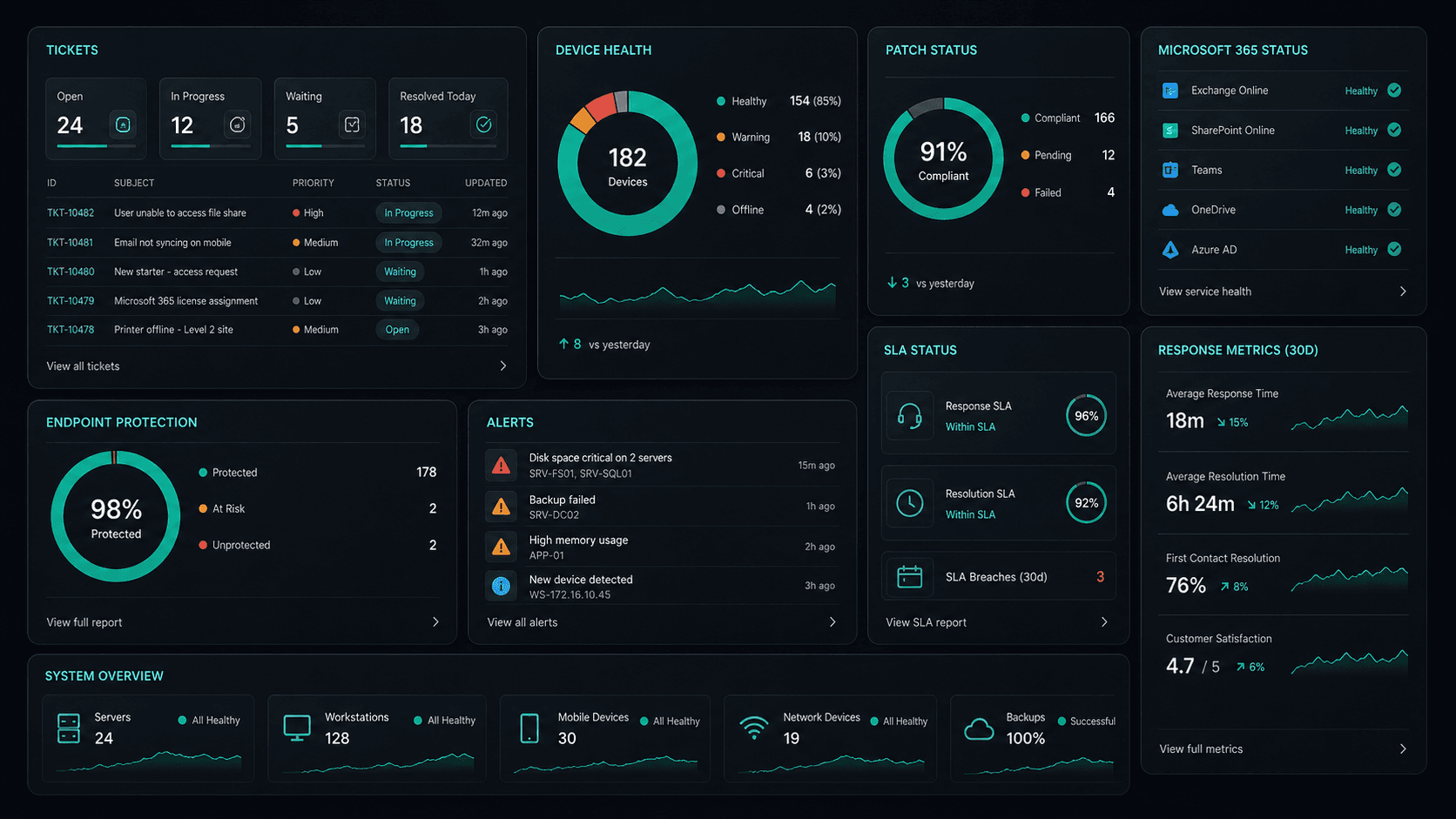
What's included
Cloud Solutions in Greenacre. One team.
Microsoft 365 Management
Full lifecycle management of Exchange, Teams, SharePoint, and OneDrive — deployment, security, and optimisation.
Azure Cloud Infrastructure
Design, deploy, and manage Azure environments tailored to your workloads — VMs, networking, and storage.
Zero-Downtime Migrations
Move from on-prem or legacy cloud to Microsoft 365 and Azure with zero disruption to your team.
Cloud Security & Compliance
Entra ID, conditional access, Defender, and MFA — enterprise security configured for your environment.
Service detail
Your entire cloud, one team
Licence management, user provisioning, Teams, SharePoint, Exchange, and Intune — your entire Microsoft ecosystem managed.
Virtual machines, storage, networking, and Azure AD — designed, deployed, and maintained to best-practice standards.
Lift-and-shift or full re-architect migrations from on-premise to Azure or Microsoft 365 — zero downtime, fully tested.
EC2, S3, RDS, Lambda, and CloudFront — multi-cloud architectures built for performance, cost, and compliance.
Defender for Cloud, conditional access, MFA, and Entra ID — enterprise security posture maintained across your cloud estate.
Automated cloud backup with point-in-time restore. DR runbooks tested annually — RTO and RPO targets met.
Monthly licence and resource reviews to eliminate waste — reserved instances, right-sizing, and savings plan recommendations.
Uptime, performance, and security alerts across your cloud — issues detected and actioned before they impact the business.
Why OnIT
Everything in one cloud service
One provider. One invoice. Microsoft 365, Azure, migrations, and security — all managed.
Full cloud visibility
Monitor licences, usage, and spend across your Microsoft cloud — with monthly reviews to optimise costs.
Microsoft cloud specialists
Microsoft 365, Azure, Exchange, Teams, SharePoint, Entra ID — your entire Microsoft ecosystem, fully managed.









Sydney-based cloud team
Local cloud engineers across Greater Sydney. On-site workshops, remote support, and 24/7 monitoring.
Cloud security baseline
Defender, MFA, conditional access, and Entra ID — enterprise security configured and maintained by our team.
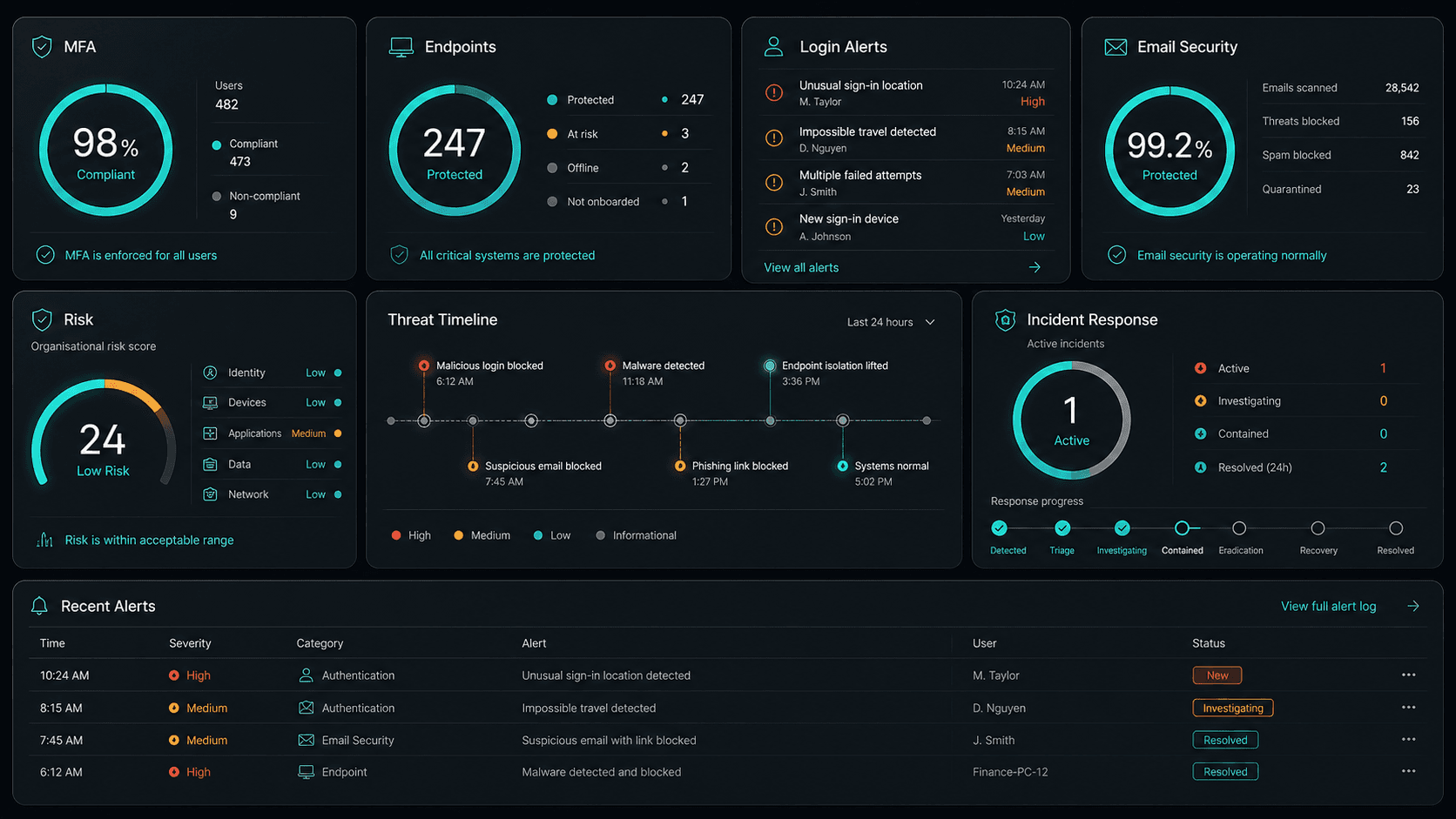











Technology Ecosystem
Powered by Enterprise Technology
A constellation of best-in-class platforms, deployed and managed as one seamless service.
Service Breakdown
What's inside your plan
Click any card to see exactly what's included in each service area.

Cloud Solutions that scales from 5 to 200 seats, across every South West Sydney business.
Why OnIT Solutions
Your Greenacre business, without the overhead.
Serving Greenacre (2190) and the broader South West Sydney area — our Sydney-based engineers understand the South West Sydney business community and are reachable when you need them. Whether you're a 5-person team or a growing operation with 200 seats, we scale cloud solutions to fit.
By the numbers
Measurable outcomes, guaranteed in writing
No surprise invoices. No waiting on hold. No different technician every time you call.
At a Glance
Included in your plan
Got questions?
Frequently asked questions
Also serving nearby
Cloud Solutions across South West Sydney
Explore further
Related services for Greenacre
Cybersecurity
Threat monitoring, Essential Eight compliance, and endpoint detection — keeping your business secure around the clock.
IT Support Sydney
On-demand helpdesk and on-site support for your team. Fast response, local engineers, no lock-in contracts.
AI Automation
Workflow automation, AI chatbots and voice agents that reduce admin and free your team to focus on growth.

Get started
Ready for better Cloud Solutions
in Greenacre?
Book a free cloud solutions assessment with one of our Sydney-based engineers serving Greenacre and South West Sydney. No lock-in, no obligation.
No lock-in contracts · Sydney-based engineers · Same-day response