Cloud Solutions · Fairfield
Cloud Solutions Fairfield: Test the Browser Journey Staff Use
A cloud application working in one browser session does not prove every staff journey is ready. Test the actual account, task and supporting browser conditions before accepting the rollout.
No lock-in · Sydney-based engineers · Response <4h

<4h
Response SLA
Priority response in Fairfield
99.9%
Uptime Target
SLA-backed availability
0
Lock-In Contracts
Cancel anytime, no penalties
100%
Australian Team
Local engineers, no offshore
Technology partners and platforms we work with







What we deliver
Cloud Solutions that works while you do.
Everything your Fairfield business needs — managed as one seamless service with a fixed monthly price and guaranteed response times.

Last updated: 2 November 2026
Choose business tasks before choosing test browsers
A Fairfield business accepting a cloud workflow should identify the work staff must complete in their browser. Reading a document, joining a meeting and submitting information to another application can depend on different behaviours. OnIT Solutions provides cloud management and Microsoft 365 administration. Begin with representative tasks, intended users and devices in scope. A request to test the cloud on every browser is difficult to accept meaningfully. Define an appropriate supported scope instead of treating one technician's successful session as evidence for all staff conditions.
Record the browser and application arrangements staff use, including supplier-supported requirements relevant to the task. The implementer should verify current support information for the selected services rather than assume every feature behaves identically everywhere. Keep unsupported or unverified environments visible in the plan. A difference does not automatically mean the user made an error or that another browser is always the answer. The useful question is whether the workflow can be operated through an agreed arrangement with its limitations understood.
Make account and session context part of the test
Identify which business account should perform each action and how staff recognise it. A browser can retain several identities, and a link may open using a session unrelated to the intended organisation. Test the sign-in path with authorised representative accounts. An administrator's existing session may conceal a permission or account-selection step that an ordinary user encounters. Record the observed route without collecting authentication secrets. The evidence should explain whose access was tested and what it demonstrates, rather than merely recording that the page loaded.
Consider shared devices and separate browser profiles where they form part of the arrangement. A profile name does not establish the user's authority or the information boundary between sessions. Review the configuration and show staff the agreed way to begin and end work. Include a route for an unexpected account prompt instead of encouraging users to try every remembered login. Clear session context helps distinguish a browser issue from an identity or permission problem, reducing the risk of troubleshooting broadening access unnecessarily.

Account for browser conditions without making speculative changes
Document relevant conditions such as approved extensions, content controls and supplier-managed settings within the test scope. These may affect a workflow, but their presence alone does not prove a failure's cause. Compare observed behaviour through an authorised troubleshooting plan. Avoid disabling protective controls indiscriminately to make a test pass. Any proposed change should have an owner, a reason and approval appropriate to its effect. If another team administers the browser environment, include its evidence and responsibilities in the assessment.
Keep external dependencies visible. File downloads, notifications, printing or an embedded service can involve another application or policy boundary. A test stopping at the first screen may miss the stage staff actually need. Identify which components are included and which require separate investigation. Do not describe an incomplete supplier setup as an accepted application limitation without confirming the facts. A clear scope helps the business distinguish a supported operating arrangement from a temporary workaround that happened to succeed during a demonstration.
Exercise complete tasks and useful failure scenarios
Run the selected journeys using prepared, authorised examples. Verify the final business result, such as the saved document, accepted submission or usable meeting connection. Compare meaningful outcomes across the environments in scope rather than expecting every visual detail to be identical. Record browser, account context and observations when a difference occurs. A screenshot can assist, but should not expose unrelated records. The acceptance record should let another responder understand and repeat the test without reconstructing an informal sequence of clicks.
Include a failed sign-in, interrupted action or mistaken account choice where appropriate. Show how the user can recover without duplicating a consequential operation. Check destination state before repeating an uncertain submission. If a task works only through a particular supported route, explain its practical effect to the business owner. Keep unresolved cases separate from successful ones. Passing examples should not be presented as proof that every device, extension or future application change will preserve the same behaviour indefinitely.

Maintain the supported arrangement after acceptance
Give staff concise instructions and a support route for differences they encounter. Identify who maintains the tested environment list and reviews relevant application or browser changes. Keep representative tasks available for later checks without retaining unnecessary sensitive test material. A new extension or account arrangement may need review even if the main cloud service has not changed. The aim is a maintainable boundary, not an exhaustive promise to verify every combination. Review exceptions based on their effect on the work people must perform.
For cloud browser acceptance in Fairfield, bring intended workflows and environment owners to OnIT's cloud support service. Discuss related device troubleshooting where the setup requires investigation. Ask for an agreed scope, repeatable task evidence and clear handling of unsupported cases. Completion should mean staff can carry out selected cloud work through a known route, with differences explained, rather than a broad compatibility claim based on a page opening successfully in one familiar browser.
Quick Facts
“For Fairfield businesses, cloud solutions isn't just about keeping things running — it's about building a technology foundation that drives growth across Western Sydney.”
— OnIT Solutions, Western Sydney
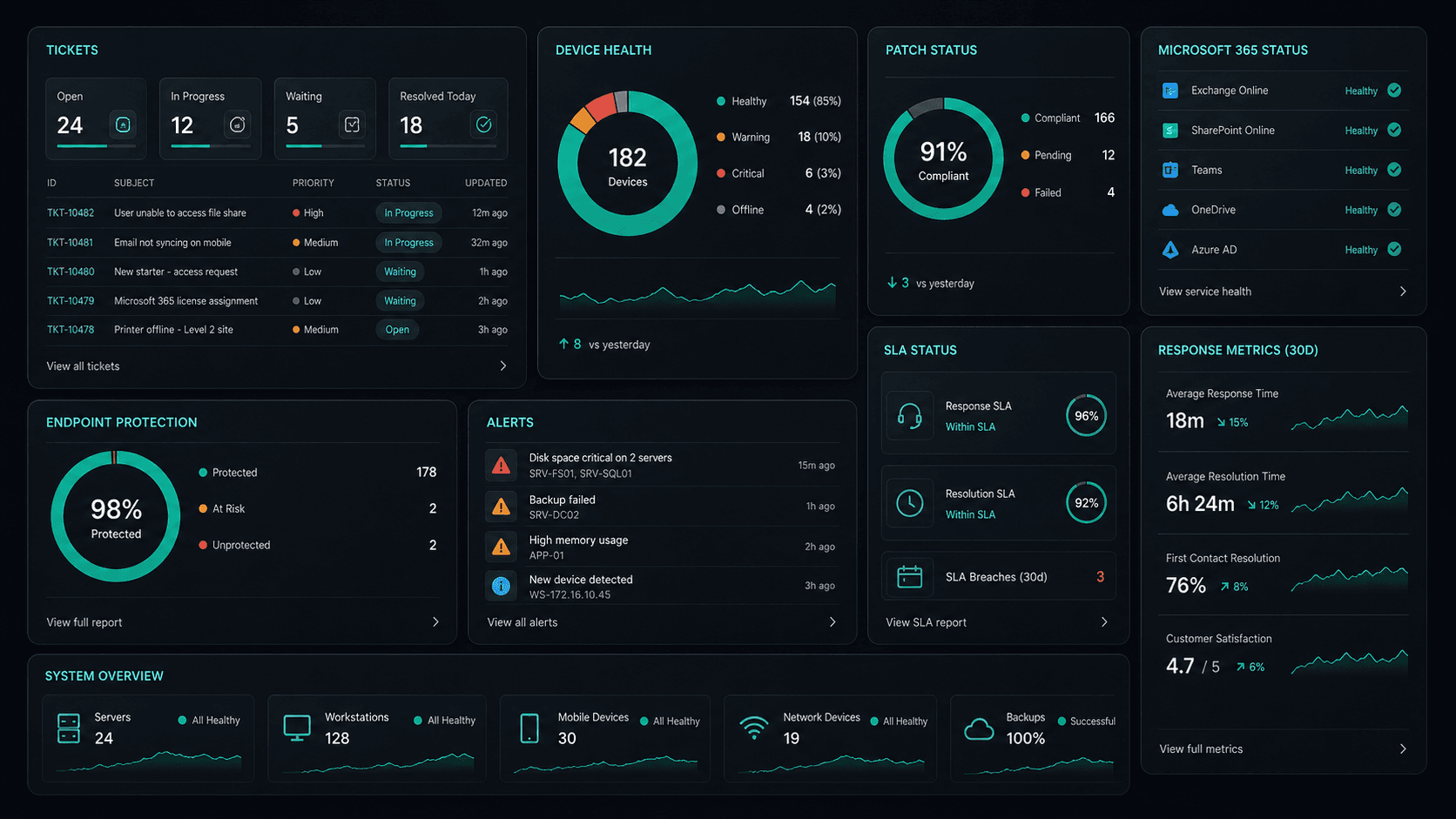
What's included
Cloud Solutions in Fairfield. One team.
Microsoft 365 Management
Full lifecycle management of Exchange, Teams, SharePoint, and OneDrive — deployment, security, and optimisation.
Azure Cloud Infrastructure
Design, deploy, and manage Azure environments tailored to your workloads — VMs, networking, and storage.
Zero-Downtime Migrations
Move from on-prem or legacy cloud to Microsoft 365 and Azure with zero disruption to your team.
Cloud Security & Compliance
Entra ID, conditional access, Defender, and MFA — enterprise security configured for your environment.
Service detail
Your entire cloud, one team
Licence management, user provisioning, Teams, SharePoint, Exchange, and Intune — your entire Microsoft ecosystem managed.
Virtual machines, storage, networking, and Azure AD — designed, deployed, and maintained to best-practice standards.
Lift-and-shift or full re-architect migrations from on-premise to Azure or Microsoft 365 — zero downtime, fully tested.
EC2, S3, RDS, Lambda, and CloudFront — multi-cloud architectures built for performance, cost, and compliance.
Defender for Cloud, conditional access, MFA, and Entra ID — enterprise security posture maintained across your cloud estate.
Automated cloud backup with point-in-time restore. DR runbooks tested annually — RTO and RPO targets met.
Monthly licence and resource reviews to eliminate waste — reserved instances, right-sizing, and savings plan recommendations.
Uptime, performance, and security alerts across your cloud — issues detected and actioned before they impact the business.
Why OnIT
Everything in one cloud service
One provider. One invoice. Microsoft 365, Azure, migrations, and security — all managed.
Full cloud visibility
Monitor licences, usage, and spend across your Microsoft cloud — with monthly reviews to optimise costs.
Microsoft cloud specialists
Microsoft 365, Azure, Exchange, Teams, SharePoint, Entra ID — your entire Microsoft ecosystem, fully managed.









Sydney-based cloud team
Local cloud engineers across Greater Sydney. On-site workshops, remote support, and 24/7 monitoring.
Cloud security baseline
Defender, MFA, conditional access, and Entra ID — enterprise security configured and maintained by our team.
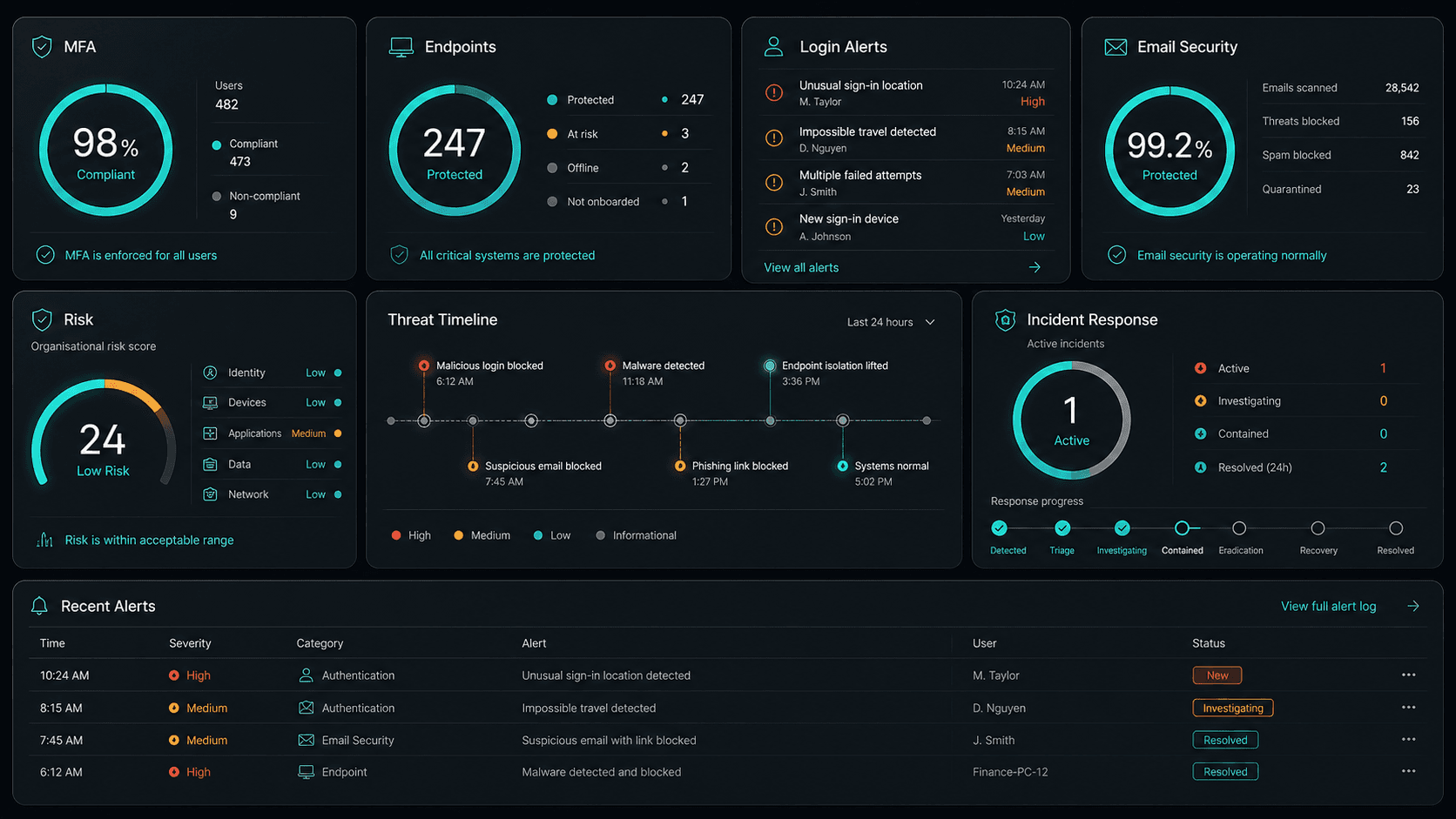











Technology Ecosystem
Powered by Enterprise Technology
A constellation of best-in-class platforms, deployed and managed as one seamless service.
Service Breakdown
What's inside your plan
Click any card to see exactly what's included in each service area.

Cloud Solutions that scales from 5 to 200 seats, across every Western Sydney business.
Why OnIT Solutions
Your Fairfield business, without the overhead.
Serving Fairfield (2165) and the broader Western Sydney area — our Sydney-based engineers understand the Western Sydney business community and are reachable when you need them. Whether you're a 5-person team or a growing operation with 200 seats, we scale cloud solutions to fit.
By the numbers
Measurable outcomes, guaranteed in writing
No surprise invoices. No waiting on hold. No different technician every time you call.
At a Glance
Included in your plan
Got questions?
Frequently asked questions
Also serving nearby
Cloud Solutions across Western Sydney
Explore further
Related services for Fairfield
Cybersecurity
Threat monitoring, Essential Eight compliance, and endpoint detection — keeping your business secure around the clock.
IT Support Sydney
On-demand helpdesk and on-site support for your team. Fast response, local engineers, no lock-in contracts.
AI Automation
Workflow automation, AI chatbots and voice agents that reduce admin and free your team to focus on growth.

Get started
Ready for better Cloud Solutions
in Fairfield?
Book a free cloud solutions assessment with one of our Sydney-based engineers serving Fairfield and Western Sydney. No lock-in, no obligation.
No lock-in contracts · Sydney-based engineers · Same-day response