Cloud Solutions · Double Bay
Cloud Solutions Double Bay: Subscription Cost Ownership
Connect cloud costs with the business work and owners behind each subscription. Review duplicated services, renewal decisions and spending authority before making changes.
No lock-in · Sydney-based engineers · Response <4h

<4h
Response SLA
Priority response in Double Bay
99.9%
Uptime Target
SLA-backed availability
0
Lock-In Contracts
Cancel anytime, no penalties
100%
Australian Team
Local engineers, no offshore
Technology partners and platforms we work with







What we deliver
Cloud Solutions that works while you do.
Everything your Double Bay business needs — managed as one seamless service with a fixed monthly price and guaranteed response times.

Last updated: 12 October 2026
Make every cloud bill explain a business purpose
Cloud spending can spread across departments, cards and suppliers before anyone has a complete view. For a Double Bay business, begin by connecting each subscription with the work it supports and the person who can justify it. OnIT's cloud services include spend reviews and cost optimisation. A useful review makes responsibility visible, rather than merely sorting invoices by amount. The business should be able to explain why a service exists and who decides whether it continues.
Collect the known subscriptions and ask team managers about services purchased outside central IT. Include small tools, add-ons and services bundled into broader agreements. Record uncertain items for investigation without publishing sensitive payment details. A modest charge can support an important process, while a larger bill may include several capabilities with different owners. The first goal is a reliable cost map, not an immediate judgement that every unfamiliar item is unnecessary.
Separate the payer, user and decision-maker
The person whose card is charged may not know who uses the service or why. Identify the commercial owner, business user group and technical administrator for each subscription. Note who receives renewal notices and who can approve changes. If those roles are unclear, assign them before the next decision point. This reduces the risk that a renewal happens by default because the only person receiving the notice believes somebody else is responsible for assessing it.
Record the purchasing channel and current agreement reference. Ask the relevant supplier about change timing and any commitments that affect the options. Do not assume all cloud charges can be stopped immediately or that reducing visible users changes the next bill. Keep commercial terms in their protected location and summarise the practical decision dates. The review should support an authorised action, with enough evidence to understand its effect, rather than a list of recommendations disconnected from the purchase arrangement.

Investigate overlapping tools through actual workflows
Two services with similar names or features are not necessarily duplicates. Ask users what work each performs and which integrations or records depend on it. Compare the intended outcomes, not just the supplier categories. A team may be using one tool because it supports a specific customer requirement that another does not meet. Equally, an old trial may have become a paid subscription even though the business now uses another platform for the same work.
For a proposed consolidation, identify the destination process and test a representative task. Include the data transfer, access and training needed to stop using the other service. Estimate transition effort through the actual scope rather than assuming cancellation is the only action. Record any remaining gap the business is willing to accept. This makes the cost decision reviewable and helps avoid shifting spend into manual work, unsupported workarounds or another unplanned subscription.
Distinguish predictable subscriptions from changing consumption
Some cloud spending relates to assigned users, while other charges depend on resources or use. Ask the technical owner to explain the main cost drivers for the environment in scope. Record what has changed since the previous review and whether it reflects business activity, a new configuration or an unresolved anomaly. Avoid presenting a single month's bill as the complete normal baseline if the organisation has seasonal or project-based work.
Agree who can approve new resources and how unexpected changes are investigated. A spending notification is useful only if someone knows what action to take. Review ownership of idle or unfamiliar resources before changing them, since an apparently quiet component may support recovery or a periodic process. Ask for evidence of dependencies and business need. Right-sizing should be assessed against the required workload and operating constraints, rather than treated as a universal instruction to choose the smallest available option.

Turn recommendations into controlled commercial actions
For each proposed change, record the business reason, affected service, dependency checks, timing and approver. Separate verified opportunities from estimates awaiting supplier information. State the expected invoice effect with its assumptions and arrange a later reconciliation. A technical action completed in a console may not have the same date or effect as a commercial contract change. Keep these checks distinct so the business can see whether the approved decision produced the intended result.
After implementation, confirm that affected users can perform the required tasks and that the cost register reflects the new arrangement. Retain the reason for keeping subscriptions that were reviewed but not changed. This prevents the same investigation being repeated without context. Add a clear purchase approval route for new tools, including a question about existing capability. The aim is proportionate oversight that supports useful services while making future spending decisions easier to understand and challenge.
Prepare a Double Bay cloud spend review
Bring the subscription list, purchasing contacts, recent billing summaries and planned business changes. Discuss the assessment through OnIT's cloud solutions service. Ask for ownership and dependency checks alongside cost recommendations. Include the people who can approve changes so the review can lead to a concrete decision. Keep payment secrets and unnecessary personal information out of the working register; the relevant evidence is the service, agreement and business requirement behind the charge.
For recurring oversight, connect the register to managed IT reviews and the organisation's purchasing process. Your Double Bay business should know which services support its work, who owns renewal decisions and how changes are verified. Revisit the map when staff, applications or cloud resources change. The result is accountable spending with an operating reason for each subscription, rather than a short-lived saving exercise that leaves the business unable to explain its next unexpected invoice.
Quick Facts
“For Double Bay businesses, cloud solutions isn't just about keeping things running — it's about building a technology foundation that drives growth across Eastern Suburbs.”
— OnIT Solutions, Eastern Suburbs
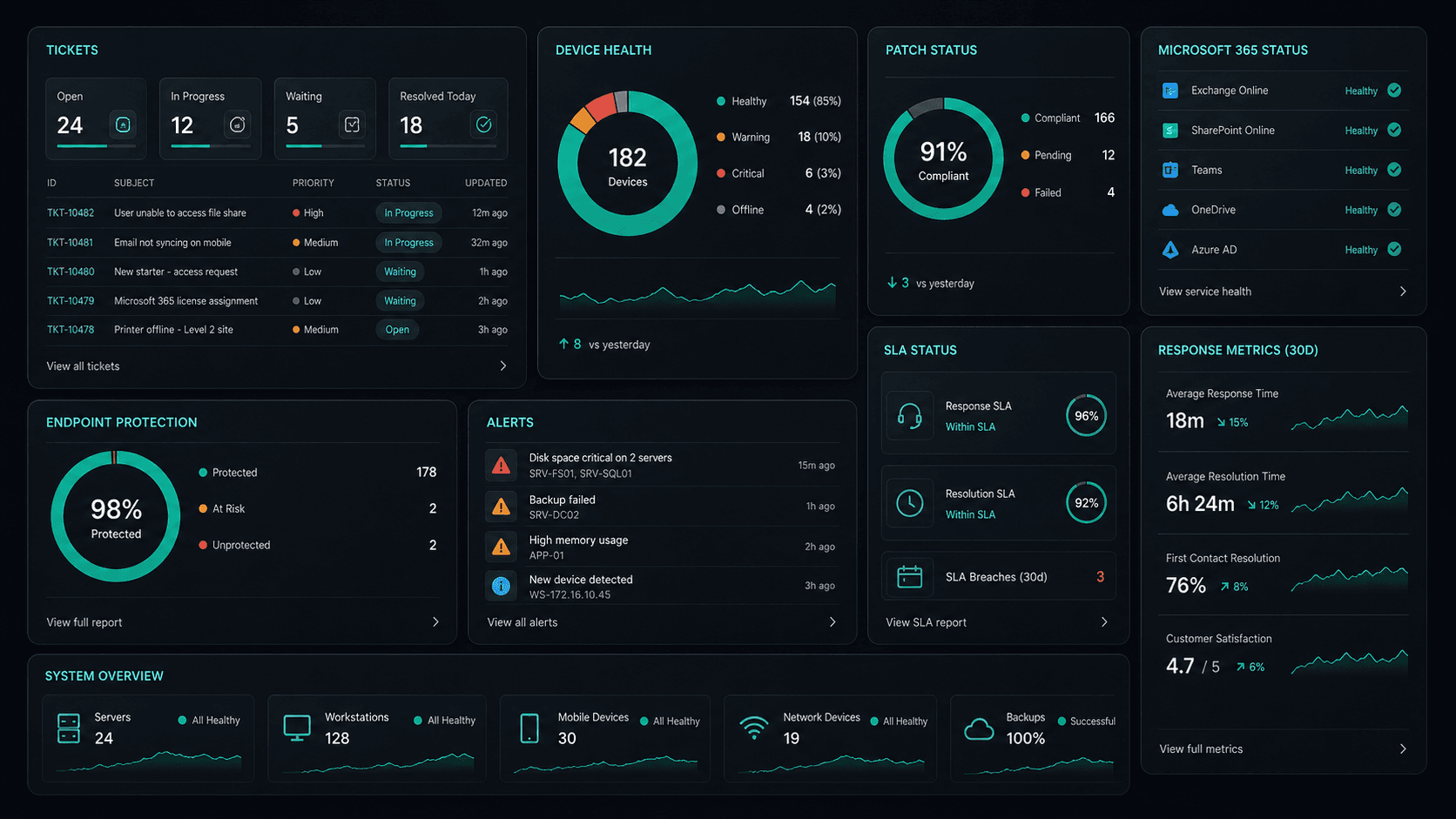
What's included
Cloud Solutions in Double Bay. One team.
Microsoft 365 Management
Full lifecycle management of Exchange, Teams, SharePoint, and OneDrive — deployment, security, and optimisation.
Azure Cloud Infrastructure
Design, deploy, and manage Azure environments tailored to your workloads — VMs, networking, and storage.
Zero-Downtime Migrations
Move from on-prem or legacy cloud to Microsoft 365 and Azure with zero disruption to your team.
Cloud Security & Compliance
Entra ID, conditional access, Defender, and MFA — enterprise security configured for your environment.
Service detail
Your entire cloud, one team
Licence management, user provisioning, Teams, SharePoint, Exchange, and Intune — your entire Microsoft ecosystem managed.
Virtual machines, storage, networking, and Azure AD — designed, deployed, and maintained to best-practice standards.
Lift-and-shift or full re-architect migrations from on-premise to Azure or Microsoft 365 — zero downtime, fully tested.
EC2, S3, RDS, Lambda, and CloudFront — multi-cloud architectures built for performance, cost, and compliance.
Defender for Cloud, conditional access, MFA, and Entra ID — enterprise security posture maintained across your cloud estate.
Automated cloud backup with point-in-time restore. DR runbooks tested annually — RTO and RPO targets met.
Monthly licence and resource reviews to eliminate waste — reserved instances, right-sizing, and savings plan recommendations.
Uptime, performance, and security alerts across your cloud — issues detected and actioned before they impact the business.
Why OnIT
Everything in one cloud service
One provider. One invoice. Microsoft 365, Azure, migrations, and security — all managed.
Full cloud visibility
Monitor licences, usage, and spend across your Microsoft cloud — with monthly reviews to optimise costs.
Microsoft cloud specialists
Microsoft 365, Azure, Exchange, Teams, SharePoint, Entra ID — your entire Microsoft ecosystem, fully managed.









Sydney-based cloud team
Local cloud engineers across Greater Sydney. On-site workshops, remote support, and 24/7 monitoring.
Cloud security baseline
Defender, MFA, conditional access, and Entra ID — enterprise security configured and maintained by our team.
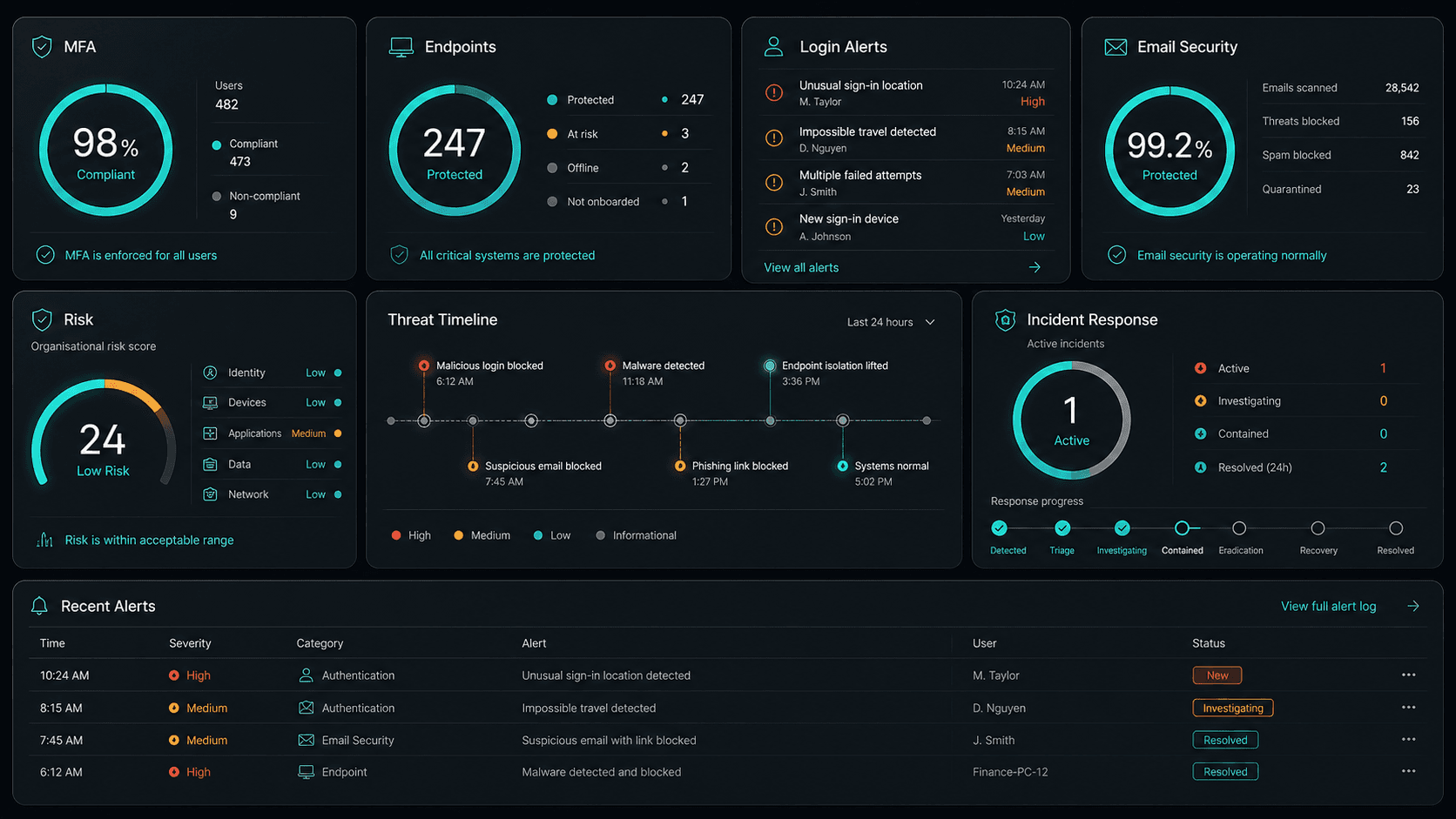











Technology Ecosystem
Powered by Enterprise Technology
A constellation of best-in-class platforms, deployed and managed as one seamless service.
Service Breakdown
What's inside your plan
Click any card to see exactly what's included in each service area.

Cloud Solutions that scales from 5 to 200 seats, across every Eastern Suburbs business.
Why OnIT Solutions
Your Double Bay business, without the overhead.
Serving Double Bay (2028) and the broader Eastern Suburbs area — our Sydney-based engineers understand the Eastern Suburbs business community and are reachable when you need them. Whether you're a 5-person team or a growing operation with 200 seats, we scale cloud solutions to fit.
By the numbers
Measurable outcomes, guaranteed in writing
No surprise invoices. No waiting on hold. No different technician every time you call.
At a Glance
Included in your plan
Got questions?
Frequently asked questions
Also serving nearby
Cloud Solutions across Eastern Suburbs
Explore further
Related services for Double Bay
Cybersecurity
Threat monitoring, Essential Eight compliance, and endpoint detection — keeping your business secure around the clock.
IT Support Sydney
On-demand helpdesk and on-site support for your team. Fast response, local engineers, no lock-in contracts.
AI Automation
Workflow automation, AI chatbots and voice agents that reduce admin and free your team to focus on growth.

Get started
Ready for better Cloud Solutions
in Double Bay?
Book a free cloud solutions assessment with one of our Sydney-based engineers serving Double Bay and Eastern Suburbs. No lock-in, no obligation.
No lock-in contracts · Sydney-based engineers · Same-day response