AI Agent Deployment · Pyrmont
AI Agent Deployment Pyrmont: Observe What the Agent Actually Does
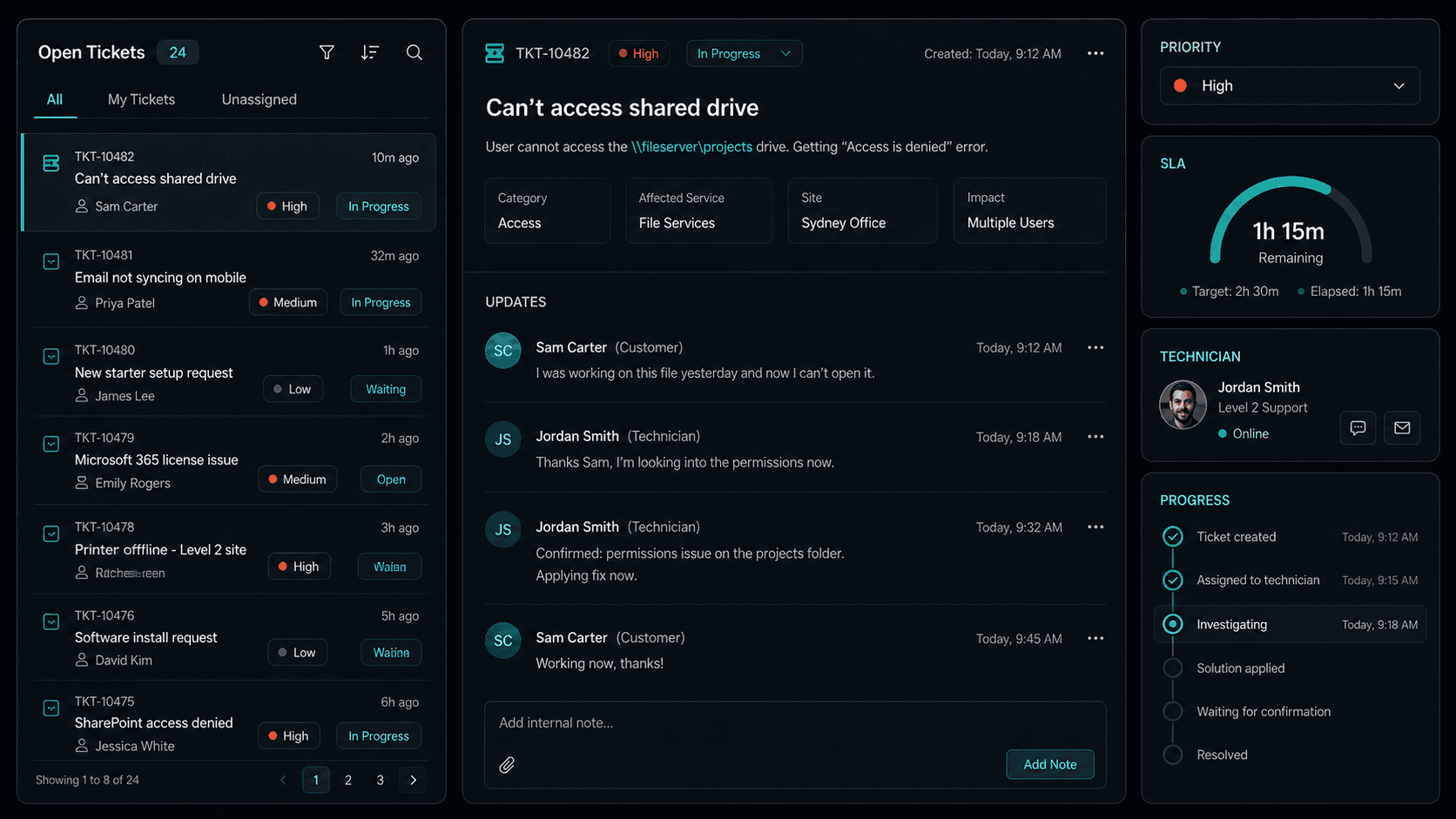
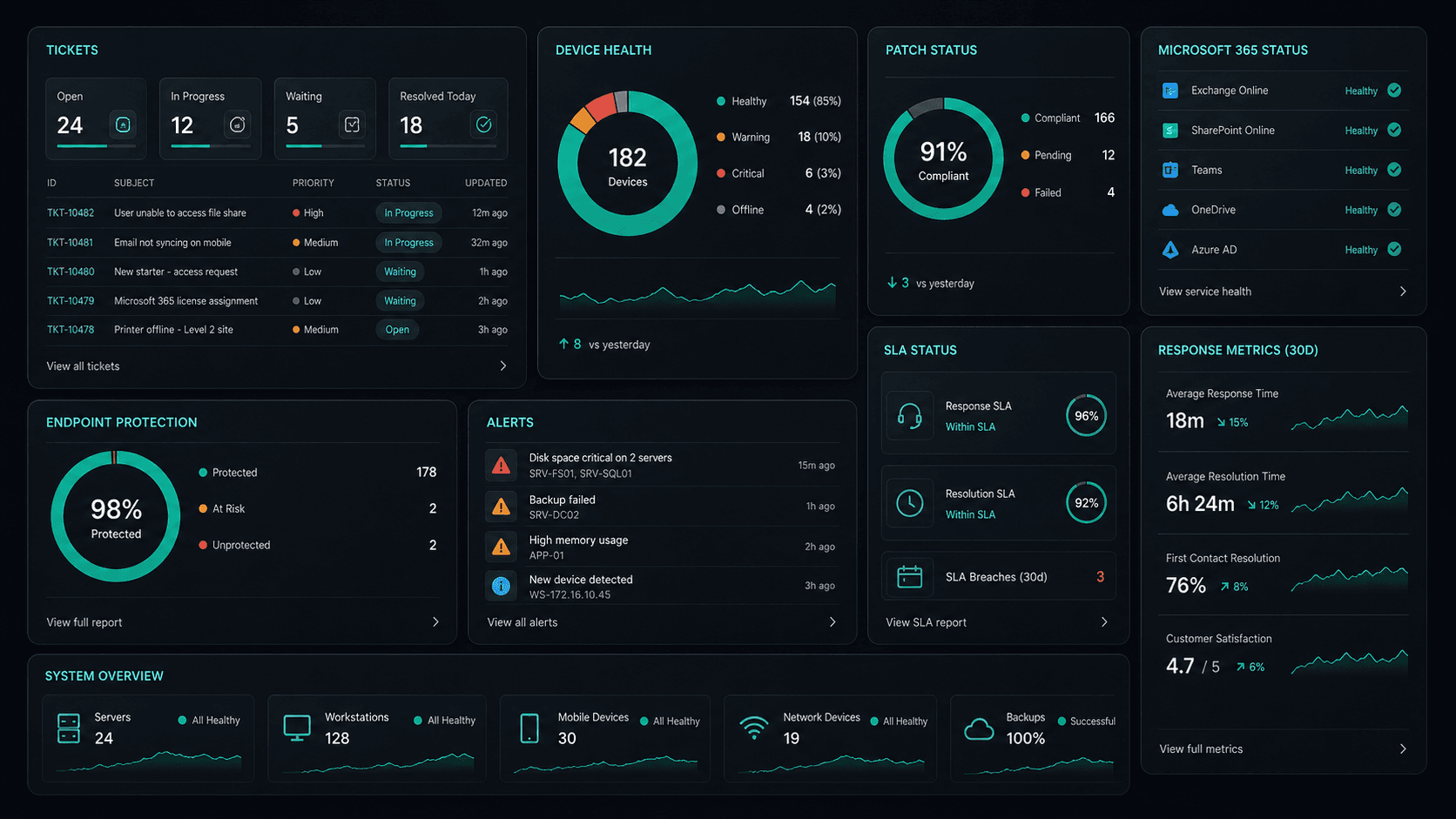
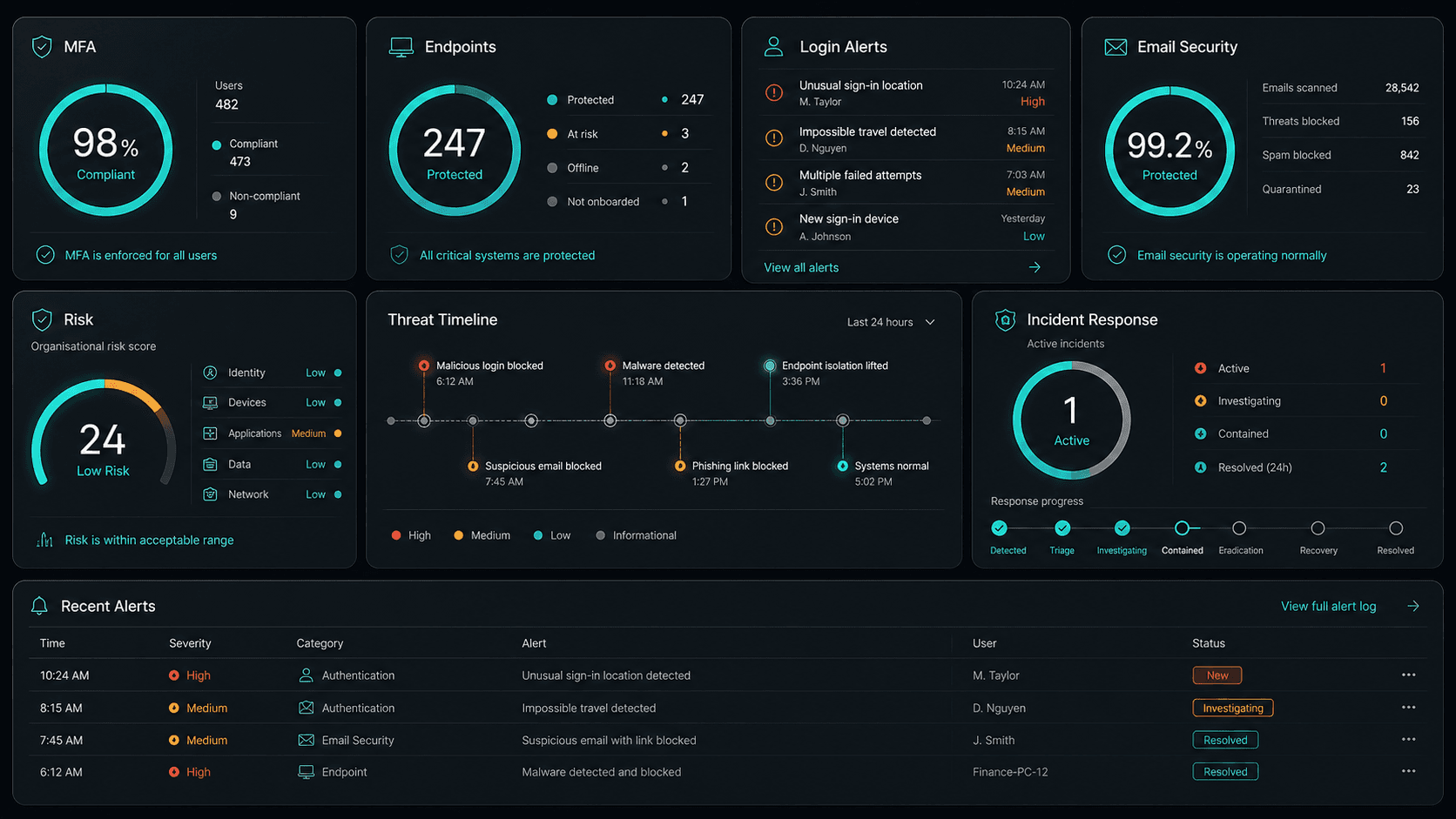
A dashboard should explain whether useful work completed and what needs attention. Choose observations that staff can connect to the real workflow.
No lock-in · Sydney-based engineers · Response <4h

<4h
Response SLA
Priority response in Pyrmont
99.9%
Uptime Target
SLA-backed availability
0
Lock-In Contracts
Cancel anytime, no penalties
100%
Australian Team
Local engineers, no offshore
Technology partners and platforms we work with







What we deliver
AI Agent Deployment that works while you do.
Everything your Pyrmont business needs — managed as one seamless service with a fixed monthly price and guaranteed response times.
Last updated: 14 October 2026
Start with operational questions rather than available charts
A Pyrmont business deploying an AI agent needs visibility into its work after the demonstration ends. OnIT Solutions offers custom agents, monitoring dashboard configuration and managed infrastructure options scoped to the implementation. Monitoring should begin with questions the business needs answered: whether requests complete, where they stop and which outcomes require review. A count of conversations or tool calls cannot answer all of those questions. Define the unit of useful work and the evidence of its completion before deciding which charts belong on the operating dashboard.
Separate activity from outcomes. An agent may produce many responses while resolving few requests, or make fewer calls because it correctly asks a person to handle an exception. Describe success for each task type and identify outcomes that should not be grouped together. Completed, declined, awaiting review and unknown work have different meanings. A business owner should be able to interpret the dashboard without assuming that every positive-looking total represents a customer helped or an operational task safely finished.
Connect conversations to tool and workflow evidence
Choose references that connect a request with relevant tool attempts and the final workflow state. This helps staff investigate a report without searching unrelated systems manually. Record only the operational detail needed for the agreed purpose, with access appropriate to the information involved. A full transcript may contain sensitive material and still omit the external system's actual result. Observability should include authoritative evidence where available rather than depend solely on what the agent said it had done at the end of the conversation.
Define how partial completion appears. If a workflow performs two of three actions, the dashboard should not classify it as an ordinary success simply because the last response was delivered. Identify the incomplete step and its owner. Where a provider response leaves uncertainty, retain that state until it is reconciled. Discuss what the selected integrations can expose and what remains unobservable. Documenting those gaps is more useful than presenting a comprehensive-looking dashboard that silently treats unavailable evidence as proof that nothing went wrong.

Choose signals that lead to a practical response
For each proposed metric or alert, ask who uses it and what decision it supports. A sudden rise in rejected tool requests may need an integration review, while increasing human handovers may indicate a change in incoming questions. These require different investigations. Set initial review conditions around the actual pilot evidence and business tolerance, then revisit them as usage develops. Avoid adopting arbitrary thresholds as guarantees of quality. The operating plan should explain what happens when a signal changes and who decides whether action is necessary.
Include the effort created for staff. An agent that appears fast may shift work into manual checking, correction or queue management. Where measurement is practical, review those downstream outcomes alongside task completion and usage. Label estimates and samples clearly rather than implying that every observation is a complete audit. The business should understand the limits of the data and the period it represents. A dashboard becomes credible when its definitions remain stable enough to compare, not when it contains the greatest number of moving charts.
Review diagnostic access and information retention
Decide who needs to inspect individual requests and who only needs aggregate operational information. Support staff, developers and managers may have different purposes and access requirements. Keep credentials and unnecessary private content out of general diagnostic views. Agree what information is retained and how it can be located for an authorised investigation within the selected platform's capabilities. The project should implement the business's approved handling requirements rather than assume that logging everything forever is the simplest or most responsible route to visibility.
Test whether the recorded evidence is actually useful. Ask someone who did not build the agent to investigate a controlled failure using the intended dashboard and references. Check whether they can find the relevant attempt, understand its status and identify the next owner. If they need undocumented developer knowledge, improve the view or handover instructions. Also check what happens when monitoring itself fails or stops receiving data. A quiet dashboard should not automatically be interpreted as a healthy agent when its observation pathway has become unavailable.

Use monitoring to support bounded improvement decisions
Schedule review of a representative sample of outcomes, including successful tasks and difficult handovers. Quantitative signals can show where to look, while case review helps explain why a pattern occurs. Tie proposed changes to observed behaviour and preserve relevant test cases. Avoid rewriting instructions in response to every unusual conversation without checking the source information and tool evidence. After a change, compare equivalent outcomes and state the limitations. The goal is a repeatable improvement process, not a dashboard used only to demonstrate that usage is increasing.
For Pyrmont deployment planning, bring the workflow owner and the people who will monitor ordinary operation. OnIT's AI agent deployment and management service can scope observations alongside integrations and acceptance testing. Ask for definitions, ownership and a demonstration of investigating a controlled exception. Confirm which signals are included in ongoing management and which need business review. Useful observability lets the team recognise uncertainty, follow unresolved work and make informed changes without claiming that a monitoring screen proves every answer or action is correct.
Quick Facts
“For Pyrmont businesses, ai agent deployment isn't just about keeping things running — it's about building a technology foundation that drives growth across Inner City.”
— OnIT Solutions, Inner City
What's included
AI Agent Deployment in Pyrmont. One team.
Custom AI Agent Builds
Voice receptionists, helpdesk agents, and data processors — built to your workflows with full source code ownership.
Data Sovereignty & Local LLMs
Deploy on-premises with Ollama and open-source models — your data never leaves your infrastructure.
System Integration
Connect AI agents to your CRM, calendar, helpdesk, and APIs — fully embedded in your existing workflows.
Managed AI Infrastructure
We host, monitor, and maintain your AI agents — scaling capacity as your usage grows.
Service detail
Enterprise AI agents, your infrastructure
Voice receptionists, helpdesk agents, and sales assistants — built to your workflows with full source code ownership.
Claude, GPT-4, Mistral, and Llama — we deploy the right model for your performance, cost, and privacy requirements.
On-premise or private cloud deployment using Ollama or AWS Bedrock — your data never leaves your infrastructure.
Retrieval-augmented generation pipelines trained on your documents, FAQs, and internal knowledge — accurate, grounded responses.
Agents wired into Salesforce, HubSpot, ServiceNow, or custom APIs — automated actions, not just answers.
Vapi, Twilio, and telephony integrations — AI agents that answer calls, qualify leads, and book appointments.
Full audit trails, RBAC, and compliance documentation — meeting Australian data sovereignty and privacy requirements.
Production observability, hallucination monitoring, and continuous prompt tuning — agents that improve over time.
Why OnIT
Everything in one AI deployment service
One team. Full ownership. Custom AI agents built, deployed, and managed on your infrastructure.
Custom agent builds
Voice receptionists, helpdesk agents, data processors — built to your workflows with full source code ownership.
Any model, any platform
Claude, GPT-4, Ollama, AWS Bedrock — we deploy on the right platform for your data, budget, and compliance needs.









Sydney-based AI engineers
Local AI engineers who understand Australian compliance and data sovereignty requirements.
Data sovereignty built in
Local LLM deployment available — your data never leaves your infrastructure. Full audit trails and access controls.











Technology Ecosystem
Powered by Enterprise Technology
A constellation of best-in-class platforms, deployed and managed as one seamless service.
Service Breakdown
What's inside your plan
Click any card to see exactly what's included in each service area.

AI Agent Deployment that scales from 5 to 200 seats, across every Inner City business.
Why OnIT Solutions
Your Pyrmont business, without the overhead.
Serving Pyrmont (2009) and the broader Inner City area — our Sydney-based engineers understand the Inner City business community and are reachable when you need them. Whether you're a 5-person team or a growing operation with 200 seats, we scale ai agent deployment to fit.
By the numbers
Measurable outcomes, guaranteed in writing
No surprise invoices. No waiting on hold. No different technician every time you call.
At a Glance
Included in your plan
Got questions?
Frequently asked questions
Also serving nearby
AI Agent Deployment across Inner City
Explore further
Related services for Pyrmont
Cybersecurity
Threat monitoring, Essential Eight compliance, and endpoint detection — keeping your business secure around the clock.
IT Support Sydney
On-demand helpdesk and on-site support for your team. Fast response, local engineers, no lock-in contracts.
AI Automation
Workflow automation, AI chatbots and voice agents that reduce admin and free your team to focus on growth.

Get started
Ready for better AI Agent Deployment
in Pyrmont?
Book a free ai agent deployment assessment with one of our Sydney-based engineers serving Pyrmont and Inner City. No lock-in, no obligation.
No lock-in contracts · Sydney-based engineers · Same-day response