AI Agent Deployment · Auburn
AI Agent Deployment Auburn: Set Useful Spending Boundaries
Usage costs need an operating decision before an agent scales beyond its pilot. Define what the business will monitor and what happens when an agreed boundary is reached.
No lock-in · Sydney-based engineers · Response <4h

<4h
Response SLA
Priority response in Auburn
99.9%
Uptime Target
SLA-backed availability
0
Lock-In Contracts
Cancel anytime, no penalties
100%
Australian Team
Local engineers, no offshore
Technology partners and platforms we work with







What we deliver
AI Agent Deployment that works while you do.
Everything your Auburn business needs — managed as one seamless service with a fixed monthly price and guaranteed response times.
Last updated: 14 October 2026
Identify the costs the workflow can create
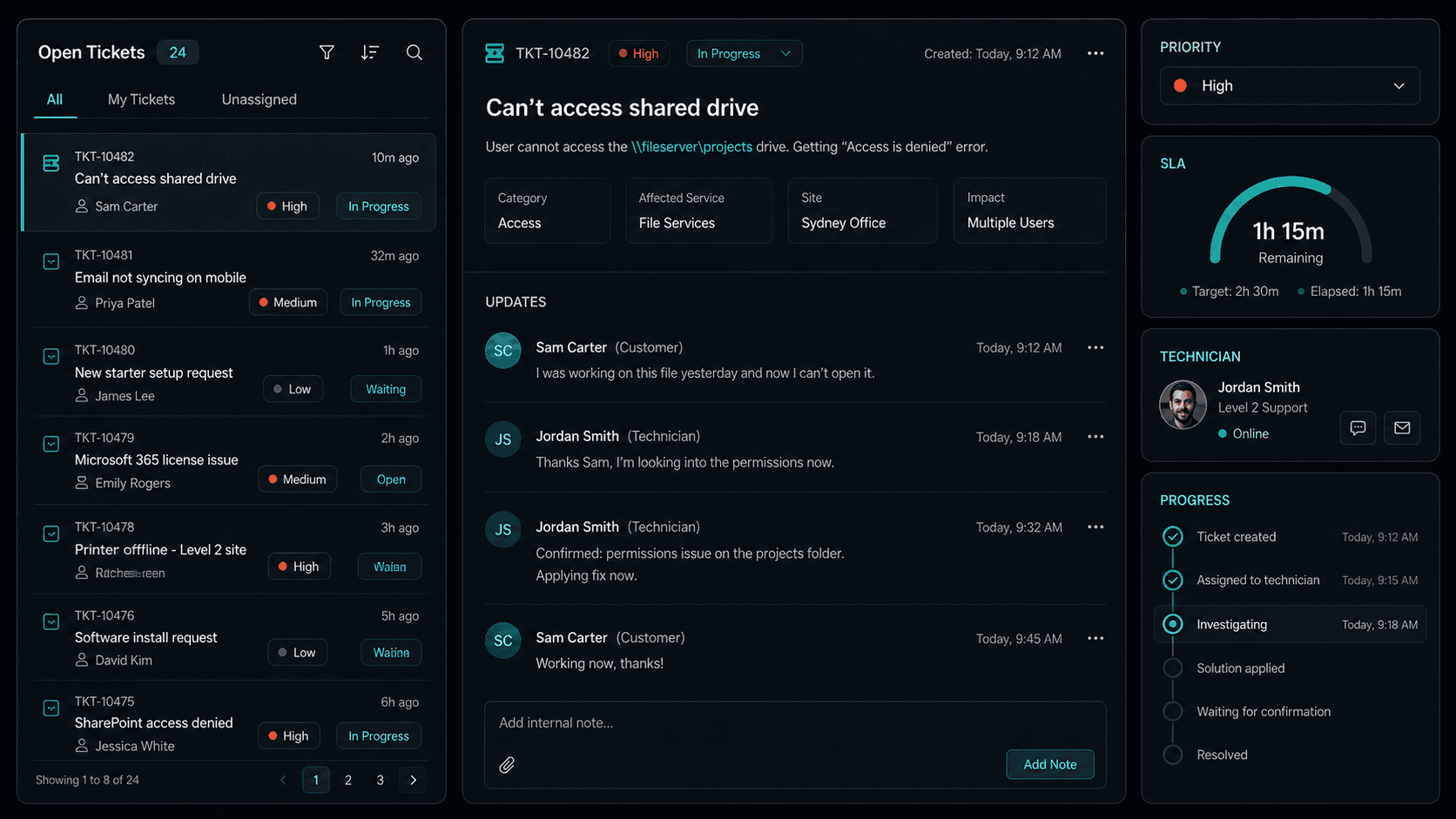
An Auburn business deploying an AI agent should understand which parts of the workflow generate ongoing costs. OnIT Solutions builds custom agents with local or cloud deployment and managed infrastructure options, scoped to the engagement. Depending on the chosen architecture, costs may include hosting, model usage and external services. Identify the actual providers and billing owners rather than assume every expense is included in one project fee. The business needs a clear view of what changes with usage and what remains a separately agreed operating charge.
Map costs to useful work where practical. One conversation may involve several model requests or tool calls, while another may end after a simple clarification. Counting conversations alone can hide expensive loops or repeated failed attempts. Ask what observations the selected systems can provide and distinguish measured charges from estimates. The initial plan should state its assumptions about volume, task complexity and review effort. Avoid presenting pilot averages as guaranteed costs for all future workloads, especially when the task mix may change after release.
Assign budget authority and review ownership
Nominate the person who approves the operating budget and the team that reviews usage. They may need different views: management needs understandable spending context, while maintainers investigate unusual requests or repeated retries. Decide how provider charges are reconciled with application observations. An internal usage counter may not cover every billed component or update at the same time as an invoice. Keep those limitations visible so the business does not treat a dashboard estimate as an exact financial statement.
Define who can authorise changes that affect cost. Adding a source, increasing capacity or allowing longer multi-step tasks may alter usage even when the public interface looks unchanged. The approval process should consider the operational value and expected expense together. Do not give an agent authority to increase its own spending allowance simply because another tool call might help complete a request. Budget decisions belong to accountable people, with the application's controls implementing the agreed boundary where supported.

Set alerts and limits with explicit consequences
Distinguish a warning threshold from a hard operating limit. An alert asks somebody to review; it does not necessarily stop work. A limit may prevent new requests, restrict certain actions or switch to a reduced service, depending on the implementation. Agree what users and staff will experience at each boundary. Verify the controls available from providers and the application. Do not describe a billing alert as a guaranteed spending cap unless the selected service actually enforces that result and its limitations are understood.
Consider pending work when a boundary is reached. Stopping halfway through a task can leave partial actions requiring reconciliation. The policy should identify which steps can complete, which pause and who owns unresolved requests. Give users an accurate explanation rather than a generic technical error. If staff can approve an exception, record its scope and duration. An exception should not silently remove the boundary for every subsequent request. Test the transition with controlled usage conditions before relying on it in production.
Investigate expensive patterns before changing quality
Review unusually costly tasks by tracing the actual workflow. Repeated retrieval, retries or unclear instructions may consume resources without improving outcomes. A more economical design may come from narrowing the task or improving source structure, rather than simply reducing every answer's length. Check what work the agent completed and what staff had to correct. A lower technical cost can be a poor trade if it shifts substantially more effort to manual review or removes information users need.
Evaluate proposed savings using equivalent scenarios and approved acceptance requirements. A different configuration may reduce one component while increasing another or changing the error rate. Keep cost, usefulness and operating consequences visible together. Do not imply a universal cheapest model or architecture without current evidence and the actual workload. The business should receive a comparison tied to its task and tested conditions. Retain examples of expensive loops as regression cases so later changes do not quietly restore the same avoidable consumption.

Review budgets as the service and workload change
Schedule review of usage, outcomes and unresolved cost questions after the controlled rollout. Compare observations with the assumptions used for approval and explain significant differences. New audiences or task types may justify a revised budget, but they require a deliberate decision. Keep external-provider billing changes separate from application inefficiency where evidence permits. The operating record should let management understand why spending changed and which action, if any, is proposed, rather than react only when an invoice unexpectedly exceeds a remembered pilot figure.
For Auburn deployment planning, bring the budget owner, proposed task mix and the administrators of selected provider accounts. Discuss cost controls through OnIT's custom AI deployment service. Ask the scope to identify included management, external charges, measured signals and limit behaviour. Broader value questions can be considered through AI strategy planning. A useful spending boundary supports informed operation and a clear response to unexpected consumption, without claiming that a dashboard or a short prompt automatically guarantees a fixed ongoing cost.
Quick Facts
“For Auburn businesses, ai agent deployment isn't just about keeping things running — it's about building a technology foundation that drives growth across Western Sydney.”
— OnIT Solutions, Western Sydney
What's included
AI Agent Deployment in Auburn. One team.
Custom AI Agent Builds
Voice receptionists, helpdesk agents, and data processors — built to your workflows with full source code ownership.
Data Sovereignty & Local LLMs
Deploy on-premises with Ollama and open-source models — your data never leaves your infrastructure.
System Integration
Connect AI agents to your CRM, calendar, helpdesk, and APIs — fully embedded in your existing workflows.
Managed AI Infrastructure
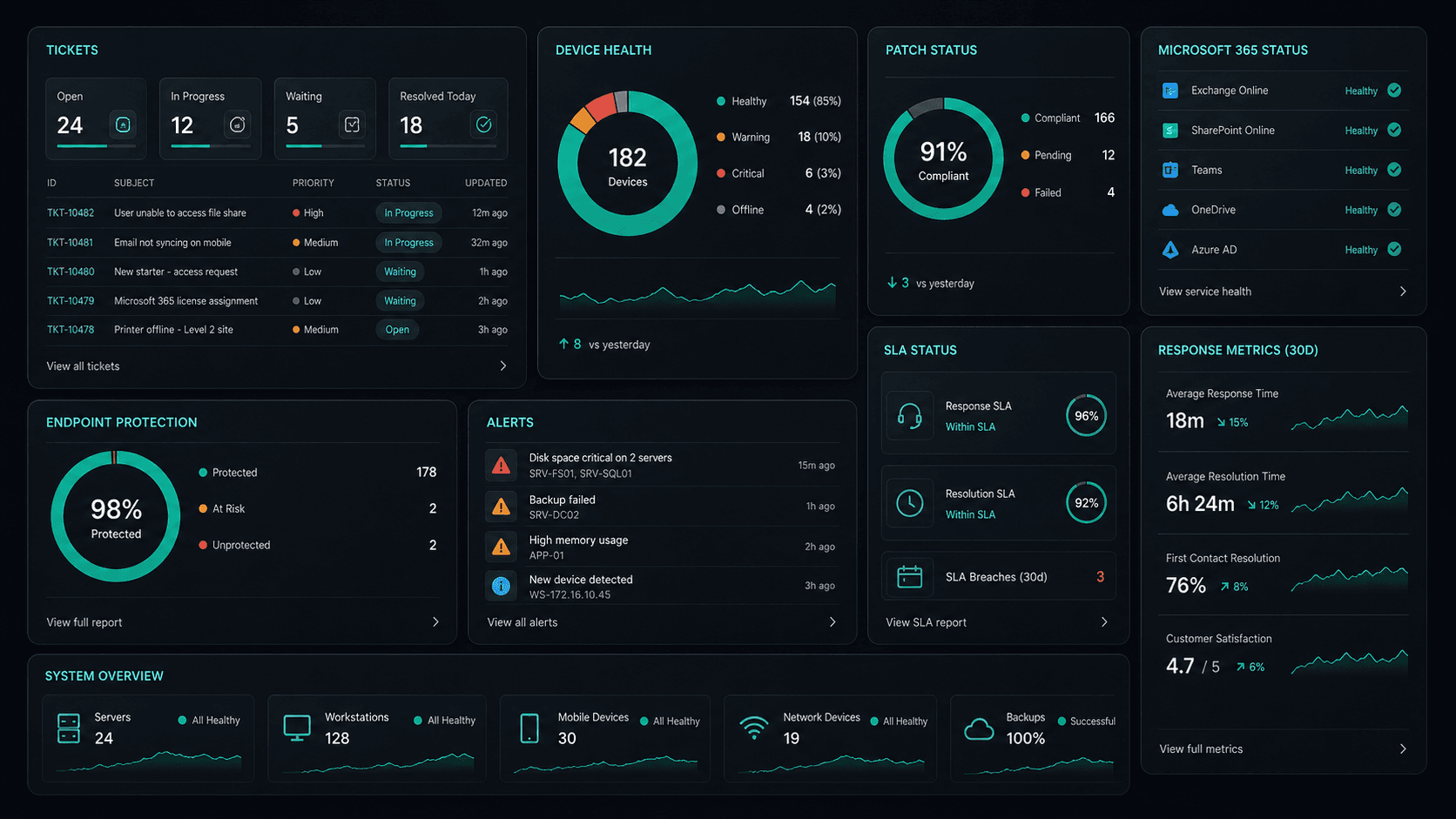
We host, monitor, and maintain your AI agents — scaling capacity as your usage grows.
Service detail
Enterprise AI agents, your infrastructure
Voice receptionists, helpdesk agents, and sales assistants — built to your workflows with full source code ownership.
Claude, GPT-4, Mistral, and Llama — we deploy the right model for your performance, cost, and privacy requirements.
On-premise or private cloud deployment using Ollama or AWS Bedrock — your data never leaves your infrastructure.
Retrieval-augmented generation pipelines trained on your documents, FAQs, and internal knowledge — accurate, grounded responses.
Agents wired into Salesforce, HubSpot, ServiceNow, or custom APIs — automated actions, not just answers.
Vapi, Twilio, and telephony integrations — AI agents that answer calls, qualify leads, and book appointments.
Full audit trails, RBAC, and compliance documentation — meeting Australian data sovereignty and privacy requirements.
Production observability, hallucination monitoring, and continuous prompt tuning — agents that improve over time.
Why OnIT
Everything in one AI deployment service
One team. Full ownership. Custom AI agents built, deployed, and managed on your infrastructure.
Custom agent builds
Voice receptionists, helpdesk agents, data processors — built to your workflows with full source code ownership.
Any model, any platform
Claude, GPT-4, Ollama, AWS Bedrock — we deploy on the right platform for your data, budget, and compliance needs.









Sydney-based AI engineers
Local AI engineers who understand Australian compliance and data sovereignty requirements.
Data sovereignty built in
Local LLM deployment available — your data never leaves your infrastructure. Full audit trails and access controls.











Technology Ecosystem
Powered by Enterprise Technology
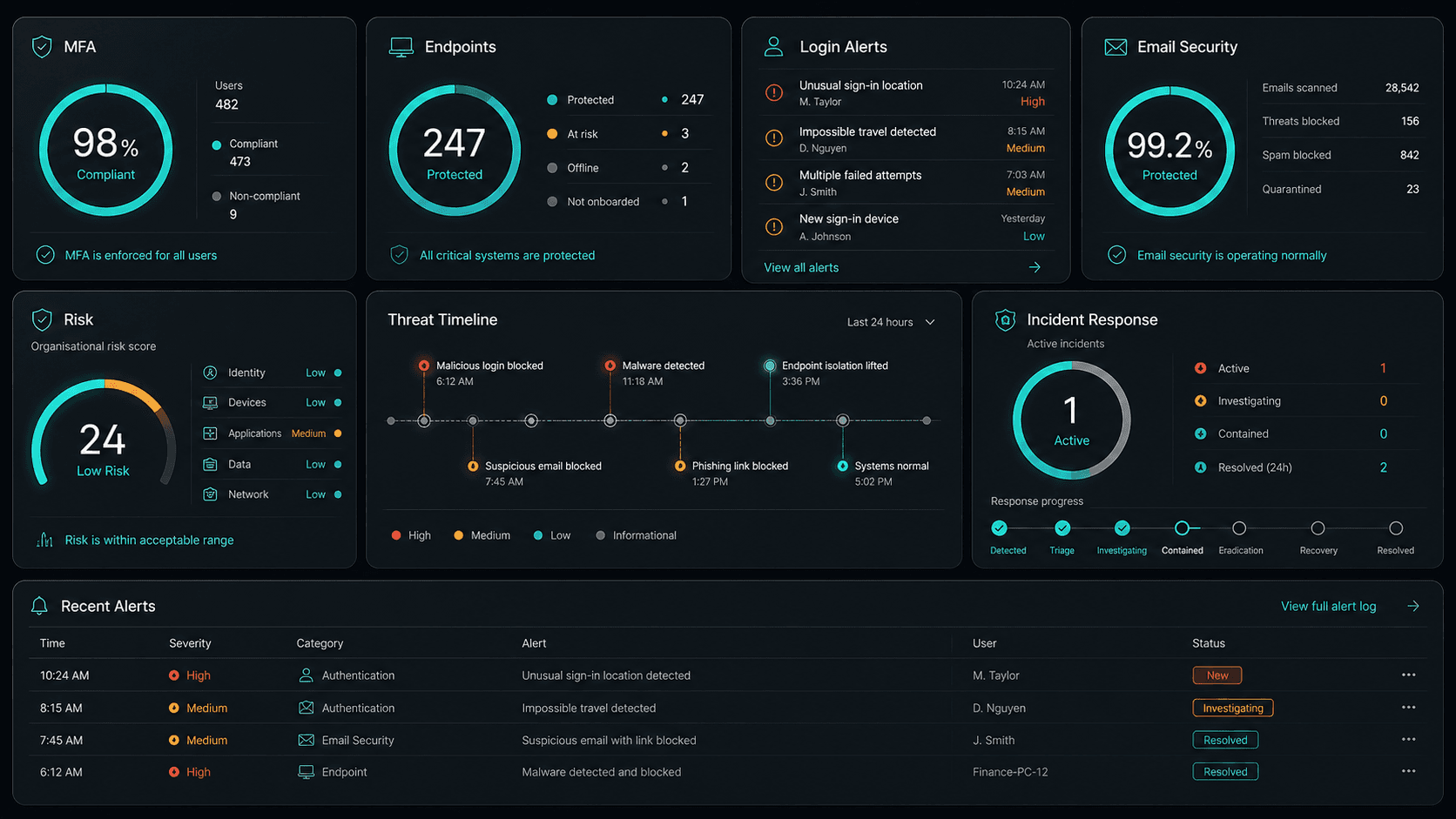
A constellation of best-in-class platforms, deployed and managed as one seamless service.
Service Breakdown
What's inside your plan
Click any card to see exactly what's included in each service area.

AI Agent Deployment that scales from 5 to 200 seats, across every Western Sydney business.
Why OnIT Solutions
Your Auburn business, without the overhead.
Serving Auburn (2144) and the broader Western Sydney area — our Sydney-based engineers understand the Western Sydney business community and are reachable when you need them. Whether you're a 5-person team or a growing operation with 200 seats, we scale ai agent deployment to fit.
By the numbers
Measurable outcomes, guaranteed in writing
No surprise invoices. No waiting on hold. No different technician every time you call.
At a Glance
Included in your plan
Got questions?
Frequently asked questions
Also serving nearby
AI Agent Deployment across Western Sydney
Explore further
Related services for Auburn
Cybersecurity
Threat monitoring, Essential Eight compliance, and endpoint detection — keeping your business secure around the clock.
IT Support Sydney
On-demand helpdesk and on-site support for your team. Fast response, local engineers, no lock-in contracts.
AI Automation
Workflow automation, AI chatbots and voice agents that reduce admin and free your team to focus on growth.

Get started
Ready for better AI Agent Deployment
in Auburn?
Book a free ai agent deployment assessment with one of our Sydney-based engineers serving Auburn and Western Sydney. No lock-in, no obligation.
No lock-in contracts · Sydney-based engineers · Same-day response