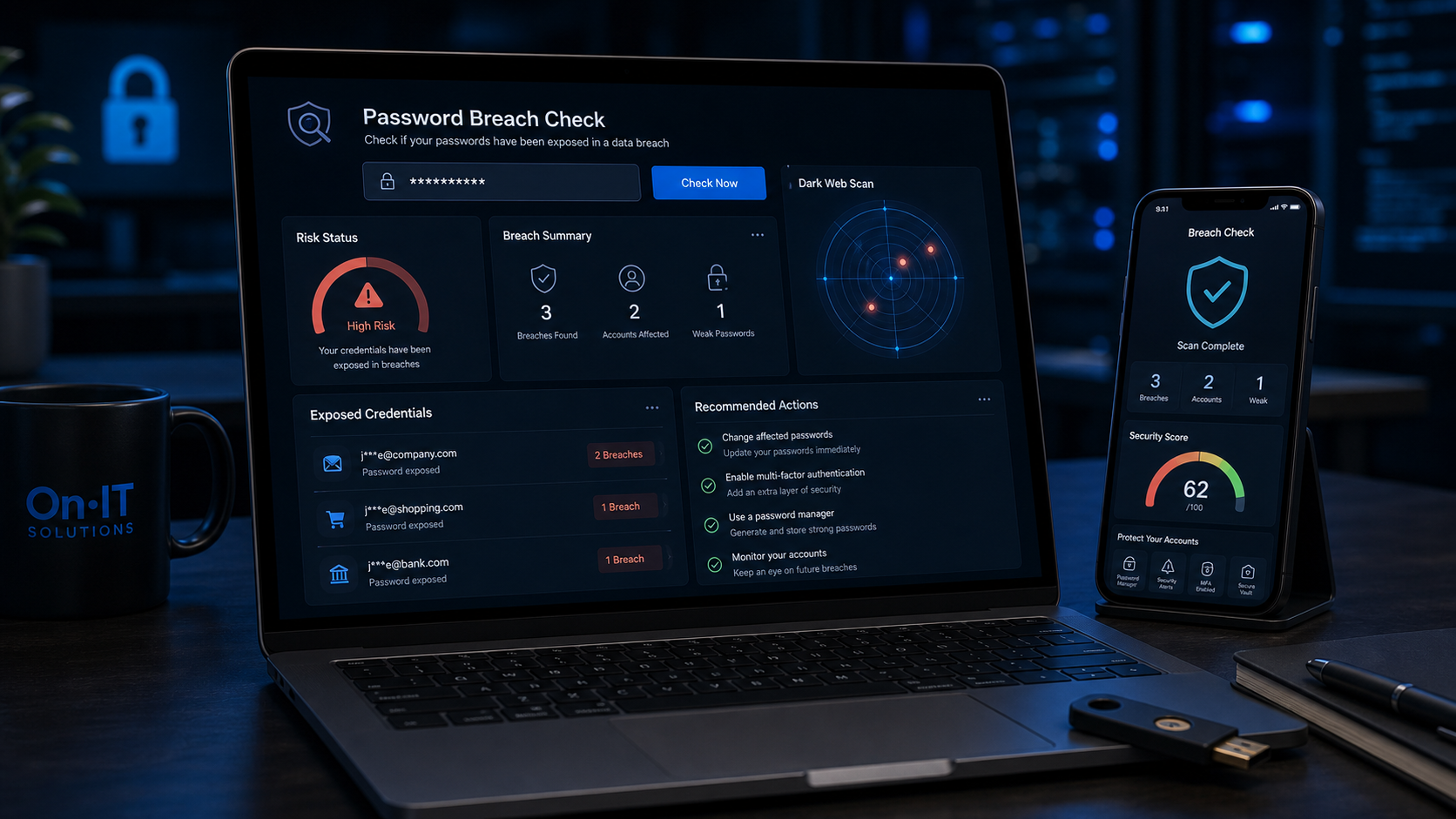
Understanding the Risks of a Password Leak Check
Many employees are surprised to learn that their login credentials can circulate on the dark web for years before they ever receive a notification. In the fast-paced environment of an Australian business, a compromised account often goes unnoticed because the breach didn't happen on your own office computer or smartphone. Instead, a data breach occurs when a third-party service you use — such as a booking platform, a social media site, or an old project management tool — is successfully hacked. According to security experts at F-Secure, this means your password and personal details are stolen directly from the provider's database, regardless of how secure your own device is. Performing a regular password leak check is the only way to uncover these hidden vulnerabilities before they lead to serious financial or reputational damage.
Building Proactive Identity Theft Protection for SMBs
For many Australian small-to-medium businesses (SMBs), the greatest threat isn't a single weak password, but the common habit of reusing the same login across multiple platforms. If a staff member uses the same password for their personal gym membership and their official business email, a leak at the gym's database essentially hands a key to your entire corporate network to a hacker. This overlap makes professional identity theft protection a business-critical priority rather than just a personal concern. When you identify a leak early, you prevent cybercriminals from using those credentials to pivot into your sensitive financial systems or client databases.
The Value of a Timely Data Breach Alert
Staying informed is more than half the battle when it comes to modern cybersecurity strategies. While you might assume your current data is safe, hackers often package and sell lists of credentials in bulk, meaning a data breach alert might be the first time you realise an account from five years ago has put your current business systems at risk. Implementing secure password practices ensures that even if one service fails, your other accounts remain locked tight. By taking the time to audit your credentials now, you can mitigate the risk of a full-scale identity takeover and keep your managed IT environment running smoothly. Understanding these systemic risks provides the necessary foundation for taking practical, hands-on action to secure your digital footprint.
How to Use Online Tools to Scan for Breached Credentials
Most business owners don't realise that their digital credentials might be floating around the dark web right now, waiting for a malicious actor to find them. Taking sixty seconds to run a password leak check is the most effective way to see exactly what information has been exposed in past security incidents. By using reputable, free tools, you can bridge the gap between being a potential victim and becoming a proactive defender of your company's data.
Step-by-Step Guide to Running Your First Scan
To begin, you should use industry-standard tools that have built a reputation for privacy and accuracy. Follow these steps to audit your primary business email address:
- Navigate to a trusted scanner such as the Avast Hack Check or the F-Secure Identity Theft Checker.
- Locate the search field and enter your primary work email address.
- Click the button to initiate the scan; you may be asked to complete a
CAPTCHAto prove you are not an automated bot. - If the tool finds a compromised account, it will typically send a detailed report directly to that email address rather than displaying sensitive details on the public webpage.
- Open your inbox and look for an email from the provider (check your junk folder if it doesn't arrive within two minutes).
Interpreting Your Data Breach Alert Report
Once you receive your report, it is important not to panic, as many leaks involve data from several years ago. A standard data breach alert will usually list the name of the service that was hacked, the date the breach occurred, and the specific types of data stolen. According to Avast, these reports may even show a portion of the actual password that was leaked, which helps you identify which of your secure password practices may have been bypassed or where you might have reused a specific phrase.
If the report indicates that a password was leaked for a service you still use, you must treat this as a high-priority task. Even if the leak happened years ago, if you haven't changed that password since the breach date, a hacker could still use it to gain entry. This is particularly dangerous for Australian SMBs that rely on managed IT services, as one weak link can provide a gateway into your entire business network.
Comprehensive Identity Theft Protection for the Whole Team
To ensure robust identity theft protection, you should repeat this process for every email address your staff uses. It is common for employees to use their business email to sign up for industry newsletters, webinars, or travel booking sites, all of which are common targets for hackers. Encourage your team to run their own checks and report any "pwned" accounts to your IT coordinator immediately. This transparency is the best way to catch a compromised account before it can be used to launch a phishing attack against your clients or colleagues. Identifying the specific passwords involved allows you to purge those phrases from your memory and move toward a more secure, unique password strategy for every single login.
Once you have a clear picture of which accounts have been exposed, the focus shifts from discovery to rapid containment and recovery.
Immediate Steps to Take After Finding a Compromised Account
Seeing your personal data flagged in a security report is a stressful moment, but it’s important to remember that most leaks are manageable if you act decisively. While a password leak check might reveal years of exposure, the threat only becomes a crisis if a hacker uses those credentials to gain active access to your current systems. Your first priority is to stay calm and systematically work through your digital footprint to close any open doors before they can be exploited.
Taking Control of a Compromised Account
Once you receive a data breach alert, the very first thing you should do is identify which specific credentials have been exposed. If you are still using the leaked password for any live account—whether it is for your business email, a customer database, or even a personal social media profile—you must update it immediately. Hackers often use automated software to test stolen passwords across hundreds of popular websites, so "recycling" a password across different services is one of the most dangerous habits an employee can have.
- Identify the leak: Review the report provided by your scanning tool to see the specific password involved and the name of the service that was breached.
- Update immediately: Change the password on the affected site. If you used that same password anywhere else, change it on those sites too, ensuring each new password is unique.
- Review security settings: Look for a "Recent Activity" or "Security" tab in your account settings to see if there are any unfamiliar devices or locations currently logged in.
Securing Linked Financial and Personal Data
A compromised account is often just a gateway for a hacker to find more valuable information. You should carefully audit the settings of the breached service to see what sensitive data might have been stored there. This is especially critical for Australian businesses that might have saved corporate credit card details, business addresses, or even employee Tax File Numbers (TFNs) within a platform's profile or billing settings.
If you suspect that financial information has been viewed, notify your bank or financial institution immediately to monitor for unauthorised transactions. For those concerned about broader identity theft protection, it is worth checking if your myGov account or other sensitive government services share the same login details. Adopting secure password practices, such as using a dedicated password manager, will ensure that a single leak doesn't lead to a total compromise of your professional life. Implementing these cybersecurity basics now creates a much stronger perimeter for your business data and helps prevent future vulnerabilities from turning into full-scale breaches.
Securing Your Business Identity Theft Protection
Discovering that your credentials have been exposed is often a wake-up call that triggers a complete overhaul of your digital habits. While a one-time password leak check helps you clear the immediate danger, long-term safety for your business requires a shift toward more resilient secure password practices. By treating your login details as the front door to your company's assets, you can transform a single compromised account into a learning opportunity that strengthens your entire team's defenses.
Implementing Robust Password Standards
According to security experts at F-Secure, the most effective way to maintain identity theft protection is to ensure every single service has its own unique, complex key. A strong password should be at least 8 characters long—though 12 or more is the modern recommendation—and must never be reused across different platforms. If you use the same password for your official business email as you do for a local catering app, you are essentially giving hackers a master key to your company the moment that smaller service suffers a breach.
The Power of Multi-Factor Authentication (MFA)
Beyond just complex strings of characters, implementing Multi-Factor Authentication (MFA) serves as the ultimate secondary layer of defense for your staff. Even if a data breach alert confirms your password has been stolen, MFA prevents a hacker from actually entering the account because they lack the secondary physical token or mobile app code. Most modern cloud solutions now offer MFA as a standard feature, and it should be considered a non-negotiable requirement for any account containing sensitive client information.
Reporting and Remediation for Australian Businesses
For significant incidents where financial theft has occurred or identity documents have been compromised, simply changing a password is only the first step. You should contact your financial institution immediately to monitor for unauthorised transactions and potentially place a lock on your business credit profile. Taking these extra steps ensures that an initial leak doesn't spiral into a long-term administrative nightmare for your company. Building these habits now creates a culture of cybersecurity awareness that protects your business far beyond a single login screen. Establishing a routine for checking your credentials ensures you are never left vulnerable for long.
Proactive Monitoring for Continuous Security
Cybersecurity is a moving target because hackers never stop scanning for vulnerabilities in the platforms your team uses every day. A single password leak check only captures what has already happened, but it doesn’t shield you from the breach that might occur tomorrow afternoon. For Australian businesses, this means yesterday’s "clean" report could be outdated by the time you finish your morning coffee, making real-time awareness a necessity rather than a luxury.
Implementing 24/7 Monitoring for an Instant Data Breach Alert
To stay ahead of cybercriminals, you need a system that watches the dark web while you focus on running your business. Advanced security suites, such as those recommended by Avast, provide a 24/7 data breach alert service that notifies you the moment your credentials are found in a new leak. This proactive approach ensures that a compromised account is identified and neutralised before a hacker has the chance to exploit it for financial gain or data theft.
By integrating these monitoring tools into your cybersecurity framework, you significantly reduce the "dwell time" a hacker has within your systems. Instead of finding out months later that a password was stolen, you can reset your credentials within minutes of the exposure. This speed is the cornerstone of modern identity theft protection, especially when managing sensitive Australian client information or payroll records.
Fostering a Culture of Shared Security Awareness
In many Australian workplaces, the weakest link is often a lack of awareness regarding how personal data habits affect professional safety. Encourage your staff to use these leak-checking tools for their personal accounts as well, as this builds a broader culture of vigilance across the organisation. When employees understand the impact of secure password practices in their own lives, they are far more likely to maintain high standards when handling your company’s internal data.
Ultimately, keeping your business safe is a journey of consistent habits rather than a final destination you reach once and forget. Regular credential audits and automated monitoring are the most effective ways to ensure your managed IT environment remains resilient against evolving threats. By staying informed and taking immediate action on alerts, you turn a potential disaster into a minor, manageable update.
Frequently Asked Questions
Is it safe to enter my email address into a password leak check website?
Yes, provided you use reputable tools like Have I Been Pwned, Avast, or F-Secure. These services compare your email against databases of known breaches without requiring your current password, making them a safe way to audit your digital footprint.
What should I do if a leaked password is one I still use?
Change it immediately on every single site where that password is used. You should also enable Multi-Factor Authentication (MFA) on those accounts to ensure that even if a hacker has your password, they cannot gain access to your data.
How do I know if a data breach alert email is legitimate?
Legitimate alerts will typically notify you that your data was found in a specific breach but will never ask you to provide your password directly via an email link. To be safe, navigate directly to the official website of the service mentioned to change your credentials manually.
Sources
- https://www.avast.com/en-us/hackcheck
- https://www.f-secure.com/en/identity-theft-checker
- https://www.roboform.com/have-i-been-hacked
- https://www.reddit.com/r/cybersecurity_help/comments/1q0jv06/is_there_a_website_to_check_data_leaks_regarding/
- https://haveibeenpwned.com/Passwords
- https://scatteredsecrets.com/
Need Expert IT Help?
Still stuck, or want this handled professionally? Our technicians provide fast remote and on-site IT support across Australia. Whether it's a one-off issue or ongoing support for your whole team, we've got you covered. Get in touch with OnIT Solutions today.
Further reading from OnIT Solutions
For related implementation guidance, see this OnIT Solutions service page and this supporting resource. These links help connect the article to practical next steps for Sydney businesses reviewing support, security, cloud or automation decisions.

