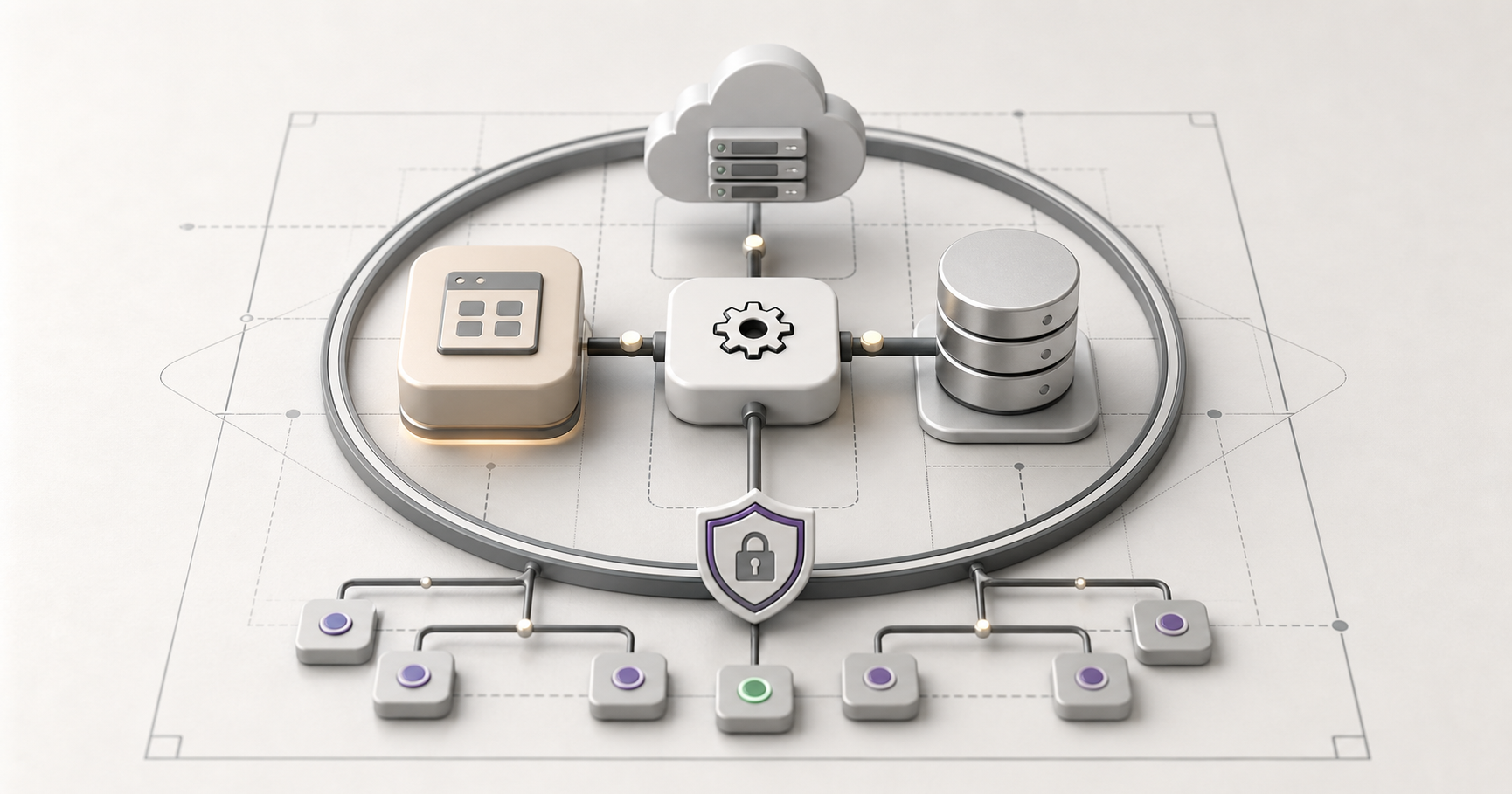
Think of system architecture as the master blueprint for a piece of software. It's the foundational plan, the big-picture sketch that shows how all the different bits and pieces—from the user interface you tap on to the databases humming away in the background—are organised and how they talk to each other to get things done.
If you were building a house, you wouldn't just start hammering nails into wood. You'd have an architect draw up plans first, showing where the rooms go, how the plumbing connects, where the electrical runs. System architecture is the same idea, but for software. It's the plan that shows how everything fits together.
But here's what most people don't realize: system architecture isn't just a technical concern. It's a business concern. The architecture of your systems determines how fast you can move, how much you can scale, how reliable your operations are, and how much it costs to maintain everything. Get it wrong, and you'll pay for it for years. Get it right, and you'll have a competitive advantage.
Why System Architecture Matters for Your Business
You might think system architecture is something only developers care about. But it affects everything:
- How quickly you can add new features
- How well your system handles growth
- How reliable your services are
- How secure your data is
- How much it costs to maintain and update
- How easy it is to integrate with other systems
Poor architecture leads to slow development, frequent outages, security vulnerabilities, and mounting technical debt. Good architecture enables rapid innovation, reliable operations, and sustainable growth.
"We built our first system without really thinking about architecture. It worked fine for a while. But as we grew, everything started breaking. Adding new features took forever. The system crashed constantly. We spent more time fixing problems than building new things. Eventually, we had to rebuild everything from scratch. It cost us two years and a fortune. If we'd gotten the architecture right the first time, we could have avoided all of that."
That's from a client who learned the hard way. The lesson? Architecture matters, even if you don't see it.
The Fundamental Questions Architecture Answers
At its core, system architecture answers some fundamental questions:
What Are the Main Components?
Every system is made up of components—the pieces that do the work. The architecture defines what these components are and what each one is responsible for. This might be:
- User interface components (what users see and interact with)
- Business logic components (the rules and processes)
- Data storage components (where information lives)
- Integration components (how the system talks to other systems)
- Security components (how access is controlled)
Clear component boundaries make systems easier to understand, build, and maintain.
How Do They Communicate?
Components need to talk to each other. The architecture defines how this happens:
- APIs (Application Programming Interfaces) for structured communication
- Message queues for asynchronous communication
- Event systems for reactive communication
- Direct function calls for synchronous communication
The communication patterns determine how fast the system responds, how reliable it is, and how easy it is to change.
Where Does Data Live?
Data is the lifeblood of most systems. The architecture determines:
- Where data is stored (databases, file systems, cloud storage)
- How data is organized (structure, relationships, indexing)
- How data is accessed (queries, APIs, caching)
- How data is protected (encryption, backups, access controls)
These decisions affect performance, reliability, and security.
How Does Information Flow?
When a user does something, information flows through the system. The architecture defines that flow:
- What happens first?
- What happens next?
- What happens in parallel?
- What happens if something fails?
Understanding the flow helps you optimise performance and debug problems.
What Happens When One Part Fails?
Things break. The architecture determines how the system handles failures:
- Does it fail gracefully or crash completely?
- Are there backups and redundancies?
- Can the system recover automatically?
- How are failures detected and reported?
Good architecture means failures don't bring down the whole system.
Common Architecture Patterns
There are several common ways to organize systems. Each has strengths and weaknesses
Layered Architecture
This is like a cake with layers. You have:
- Presentation layer: What users see
- Business logic layer: The rules and processes
- Data access layer: How you get to the data
- Data layer: Where data is stored
Each layer only talks to the layers next to it. This makes systems easier to understand and modify, but can be slower because requests have to go through multiple layers.
Microservices Architecture
Instead of one big application, you have many small services. Each service does one thing and does it well. Services communicate through APIs.
Pros:
- Easy to scale individual services
- Easy to update one service without affecting others
- Teams can work independently
- Can use different technologies for different services
Cons:
- More complex to manage
- Network communication can be slow
- Harder to maintain consistency
- Requires more infrastructure
Best for: Large systems with multiple teams, systems that need to scale different parts independently.
Monolithic Architecture
Everything is in one big application. All the code, all the components, all in one place.
Pros:
- Simple to develop and deploy
- Easy to test
- Fast communication (everything is in memory)
- Less infrastructure needed
Cons:
- Hard to scale (have to scale everything together)
- Hard to update (one change affects everything)
- Teams step on each other
- Can become a mess over time
Best for: Small to medium systems, systems with simple requirements, teams that work closely together.
Serverless Architecture
You don't manage servers. You write functions, and a cloud provider runs them when needed.
Pros:
- No server management
- Pay only for what you use
- Automatic scaling
- Focus on code, not infrastructure
Cons:
- Less control
- Can be expensive at scale
- Cold starts can be slow
- Vendor lock-in
Best for: Event-driven systems, systems with variable load, systems that need to scale quickly.
The Right Choice Depends on Your Needs
There's no one right architecture. The best choice depends on
- Size and complexity of your system
- Expected growth
- Team size and structure
- Performance requirements
- Budget and resources
- Integration needs
A small startup might start with a monolithic architecture and evolve to microservices as they grow. A large enterprise might need microservices from day one. The key is choosing what fits your situation now, with a plan for how to evolve.
Scalability: Building for Growth
One of the biggest challenges in system architecture is scalability. How do you design a system that can handle growth?
Horizontal vs Vertical Scaling
There are two ways to scale
- Vertical scaling: Make your servers bigger (more CPU, more memory)
- Horizontal scaling: Add more servers
Vertical scaling is simpler but has limits. Horizontal scaling is more complex but can scale almost infinitely. Most modern systems use horizontal scaling.
Designing for Horizontal Scaling
To scale horizontally, your architecture needs to be stateless. That means:
- Any server can handle any request
- Servers don't store session data locally
- Data is stored in shared storage (databases, caches)
- Load is distributed across servers
This allows you to add servers as needed to handle more load.
Caching Strategies
Caching stores frequently accessed data in fast memory so you don't have to fetch it from slow storage every time. Good caching can dramatically improve performance:
- Application caching: Store computed results
- Database caching: Cache query results
- CDN caching: Cache static content close to users
- Session caching: Store user session data
The right caching strategy depends on your data access patterns.
Database Scaling
Databases are often the bottleneck. Scaling strategies include:
- Read replicas: Copy data to multiple databases for reading
- Sharding: Split data across multiple databases
- NoSQL databases: Designed for horizontal scaling
- Caching layers: Reduce database load
Database architecture is critical for scalability.
Reliability: Building Systems That Don't Break
Reliability means your system works when it's supposed to. Good architecture makes systems more reliable.
Redundancy
Don't have single points of failure. Have backups:
- Multiple servers (if one fails, others keep running)
- Multiple databases (replication, backups)
- Multiple data centers (if one goes down, others take over)
- Multiple network paths (if one fails, traffic routes around it)
Redundancy costs more, but it's essential for critical systems.
Failover Mechanisms
When something fails, the system should automatically switch to backups
- Health checks: Monitor if components are working
- Automatic failover: Switch to backups automatically
- Load balancing: Distribute load and handle failures
- Circuit breakers: Stop sending requests to failing components
Good failover means users don't notice when things break.
Monitoring and Alerting
You can't fix what you don't know is broken. You need:
- Monitoring: Track system health in real-time
- Logging: Record what's happening
- Alerting: Notify when things go wrong
- Dashboards: Visualize system status
The faster you know about problems, the faster you can fix them.
Disaster Recovery
What happens in a real disaster? You need
- Backups: Regular backups of data and systems
- Recovery procedures: Plans for restoring systems
- Testing: Regularly test that recovery works
- Documentation: Clear procedures for your team
Hope for the best, plan for the worst.
Security: Built In, Not Bolted On
Security isn't something you add later. It's built into the architecture from the start.
Defense in Depth
Don't rely on one security measure. Use multiple layers:
- Network security: Firewalls, VPNs, network segmentation
- Application security: Authentication, authorization, input validation
- Data security: Encryption, access controls, audit logs
- Infrastructure security: Secure configurations, regular updates
If one layer fails, others provide protection.
Principle of Least Privilege
Give components and users only the access they need:
- Components can only access data they need
- Users can only do what their role requires
- Services run with minimal permissions
- Access is granted on a need-to-know basis
This limits the damage if something is compromised.
Secure by Default
Make security the default:
- Encrypt data in transit and at rest
- Require authentication by default
- Validate all inputs
- Log security events
- Keep software updated
Don't make security optional. Make it automatic.
Compliance Considerations
For Australian businesses, you need to consider:
- Privacy Act requirements
- Data residency (where data is stored)
- Access controls and audit trails
- Data breach notification requirements
- Industry-specific regulations
Architecture decisions affect compliance. Plan for it.
Performance: Building Fast Systems
Performance matters. Users expect fast responses. Good architecture enables performance.
Optimise the Critical Path
Identify what users do most often and optimise that:
- Cache frequently accessed data
- Optimise database queries
- Minimise network calls
- Use CDNs for static content
- Compress data in transit
Don't optimise everything. Optimise what matters.
Async Processing
Don't make users wait for slow operations:
- Process heavy tasks in the background
- Use message queues for async work
- Return immediately, process later
- Notify users when work is done
Users appreciate fast responses, even if the work happens later.
Database Optimization
Databases are often the bottleneck:
- Index frequently queried fields
- Optimise queries (avoid N+1 problems)
- Use connection pooling
- Denormalize when it helps performance
- Use read replicas for heavy read workloads
Database performance is critical for overall system performance.
Caching Everything
Cache aggressively:
- Cache API responses
- Cache database queries
- Cache computed results
- Cache static content
- Invalidate caches when data changes
Caching can make systems 10x faster.
Maintainability: Building Systems You Can Actually Maintain
Systems need to be maintained. Good architecture makes this easier.
Clear Separation of Concerns
Each component should have one job:
- UI components handle presentation
- Business logic components handle rules
- Data components handle storage
- Integration components handle external systems
When components have clear responsibilities, changes are easier.
Modularity
Build systems in modules that can be changed independently:
- Modules have clear interfaces
- Modules can be replaced without affecting others
- Modules can be tested independently
- Modules can be developed by different teams
Modularity enables parallel development and easier updates.
Documentation
Document the architecture:
- Architecture diagrams
- Component descriptions
- Data flow diagrams
- Decision records (why choices were made)
- Runbooks (how to operate the system)
Good documentation helps new team members understand the system and helps everyone make better decisions.
Testing Strategy
Make systems testable:
- Unit tests for individual components
- Integration tests for component interactions
- End-to-end tests for user workflows
- Performance tests for scalability
- Security tests for vulnerabilities
Testing catches problems before they reach production.
Refactoring Culture
Systems need to evolve. Make refactoring normal:
- Allocate time for technical debt
- Refactor as you go
- Don't let problems accumulate
- Keep architecture clean
A culture of continuous improvement keeps systems maintainable.
Making Architecture Decisions
When you're building or choosing systems, consider architecture
For Custom Development
If you're building something custom:
- Start with requirements (what does it need to do?)
- Consider growth (how will it scale?)
- Think about team (who will build and maintain it?)
- Plan for integration (what does it need to connect to?)
- Design for change (how will requirements evolve?)
Good architecture decisions upfront save time and money later.
For Off-the-Shelf Software
If you're buying software:
- Understand the architecture (ask questions)
- Consider scalability (will it grow with you?)
- Check integration capabilities (does it connect to your systems?)
- Evaluate maintainability (can you get support? Can you customise?)
- Assess security (how is data protected?)
Architecture affects whether software will work for you long-term.
For System Integration
When connecting systems
- Understand how systems communicate
- Plan for failures (what if one system is down?)
- Consider data consistency (how do you keep data in sync?)
- Think about security (how do you secure connections?)
- Plan for monitoring (how do you know if integration breaks?)
Integration architecture is critical for connected systems.
The Bottom Line
System architecture might seem like a technical concern, but it's really a business concern. Good architecture enables:
- Faster development and innovation
- Reliable operations
- Secure systems
- Scalable growth
- Maintainable systems
Bad architecture leads to:
- Slow development
- Frequent outages
- Security vulnerabilities
- Scaling problems
- Mounting technical debt
The best system architecture is invisible to end users. They just see a system that works well, responds quickly, and does what they need. But behind the scenes, that architecture is doing the heavy lifting, making sure everything runs smoothly.
When you're making technology decisions, don't just think about features. Think about architecture. Because the architecture determines whether your systems will be an asset or a liability.
If you'd like expert eyes on your current stack, our managed IT team handles your infrastructure end to end — from architecture reviews to ongoing management.

