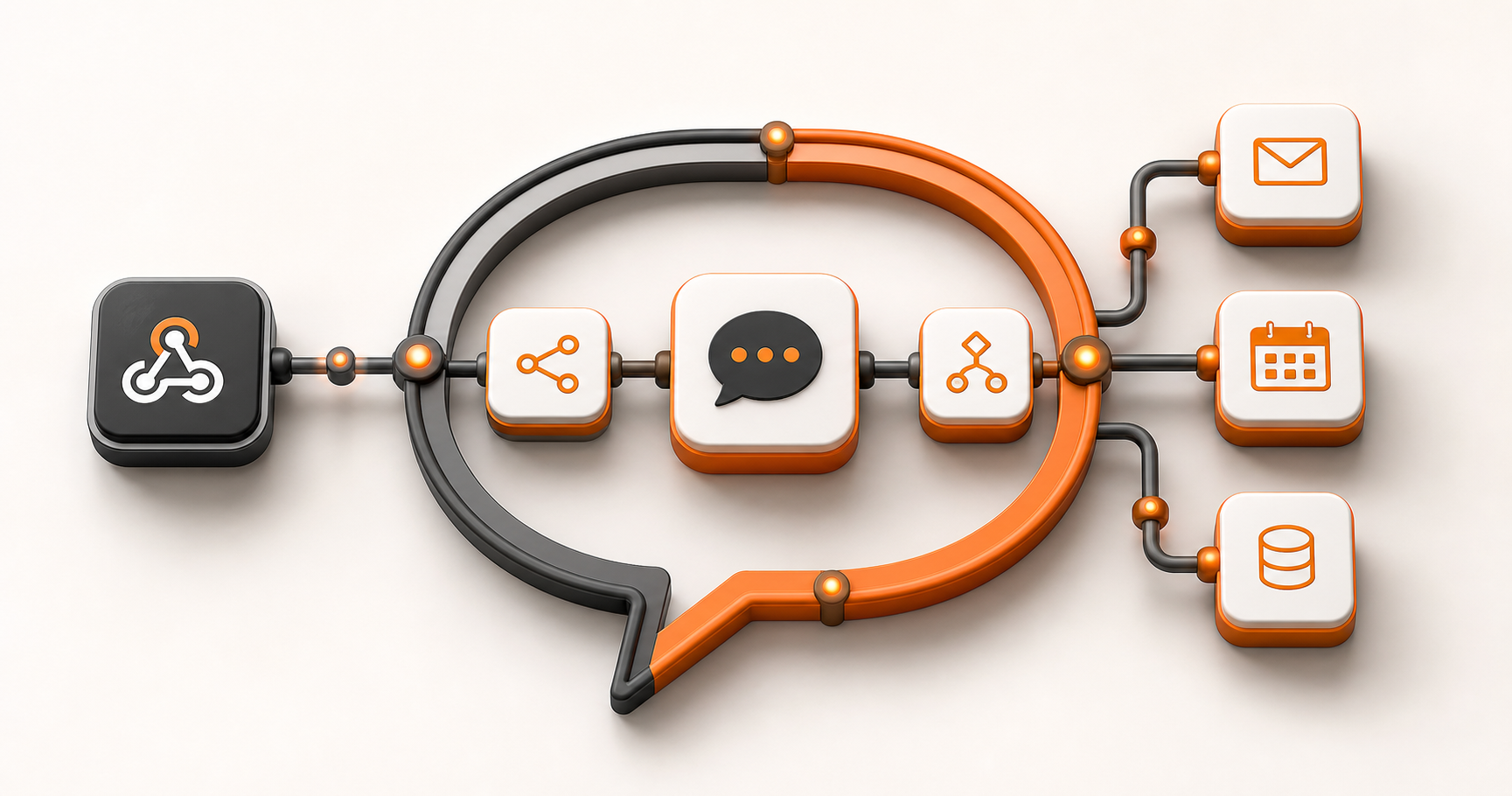
n8n is an open-source workflow automation tool that's perfect for building chatbots. Unlike some platforms that lock you into specific templates, n8n gives you complete control over how your chatbot works. You can connect it to almost any service, customise every interaction, and build something that truly fits your needs.
But here's what makes n8n special for chatbots: it's not just a chatbot platform. It's a full workflow automation tool. That means your chatbot can do more than just chat. It can check databases, trigger other processes, integrate with your business systems, and handle complex logic. It's a chatbot that can actually do work, not just answer questions.
Why n8n for Chatbots?
There are lots of chatbot platforms out there. Why choose n8n? Here's what makes it different
Complete Control
You're not locked into templates or limited by what the platform thinks you should do. You build exactly what you need. Every interaction, every response, every integration—it's all under your control.
Flexible Integration
n8n connects to hundreds of services. Your chatbot can access your CRM, your database, your email system, your calendar, your payment processor—whatever you need. This means your chatbot can actually do things, not just talk about them.
Visual Workflow Builder
You don't need to be a programmer. The visual interface lets you build complex workflows by connecting nodes. It's intuitive, but powerful.
Open Source
n8n is open source, which means you're not locked into a vendor. You can host it yourself, customise it, and extend it. You own your chatbot.
Cost Effective
Since it's open source, you can run it yourself without per-message fees or user limits. For businesses processing lots of conversations, this can save significant money.
Understanding What Your Chatbot Needs to Do
Before you start building, you need to be clear about what your chatbot is for. This sounds obvious, but it's where most people go wrong. They build a chatbot that can do everything, which means it does nothing well.
Define the Purpose
What is your chatbot actually for? Be specific
- Customer support: Answering common questions, routing complex issues to humans
- Lead qualification: Asking questions to determine if someone is a good fit
- Order taking: Helping customers place orders
- Information lookup: Providing product information, pricing, availability
- Appointment scheduling: Booking meetings or appointments
- FAQ handling: Answering frequently asked questions
The more specific you are, the better your chatbot will be. A chatbot that does one thing well is better than a chatbot that does many things poorly.
Map the Conversation Flow
Once you know the purpose, map out how conversations should flow:
- How does the conversation start?
- What questions does the bot ask?
- What information does it need to collect?
- When does it hand off to a human?
- How does it handle misunderstandings?
- What happens when the user gets frustrated?
Think through the happy path (when everything goes well) and the edge cases (when things go wrong). Both matter.
Design the Personality
Your chatbot represents your business. What personality should it have?
- Professional and formal?
- Friendly and casual?
- Helpful and patient?
- Quick and efficient?
The personality affects how you write responses, what tone you use, and how the bot interacts. Be consistent.
Building Your First n8n Chatbot
Here's a step-by-step guide to building a chatbot with n8n:
Step 1: Set Up n8n
First, you need n8n running. You can:
- Use n8n cloud (hosted by n8n)
- Self-host on your own server
- Run it locally for development
For production, self-hosting or n8n cloud is best. For development, local is fine.
Step 2: Choose Your Channel
Where will users interact with your chatbot?
- Slack: Great for internal teams
- WhatsApp: Great for customer-facing bots
- Website chat: Great for website visitors
- Telegram: Great for specific communities
- Custom: Build your own interface
Each channel has different capabilities and requirements. Choose based on where your users are.
Step 3: Set Up the Trigger
In n8n, workflows start with a trigger. For a chatbot, this is usually:
- Webhook trigger: For custom integrations
- Slack trigger: For Slack bots
- WhatsApp trigger: For WhatsApp bots
- HTTP request trigger: For API-based integrations
The trigger receives the incoming message and starts your workflow.
Step 4: Add LLM Processing
For most modern chatbots, you'll want to use a Large Language Model (LLM) like OpenAI's GPT. This gives your bot the ability to understand natural language and respond intelligently.
In n8n, you can use the OpenAI node or similar LLM nodes. The workflow:
1. Receives the user's message
2. Sends it to the LLM with context (your business info, conversation history, etc.)
3. Gets a response from the LLM
4. Sends the response back to the user
But you can add logic in between—checking databases, validating information, triggering other processes.
Step 5: Add Context and Knowledge
The LLM needs context to give good responses. You can provide this through
- System prompts: Instructions about your business, products, policies
- Knowledge base: Documents, FAQs, product information
- Conversation history: Previous messages in the conversation
- User data: Information about the user from your systems
The better the context, the better the responses. Feed the LLM relevant information about your business.
Step 6: Add Business Logic
Your chatbot can do more than just chat. Add logic to:
- Check your database for information
- Look up customer records
- Validate information
- Trigger other workflows
- Create records in your systems
- Send notifications
This is where n8n shines. Your chatbot becomes part of your business processes, not just a talking interface.
Step 7: Handle Edge Cases
What happens when
- The bot doesn't understand the question?
- The user wants to talk to a human?
- The user is frustrated?
- There's an error?
Build fallback logic:
- If confidence is low, ask for clarification
- If user requests human, route to support team
- If user is frustrated, escalate immediately
- If there's an error, apologize and offer alternatives
Good chatbots handle edge cases gracefully.
Step 8: Test Thoroughly
Test with:
- Normal questions (the happy path)
- Edge cases (weird questions, typos, misunderstandings)
- Error scenarios (what if the LLM is down? What if the database is unavailable?)
- Different user types (customers, prospects, internal users)
- Different channels (if supporting multiple)
The more you test, the better your chatbot will be.
Integrating with LLMs
Most modern chatbots use Large Language Models for natural language understanding. Here's how to do it right:
Choosing an LLM
Options include:
- OpenAI GPT: Popular, powerful, well-documented
- Anthropic Claude: Good for longer conversations
- Google Gemini: Good for multimodal (text, images)
- Open source models: More control, but require more setup
For most use cases, OpenAI GPT is a good starting point. It's reliable, well-documented, and n8n has good support for it.
Setting Up the LLM Node
In n8n, add an OpenAI node (or similar). Configure:
- Model: Which model to use (GPT-4 is more capable, GPT-3.5 is faster and cheaper)
- System prompt: Instructions for the bot (personality, knowledge, behaviour)
- User message: The message from the user
- Temperature: How creative vs. deterministic (lower = more consistent, higher = more creative)
- Max tokens: Maximum response length
The system prompt is crucial. It tells the LLM how to behave, what it knows, and how to respond.
Providing Context
The LLM needs context to give good answers. Provide
- Business information: What you do, what you sell, your policies
- Product information: Features, pricing, availability
- User information: Who they are, their history, their preferences
- Conversation history: What's been said so far
- Relevant documents: FAQs, knowledge base articles, policies
You can include this in the system prompt, or dynamically add it based on the conversation.
Managing Conversation History
For multi-turn conversations, you need to maintain history:
- Store previous messages
- Include them in LLM requests
- Limit history length (too long = expensive and slow)
- Clear history when starting new topics
n8n can store conversation history and include it in LLM requests.
Slack Integration
Slack is popular for internal chatbots. Here's how to set it up:
Setting Up Slack
1. Create a Slack app in your workspace
2. Get API credentials (bot token, signing secret)
3. Configure permissions (what the bot can do)
4. Install the app to your workspace
5. Add credentials to n8n
n8n has a Slack node that makes integration straightforward.
Types of Interactions
Your Slack bot can:
- Respond to direct messages
- Respond to mentions in channels
- Respond to specific commands (slash commands)
- Post messages proactively
- Create channels, invite users, manage conversations
Choose based on your use case. Direct messages are good for private interactions. Channel mentions are good for team collaboration.
Building the Workflow
The workflow typically
1. Slack trigger receives message
2. Process message (extract text, user info, channel info)
3. Send to LLM with context
4. Get response
5. Send response back to Slack
6. Optionally: Update database, create tasks, notify team
You can add logic at each step to make it smarter.
WhatsApp Integration
WhatsApp opens up customer-facing possibilities. Here's how
Setting Up WhatsApp Business API
1. Get WhatsApp Business API access (through Meta or a provider)
2. Set up webhook to receive messages
3. Configure n8n webhook trigger
4. Set up message sending
This is more complex than Slack, but n8n can handle it.
Use Cases
WhatsApp bots are great for
- Customer support: 24/7 support via WhatsApp
- Order taking: Customers can order via chat
- Appointment booking: Schedule meetings via WhatsApp
- Information delivery: Send updates, confirmations, reminders
- Lead qualification: Qualify leads via conversation
WhatsApp is where your customers are. Having a bot there can be powerful.
Building the Workflow
Similar to Slack:
1. Webhook receives WhatsApp message
2. Process message
3. Send to LLM
4. Get response
5. Send response via WhatsApp API
6. Handle business logic (create records, trigger processes)
The key difference is using WhatsApp's API instead of Slack's.
Adding Business Logic
Here's where n8n really shines. Your chatbot can:
Check Databases
Query your database to get real-time information:
- Customer records
- Product availability
- Order status
- Account information
This makes your chatbot actually useful, not just conversational.
Create Records
When a user provides information, create records
- New customer signups
- Support tickets
- Orders
- Appointments
- Lead records
Your chatbot becomes a data collection tool.
Trigger Other Workflows
Your chatbot can start other processes:
- Send emails
- Create tasks
- Update systems
- Notify teams
- Process payments
Your chatbot becomes part of your automation infrastructure.
Validate Information
Check if information is correct:
- Verify customer accounts
- Validate email addresses
- Check product availability
- Confirm permissions
This prevents errors and improves reliability.
Handle Complex Logic
Build sophisticated workflows:
- Multi-step processes (collect information over multiple messages)
- Conditional logic (different responses based on data)
- Integration with multiple systems
- Error handling and retries
n8n's visual interface makes complex logic manageable.
Best Practices for n8n Chatbots
Here's how to build chatbots that actually work:
Start Simple
Don't try to build everything at once. Start with basic Q&A. Prove it works. Then add features.
Be Transparent
Tell users they're talking to a bot. Set expectations. Offer to connect them to humans when needed.
Handle Errors Gracefully
Things will go wrong. The LLM might misunderstand. Systems might be down. Handle errors gracefully. Apologize. Offer alternatives.
Monitor and Improve
Track conversations. See where the bot struggles. Improve responses. Add knowledge. Iterate.
Test Edge Cases
Test with weird inputs, typos, misunderstandings, frustrated users. The bot needs to handle these.
Keep Context Relevant
Don't send the LLM everything. Send what's relevant. This improves responses and reduces costs.
Set Rate Limits
Protect your systems. Set rate limits on how many messages a user can send. Prevent abuse.
Log Everything
Log conversations for:
- Debugging issues
- Improving responses
- Compliance requirements
- Analytics
But respect privacy. Don't log sensitive information unnecessarily.
Security Considerations
Chatbots handle user data. Security matters:
Authentication
Verify that requests are legitimate:
- Validate webhook signatures
- Check API keys
- Verify user identity
Don't trust incoming requests blindly.
Data Protection
Protect user data:
- Encrypt sensitive information
- Don't log sensitive data unnecessarily
- Follow data protection regulations (GDPR, Australian Privacy Act)
- Have data retention policies
Access Controls
Control who can do what:
- Limit what the bot can access
- Restrict certain actions to authorized users
- Validate permissions before actions
Don't let the bot do more than it should.
Input Validation
Validate all inputs:
- Check message length
- Validate data formats
- Sanitize inputs
- Prevent injection attacks
Don't trust user input.
Scaling Your Chatbot
As usage grows, you need to scale:
Performance Optimization
Optimise your workflows:
- Cache frequently accessed data
- Minimise LLM calls (they're expensive and slow)
- Use efficient database queries
- Process in parallel where possible
Monitor performance. Identify bottlenecks. Optimise.
Infrastructure Scaling
Scale your n8n instance:
- More powerful servers
- Multiple instances with load balancing
- Database optimization
- CDN for static content
Plan for growth. Don't wait until you're overwhelmed.
Cost Management
LLM calls cost money. Manage costs:
- Cache responses for common questions
- Use cheaper models when appropriate
- Limit conversation length
- Set usage limits
Monitor costs. Optimise spending.
Monitoring and Analytics
Track how your chatbot is performing:
- Response times
- User satisfaction
- Common questions
- Error rates
- Handoff rates (when users need humans)
Use this data to improve.
The Bottom Line
Building a chatbot with n8n gives you complete control and flexibility. You're not limited by templates or platform constraints. You can build exactly what you need, integrate with your systems, and create a chatbot that actually does work, not just answers questions.
Start simple. Prove the concept. Then expand. Test thoroughly. Monitor performance. Iterate and improve. Before you know it, you'll have a chatbot that's a valuable part of your business, not just a novelty.
The real power of n8n chatbots comes from their flexibility. You're not limited to what a platform thinks you should do. You can build exactly what you need, connect it to whatever services make sense, and customise every aspect of the experience. And that flexibility is what makes n8n chatbots so powerful.

